

Is your robot vacuum constantly getting stuck and leaving your floors only half clean? It’s frustrating when your smart helper can’t do its job properly.
But don’t worry—you don’t need to buy a new one just yet. You’ll discover simple, practical tips to fix the problem and keep your robot moving smoothly around your home. Keep reading, and you’ll soon enjoy hassle-free cleaning without the constant interruptions.

Common Causes Of Stuck Robot Vacuums
Robot vacuums are helpful for keeping floors clean. Sometimes, they get stuck during cleaning. Understanding common causes helps fix the problem. It also prevents future issues. Here are the main reasons why robot vacuums get stuck.
Obstacles And Clutter
Objects on the floor block robot vacuums. Toys, cables, or small furniture cause trouble. These items stop the vacuum from moving freely. Clearing the floor helps the vacuum clean better. Keep rooms tidy to avoid this issue.
Carpet And Rug Issues
Thick carpets and rugs can trap robot vacuums. High piles or fringes make it hard to pass. The vacuum may get stuck or stop working. Use flat rugs or remove thick carpets in vacuum areas. This change helps the vacuum move smoothly.
Wheel And Sensor Problems
Dirty or damaged wheels slow down the vacuum. Sensors that detect obstacles can fail too. Dust and hair block sensors and wheels. Clean them regularly to keep the vacuum working well. Check for broken parts and replace if needed.
Inspecting Your Robot Vacuum
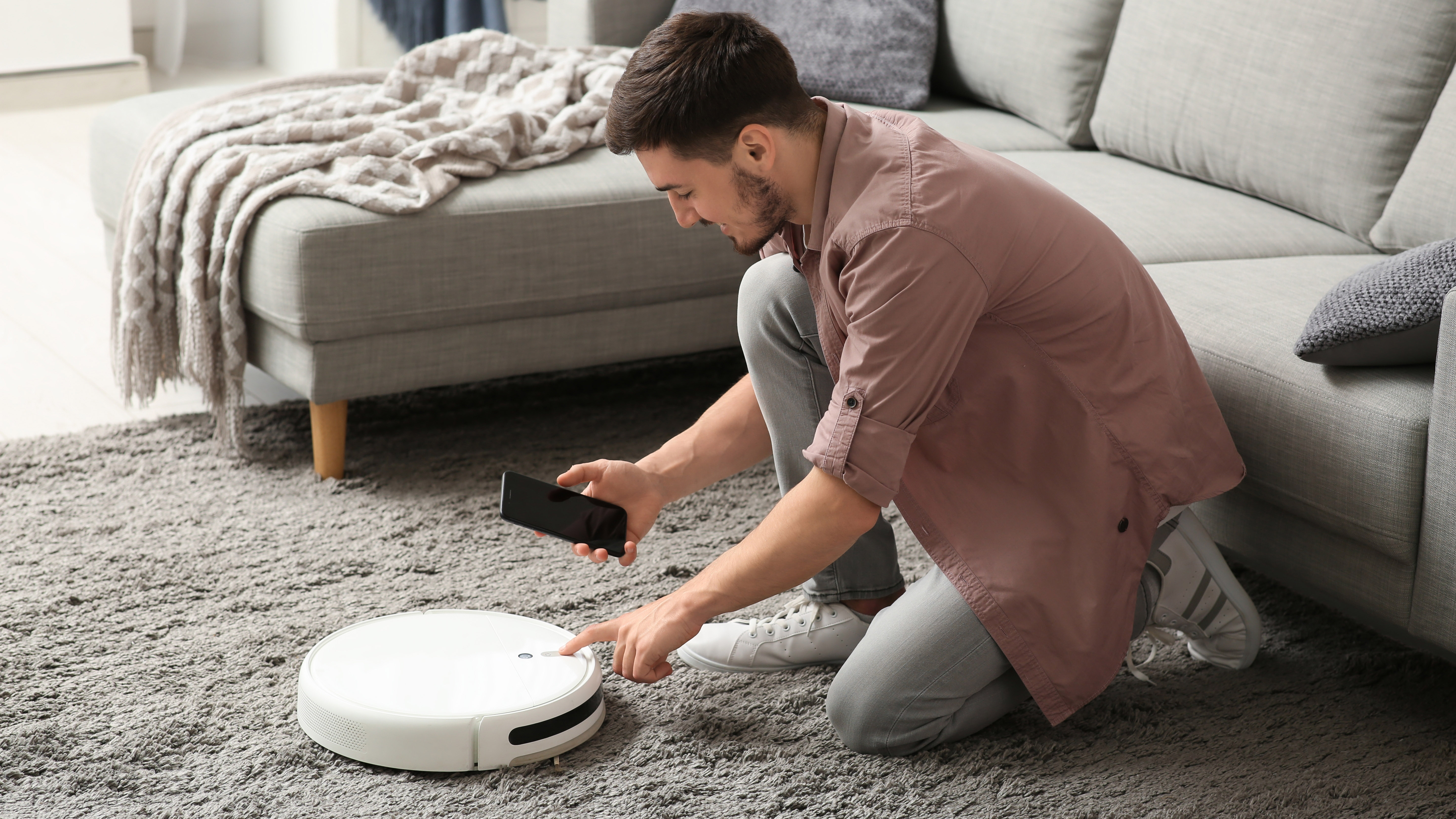
Inspecting your robot vacuum is the first step to stop it from getting stuck. Dirt, debris, and worn parts often cause problems. A quick check can make your vacuum run smoother and longer. Pay close attention to the main parts that touch the floor and detect obstacles.
Checking The Wheels And Brushes
Look at the wheels for dirt or hair wrapped around. Clean them carefully to help the vacuum move freely. Check the brushes for tangled threads or debris. Remove anything stuck to keep the brushes spinning well. Replace worn brushes to improve cleaning and avoid jams.
Cleaning The Sensors
The sensors guide your robot around furniture and walls. Dust or smudges can confuse the vacuum. Use a soft cloth to wipe all sensors gently. Keep sensors clear to help the vacuum avoid obstacles and not get stuck.
Examining The Dustbin And Filters
Empty the dustbin regularly to keep suction strong. Check the filters for dust buildup and clean or replace them. A clogged filter reduces air flow and can cause the vacuum to stop. Keeping these parts clean helps your vacuum work better and last longer.
Clearing Obstacles And Rearranging Furniture
Clearing obstacles and rearranging furniture can help your robot vacuum move smoothly. Robots get stuck when objects block their path or furniture creates tight spaces. Making space for your robot allows it to clean better and avoid getting trapped. Simple changes in your room layout improve your vacuum’s performance greatly.
Identifying Trouble Spots
Look for places where your robot often stops or gets stuck. Common trouble spots include under chairs, near cords, or around table legs. Watch your robot clean and note where it struggles. These areas need attention to prevent future problems. Spotting trouble zones helps you plan better paths for your vacuum.
Creating Clear Pathways
Move small items and cords out of the robot’s way. Push chairs and furniture slightly away from walls. This creates wider paths for your vacuum to pass through. Avoid leaving clutter on the floor. Clear floors give your robot a smooth cleaning route without interruptions.
Using Virtual Barriers And No-go Zones
Many robots come with apps to set no-go zones. Use these virtual barriers to block off tricky or fragile areas. This stops your vacuum from entering tight spots where it can get stuck. Virtual walls help keep your robot safe and your home protected. They guide the vacuum to clean only where you want it to.
Adjusting Robot Vacuum Settings
Adjusting your robot vacuum settings can help it move better and avoid getting stuck. Small changes can make a big difference. The right settings help your vacuum clean efficiently and smoothly.
Choosing The Right Cleaning Mode
Many robot vacuums have different cleaning modes. Choose one that suits your floor type. For example, use a gentle mode on carpets to avoid getting stuck. Use a stronger mode on hard floors for better cleaning. Switching modes can reduce the chance of getting stuck.
Scheduling For Optimal Performance
Set your vacuum to clean when your home is less crowded. Avoid times when toys or clutter block its path. Scheduling cleaning during quiet hours helps the vacuum move freely. Regular cleaning prevents dirt buildup that can cause jams.
Updating Firmware And Software
Keep your robot vacuum’s software up to date. Manufacturers release updates to fix bugs and improve navigation. Check the app or website for updates regularly. Updated software helps the vacuum avoid obstacles and stuck spots better.
Maintaining Your Robot Vacuum Regularly
Maintaining your robot vacuum regularly helps it work better and avoid getting stuck. Dirt and hair can block sensors or wheels. Worn parts may not move smoothly. Proper care keeps the vacuum running longer. Small steps in maintenance save time and frustration.
Routine Cleaning Tips
Clean the brushes and wheels after every use. Remove hair and dust from the main brush. Check the side brushes for tangles. Wipe sensors gently with a soft cloth. Empty the dustbin regularly to keep suction strong. Clean the charging contacts to ensure good power flow.
Replacing Worn Parts
Check brushes and filters often. Replace them every few months or as needed. Worn brushes don’t clean well and cause the vacuum to get stuck. Old filters reduce air flow and suction. Use parts made for your vacuum model. This keeps it working smoothly and avoids damage.
Storing The Vacuum Properly
Store the vacuum in a dry, cool place. Keep it on the charging dock when not in use. Avoid leaving it on uneven surfaces. This prevents battery drain and wheel damage. Proper storage helps the vacuum stay ready for cleaning. It also extends the life of the battery and parts.
When To Seek Professional Help
Sometimes, a robot vacuum keeps getting stuck because of problems you cannot fix. Knowing when to ask a professional saves time and stress. It also helps protect your device from more damage. This section explains when to seek expert help for your robot vacuum.
Identifying Serious Mechanical Issues
Listen for unusual noises like grinding or clicking. These sounds can mean broken parts inside. Check if the wheels or brushes do not turn properly. Loose or damaged sensors may cause the vacuum to get stuck often. When your vacuum stops responding or shuts down suddenly, it signals a serious issue.
Warranty And Repair Options
Review your vacuum’s warranty before trying repairs yourself. Many brands offer free repairs or replacements within the warranty period. Contact the manufacturer to know what is covered. Avoid opening the vacuum if the warranty is active. This can void your protection and cost more in repairs.
Finding Trusted Service Centers
Choose a service center with good reviews and experience with your brand. Certified technicians use original parts and proper tools. Ask about repair costs and time estimates before giving your vacuum. A reliable service center will explain the problem clearly and answer questions politely.

Frequently Asked Questions
Why Does My Robot Vacuum Keep Getting Stuck?
Robot vacuums get stuck due to obstacles, cables, or uneven surfaces. Clearing clutter and using boundary markers helps prevent this issue.
How Can I Prevent My Vacuum From Getting Stuck?
Remove loose cords, rugs with fringes, and small objects from the floor. Regularly clean sensors and wheels for smoother navigation.
What Surfaces Cause Robot Vacuums To Get Stuck Often?
High-pile carpets, thresholds, and uneven floors cause frequent getting stuck. Use virtual barriers or adjust cleaning modes to handle these surfaces.
When Should I Reset My Robot Vacuum For Stuck Issues?
Reset your vacuum if it repeatedly gets stuck despite clearing obstacles. This recalibrates sensors and may fix navigation glitches.
Conclusion
A robot vacuum that keeps getting stuck can be fixed with simple steps. Clear its path from cords and small objects. Check the wheels and brushes for dirt or damage. Keep the software updated for better navigation. Place barriers to block tricky spots.
Regular care helps your vacuum work well longer. Small fixes make a big difference in performance. Stay patient and test different solutions. Your vacuum will clean smoothly and save time.

