

A canister vacuum overheats when airflow is blocked, the motor works too hard, or dust and filters trap heat.
If you’ve ever smelled that hot-motor odor from your canister vacuum, you know it is not a small thing. A canister vacuum overheating usually points to a simple but important problem, like a clogged hose, a full bag, dirty filters, or a failing motor part. In this guide, I’ll walk you through the real reasons it happens, how to diagnose it fast, and what to do before the problem turns into a costly repair.
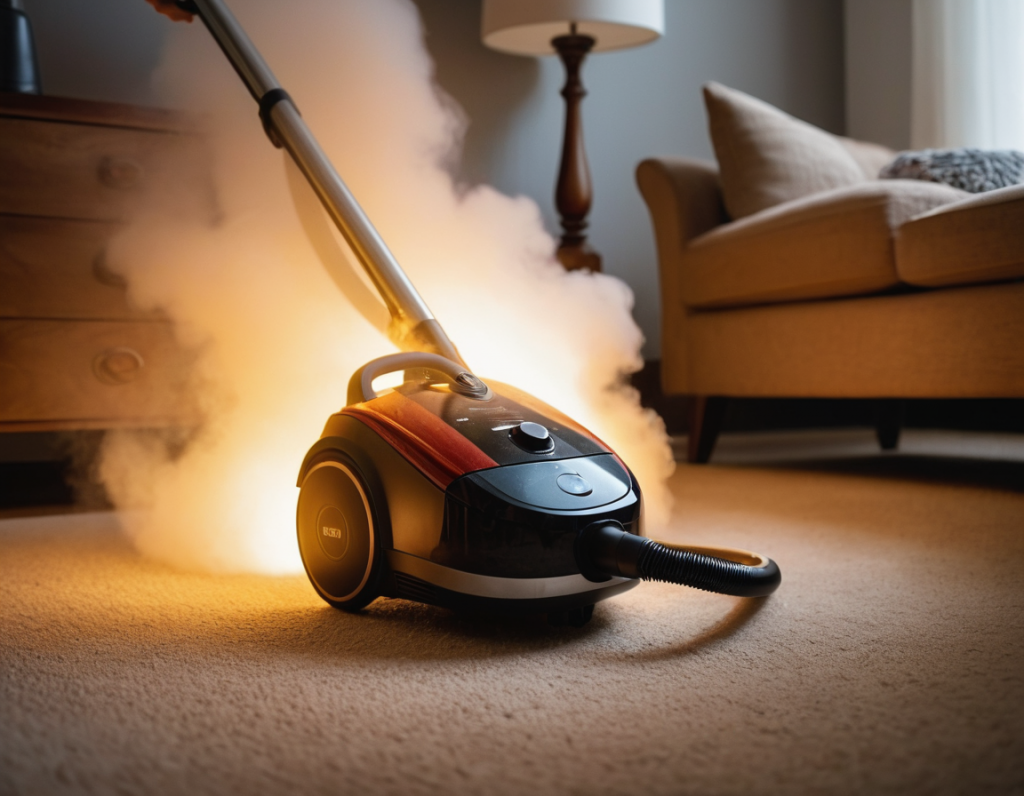
Why your canister vacuum overheats
A canister vacuum overheating is usually the machine’s way of saying it cannot breathe properly. Vacuums rely on steady airflow to keep the motor cool, and when that airflow gets restricted, heat builds up fast. Think of it like trying to run while breathing through a straw.
In my own experience, the most common cause is not a broken motor at all. It is usually something simple, like a clogged filter, a blocked hose, or a dust bag that should have been changed yesterday. The good news is that most overheating issues can be fixed at home if you know where to look.
The most common reasons a canister vacuum overheats
1. A clogged hose or wand
A blockage in the hose or wand is one of the top reasons a canister vacuum overheats. Even a small plug of lint, pet hair, paper scraps, or toy debris can choke airflow and make the motor run hot.
If the vacuum sounds louder than usual but picks up less dirt, that is a strong clue. I’ve seen people keep vacuuming for weeks with a hidden clog, and the machine acts like it is working overtime for no reward.
2. Dirty or blocked filters
Most canister vacuums use one or more filters to protect the motor and trap fine dust. When those filters get packed with dirt, air cannot move freely, and heat rises.
This is especially common in homes with pets, heavy dust, or fine debris like drywall powder. A washable filter that is not fully dry can also restrict airflow and cause overheating, which surprises a lot of people.
3. A full dust bag or dust bin
A full bag or bin reduces suction and increases strain on the motor. That extra strain often leads to a canister vacuum overheating sooner than expected.
If the vacuum feels weak and the motor casing gets hot, check the bag or bin first. This is one of the easiest fixes, and I always recommend checking it before assuming something serious is wrong.
4. Air leaks in the system
Cracks in the hose, loose seals, or a poorly seated dust bag can cause leaks. When air escapes where it should not, the vacuum may lose cooling efficiency and overwork the motor.
Sometimes the leak is tiny and easy to miss. You might only notice it because the vacuum heats up faster, even though nothing seems visibly broken.
5. Jammed brush roll or floor head
On models with a power nozzle or brush roll, hair and string can wrap tightly around the roller. That can create extra resistance and raise the load on the vacuum system.
If the brush roll stops spinning freely or makes a squealing sound, shut it off and inspect it. I’ve pulled out enough tangled hair over the years to know this issue is very common, especially in homes with long hair or shedding pets.
6. Running the vacuum for too long without a break
Some canister vacuums are built for lighter duty and need rest periods during long cleaning sessions. If you run them nonstop for a big deep-clean, the motor can overheat simply from extended use.
This is more common with older units or compact models. If your vacuum gets hot after a long job but cools down after a rest, the issue may be duty cycle, not damage.
7. A failing motor or worn internal parts
If you have checked airflow, filters, bag, and brush roll, the problem may be internal. Worn bearings, a damaged fan, or electrical issues can make the motor run hotter than normal.
This is where the problem moves beyond basic maintenance. At that point, repair or replacement may be the safer option, especially if the vacuum also smells burnt or shuts off repeatedly.
Signs your canister vacuum is overheating
A canister vacuum overheating does not always fail all at once. Usually, it gives warning signs first.
Look for these symptoms:
- Hot air coming from the exhaust
- A burning smell or electrical odor
- Reduced suction
- The vacuum shutting off on its own
- The motor feeling very hot to the touch
- Strange whining, grinding, or rattling sounds
- A brush roll that slows down or stops
If you notice two or more of these, stop using the vacuum and inspect it. Pushing through the problem can damage the motor or melt internal parts.
What to do right away when your canister vacuum overheats
If your canister vacuum overheating issue happens during cleaning, stop and unplug it. Let it cool fully before touching internal parts.
Here is a simple order that works well:
- Unplug the vacuum and let it sit for 30 to 60 minutes
- Check the dust bag or empty the bin
- Inspect the hose, wand, and floor head for clogs
- Clean or replace filters
- Look for tangled hair or debris in the brush roll
- Check for cracks, loose seals, or damage
- Test the vacuum again with a short run
This process solves many overheating complaints without tools. I’ve found that a calm, step-by-step check saves time and prevents the “replace parts too early” mistake.
How to clean the main airflow path
Airflow is the lifeline of a vacuum. If you restore it, the heat problem often disappears.
Follow these basic steps:
- Remove the hose from the canister and inspect it end to end
- Shine a flashlight through the hose to spot hidden clogs
- Use a long flexible object or compressed air only if the manufacturer allows it
- Check the wand and elbows for trapped lint
- Remove the floor nozzle plate if your model allows access
- Clear hair, paper, and debris from the pathway
Do not force sharp tools into the hose. I’ve seen people puncture a hose while trying to clear a clog, and that turns a cheap fix into a frustrating one.
How filters affect overheating
Filters are a big deal because they balance airflow and dust control. A clogged motor filter or exhaust filter can make the vacuum work much harder than it should.
A few tips help here:
- Clean washable filters only as directed by the manufacturer
- Let washable filters dry completely before reinstalling them
- Replace HEPA or nonwashable filters on schedule
- Check whether your model has more than one filter
- Never run the vacuum with filters removed unless the manual says it is safe
I always tell people to treat filters like the vacuum’s lungs. If they are dirty, the whole machine feels it.
When the dust bag or bin is the real problem
A full bag is not just a suction issue. It can also contribute directly to a canister vacuum overheating because the motor has to pull harder to move air.
If your vacuum uses bags, replace them before they are packed to the top. If it uses a bagless bin, empty it once dirt reaches the fill line or earlier if suction drops.
A small habit makes a big difference:
- Empty the bin before it is completely full
- Replace the bag when airflow weakens
- Tap out fine dust if your model allows it
- Check the sealing rim so the bag seats correctly
This is one of those boring maintenance steps that pays off fast.
Could the power setting be causing the heat?
Yes, sometimes it can. Running a canister vacuum on the highest suction setting all the time can increase motor load, especially on thick carpet or heavy debris.
If your vacuum has adjustable suction, try lowering it for lighter jobs. That can reduce strain and make the machine run cooler.
A simple rule helps:
- Use lower suction for curtains, hard floors, and delicate rugs
- Use higher suction only when needed
- Do not force the nozzle into thick carpet if the motor is already struggling
This is not a cure for a real blockage, but it can reduce heat during normal use.
How to tell normal warmth from a real overheating problem
All vacuums get warm. That is normal. But a canister vacuum overheating is different from ordinary heat.
Normal warmth usually means:
- The body feels warm, not painful to touch
- There is no burning smell
- Suction stays steady
- The vacuum keeps running normally
A real overheating issue usually means:
- The machine becomes very hot
- It shuts off or pulses
- The smell is sharp or burnt
- Performance drops quickly
If you are unsure, err on the side of caution. Let it cool and inspect it before using it again.
When to stop DIY and call for repair
Some overheating problems are not worth guessing about. If you have cleaned the hose, filters, bag, and brush roll but the canister vacuum overheating continues, the motor may need service.
Call for repair if you notice:
- Repeated shutdowns
- Smoke
- Burning smell that returns after cleaning
- Loud grinding or rattling
- A damaged cord or plug
- A brush motor that no longer spins correctly
In my view, smoke is a hard stop. Do not keep testing a vacuum that smells like electrical damage.
How to prevent a canister vacuum from overheating again
A little care goes a long way. Most overheating problems are preventable with simple maintenance.
Try this routine:
- Empty the bin or replace the bag regularly
- Clean filters on schedule
- Check for clogs after vacuuming pet hair or larger debris
- Clear the brush roll every few uses
- Inspect hoses and seals for damage
- Give the vacuum breaks during long cleaning sessions
This kind of maintenance is not fancy, but it works. A vacuum that can breathe well stays cooler and lasts longer.
Practical example from real-world use
I once worked with a canister vacuum that kept shutting down after about 10 minutes. The owner assumed the motor was dying. After a quick check, the problem turned out to be a nearly hidden clog in the curved wand and a filter that had not been cleaned in months.
Once we cleared the clog and replaced the filter, the vacuum ran normally again. That case is a perfect reminder that canister vacuum overheating is often about airflow, not failure.
Frequently Asked Questions of Why is my canister vacuum overheating?
Why does my canister vacuum shut off after a few minutes?
It usually shuts off because the motor is overheating and the thermal protector is kicking in. This often happens when airflow is blocked by a clog, dirty filter, or full bag.
Can a dirty filter really cause overheating?
Yes, a dirty filter can restrict airflow enough to trap heat inside the vacuum. If your vacuum is running hot, checking the filters should be one of the first steps.
Is it safe to keep using a vacuum that gets hot?
No, not if it is getting unusually hot, smelling burnt, or shutting off on its own. Continued use can damage the motor and may create a safety risk.
Why does my vacuum overheat only on carpet?
Carpet creates more resistance, especially on thick piles. If the suction setting is too high, the brush roll is tangled, or the head is clogged, the motor may overwork and heat up faster.
How often should I clean my canister vacuum filters?
That depends on the model and how often you clean, but many filters need attention every few weeks to a few months. Always follow the manufacturer’s schedule, especially if you have pets or fine dust in the home.
Could a bad motor be the reason my canister vacuum overheating keeps happening?
Yes, if you have ruled out clogs, filters, and bag issues, the motor or fan may be failing. Repeated overheating after basic maintenance usually means it is time for a repair check.
Conclusion
A canister vacuum overheating is usually a sign of blocked airflow, dirty filters, a full bag, or extra strain on the motor. The good news is that most cases are fixable with simple cleaning and a careful inspection.
If you act early, you can often save the vacuum, avoid costly repairs, and keep your home cleaning routine running smoothly. Take a few minutes to check the hose, filters, bag, and brush roll today, and your vacuum may reward you with cooler, quieter, better performance. If this guide helped, explore more maintenance tips or leave a comment with the issue your vacuum is showing.

