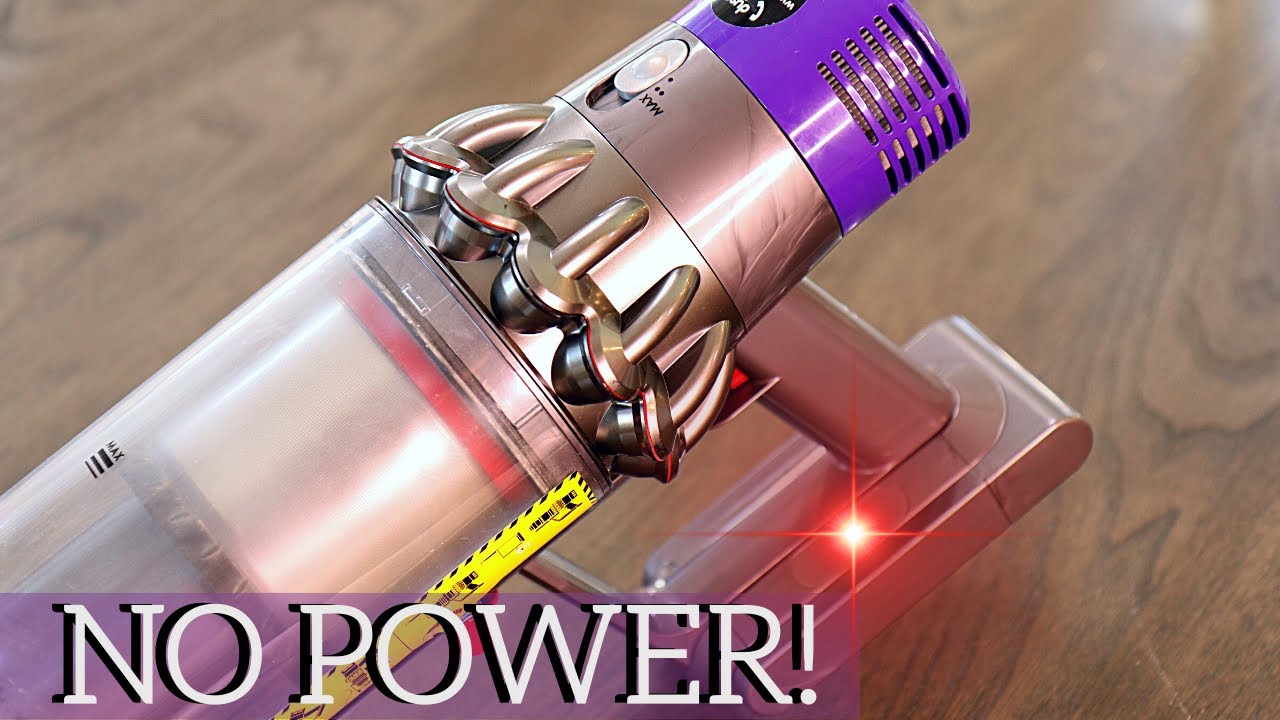
If you own a Dyson V12 Detect Slim vacuum, you expect smooth cleaning sessions with smart features. But if your machine suddenly starts flashing red, it can be confusing and stressful. The red light is Dyson’s way of signaling a problem. Sometimes it’s a quick fix; other times, it points to an issue that needs more attention. Understanding what each red flash means can save you time, money, and unnecessary frustration.
In this article, you’ll learn the 12 most common reasons for a Dyson V12 Detect Slim flashing red. Each reason is explained in clear, simple English, with practical advice to help you solve the problem. You’ll also find useful comparison tables, real-world examples, and answers to common questions at the end.
Let’s get started and bring your Dyson back to its best.
What Does The Flashing Red Light Mean?
The flashing red light on your Dyson V12 Detect Slim usually means there is a problem that needs your attention. Sometimes it’s a minor issue, like a dirty filter. Other times, it can signal a bigger problem, such as a battery fault. The number of red flashes and whether they are steady or blinking quickly can help you identify the exact issue.
12 Reasons Your Dyson V12 Detect Slim Is Flashing Red
Let’s look at the 12 most common causes, how to spot each one, and what you can do about it.
1. Battery Needs Charging
If you see a single red flash, it often means the battery charge is low. Your Dyson might stop working or lose suction power.
- Plug the vacuum into its charger.
- Wait until the light turns solid blue (fully charged).
- If the red light stays, the problem may be deeper.
Pro tip: Always use the original Dyson charger. Some third-party chargers deliver the wrong voltage.
2. Battery Malfunction
If the red light keeps flashing even after charging, your battery might be faulty. Dyson batteries last for about 3-5 years, but heavy use can shorten their life.
- Try charging in a different outlet.
- If possible, test with another compatible Dyson battery.
- If the red light still flashes, the battery may need to be replaced.
Beginner miss: People often think a new filter will fix everything, but battery issues need real testing or replacement.
3. Blocked Filter
A clogged filter is a common reason for the red light. When dust builds up, airflow drops, and the vacuum stops to protect its motor.
- Remove the filter (usually at the back or top).
- Tap it gently to remove dust.
- Wash with cold water (no soap).
- Let it dry for at least 24 hours before replacing.
Important: Never put a wet filter back in the vacuum. It can damage the motor.
4. Filter Not Fitted Correctly
After cleaning, the filter might not click into place. A loose filter can trigger the red light.
- Double-check the filter position.
- Turn it clockwise until you hear a click.
- Run the vacuum for a few seconds to check if the light turns off.
5. Blocked Airway Or Hose
A blockage in the hose, wand, or head restricts airflow. Dyson’s sensors detect this and alert you with a flashing red light.
- Remove the wand and check for visible debris.
- Use a straightened coat hanger (gently) to clear stuck items.
- Inspect the floor head, especially the roller brush area.
6. Overheating Motor
If you use your Dyson for long periods, the motor can get too hot. The red light warns you to stop and let the vacuum cool down.
- Turn off and unplug the vacuum.
- Wait at least 1 hour before trying again.
- Check for blockages, as these often cause overheating.
Non-obvious insight: Overheating is sometimes a symptom, not the root problem. It can mean the filter or airway is blocked.
7. Dirty Laser Detect Sensor
The V12’s standout feature is its laser detect sensor. If this part gets dusty, your vacuum may not work correctly, and the red light can flash.
- Gently clean the sensor area with a soft, dry cloth.
- Avoid using water or chemicals.
8. Full Dust Bin
When the dust bin is full, the vacuum stops to prevent dust from entering the motor. The red light is a clear warning.
- Remove and empty the dust bin.
- Wipe inside with a dry cloth.
- Reattach securely.
Tip: Don’t wait until the bin is packed. Empty after each use for best performance.
9. Brush Bar Obstruction
If hair or string gets wrapped around the brush bar, the vacuum can’t spin properly. The sensor will show a red light.
- Remove the cleaner head.
- Cut away tangled hair or debris.
- Check both ends of the brush bar for blockages.
10. Faulty Charger Or Charging Port
Sometimes the problem isn’t the vacuum, but the charger or port.
- Inspect the charger for damage.
- Try a different wall outlet.
- Check the vacuum’s charging port for dust or debris.
If the light blinks red while charging, the charger might need replacing.
11. Software Or Firmware Error
Like smartphones, Dyson vacuums have software. Rarely, a software glitch can cause the red light.
- Hold the power button for 10 seconds to reset.
- Remove the battery for 1 minute, then reattach.
- If the problem continues, contact Dyson support.
12. Internal Hardware Fault
A continuous or rapid red flashing, especially after checking all other points, may mean an internal hardware issue.
- This requires professional repair.
- Do not try to open or fix the motor yourself, as it voids your warranty.
- Contact Dyson for service or replacement.
Note: Internal faults are rare, but they do happen, especially if the vacuum has been dropped.

How To Read Dyson’s Flashing Red Codes
Different problems can cause different patterns of red flashes. Here’s a quick guide for the Dyson V12 Detect Slim:
| Red Flash Pattern | Likely Cause | Action |
|---|---|---|
| 1 slow flash | Low battery | Charge the battery |
| Continuous flashing | Battery or hardware fault | Check or replace battery |
| Quick, repeated flashes | Blockage or filter issue | Check filter and airway |
Pro tip: Count the flashes. If unsure, record a video and compare it with Dyson’s official guides.
Comparing Common Causes: Battery Vs. Blockage
Sometimes it’s hard to tell if the red light means a battery problem or a blockage. Here’s a quick comparison:
| Symptom | Battery Issue | Blockage |
|---|---|---|
| Red light after full charge | Yes | No |
| Red light during use | Maybe | Yes |
| Suction drops | Sometimes | Often |
| Stops working completely | Yes | Yes (until cleared) |
How To Prevent The Red Light Problem
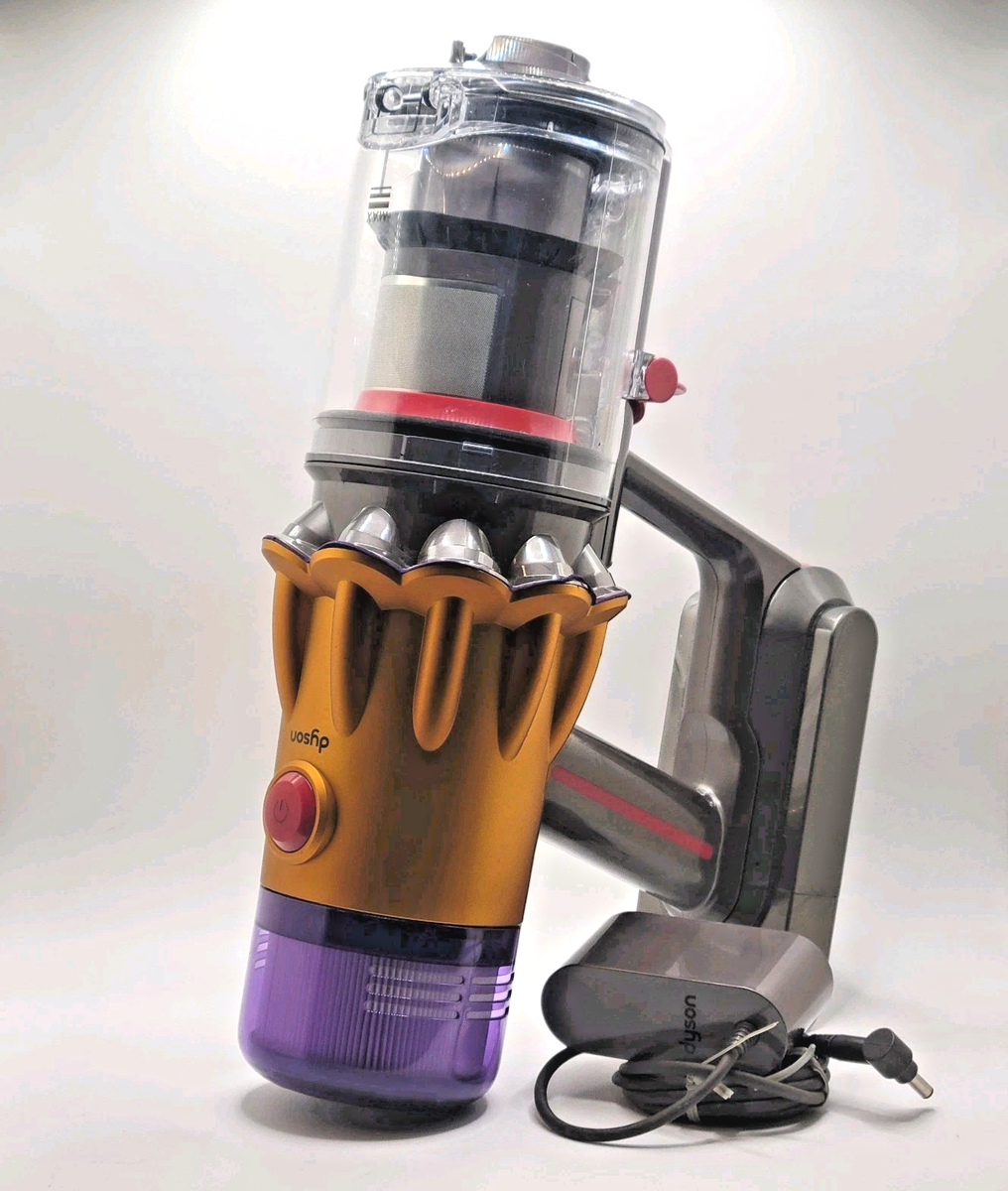
Prevention is easier than repair. Here are some simple habits to keep your Dyson V12 Detect Slim running smoothly:
- Empty the dust bin after each use.
- Wash the filter every 1-2 months.
- Check the brush bar for hair and debris weekly.
- Charge the battery only with the official charger.
- Store the vacuum in a cool, dry place.
- Clean the laser sensor gently, especially if you use it on dusty floors.
Real-world Example: Solving A Flashing Red Light
Maria, a Dyson V12 owner, noticed her vacuum flashing red after only a few minutes of cleaning. She thought the battery was dead. But after charging, the problem stayed. She checked the filter and found it clogged with dust from a recent renovation.
After washing and fully drying the filter, the red light disappeared, and the vacuum returned to normal.
Lesson: The most common cause is a blocked filter or airway, not always the battery.
When To Contact Dyson Support
If you’ve tried all steps and the red light keeps flashing, it’s time for professional help. Dyson offers support by phone, live chat, and at service centers. Always have your serial number ready.
You can find official troubleshooting guides and customer support on the Dyson Support website.
Frequently Asked Questions
Why Does My Dyson V12 Detect Slim Flash Red But Still Work?
The red light usually means something needs attention. If your vacuum still works, check the filter, dust bin, and brush bar. The problem may get worse if ignored.
How Do I Reset My Dyson V12 Detect Slim?
Hold the power button for 10 seconds, then release. If the light is still flashing, try removing and reinserting the battery.
Can I Replace The Battery Myself?
Yes, most Dyson V12 batteries are user-replaceable. Use only official Dyson batteries for safety and best results.
What Should I Do If Cleaning The Filter Doesn’t Stop The Red Light?
Double-check that the filter is completely dry and fitted correctly. If the light stays red, test the battery or look for blockages in the hose and wand.
Is A Flashing Red Light Covered By Dyson’s Warranty?
If the problem is due to a battery or hardware fault and your vacuum is within warranty, Dyson usually covers repairs or replacements. Contact support for details.
If you pay attention to these 12 key areas, you can solve most red light issues yourself and keep your Dyson V12 Detect Slim cleaning at its best. Regular care not only prevents problems but also extends the life of your smart vacuum.