

Are you tired of spending your precious time sweeping and vacuuming? Imagine coming home to spotless floors without lifting a finger.
That’s exactly what a robot vacuum can do for you. But if you’re new to these smart devices, it can feel a bit confusing at first. Don’t worry—this beginner’s guide will walk you through everything you need to know. From setting it up to getting the most out of its features, you’ll soon wonder how you ever lived without one.
Keep reading, and discover how easy it is to let a robot vacuum take care of your floors!
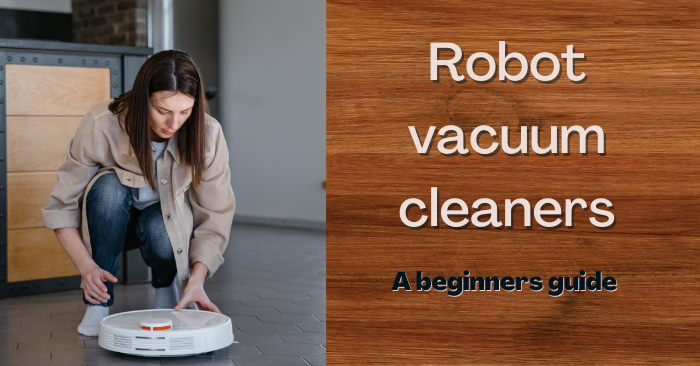
Choosing The Right Robot Vacuum
Choosing the right robot vacuum is important for a smooth cleaning experience. Different homes need different types of robot vacuums. Understanding the options helps you pick one that fits your needs and budget.
Types Of Robot Vacuums
Robot vacuums come in various types. Some are basic models that clean floors only. Others include mopping functions for hard floors. There are also advanced models with smart mapping technology. These learn your home layout for efficient cleaning. Consider your floor types and cleaning needs first.
Key Features To Consider
Look for features that improve performance. Strong suction power is important for carpets and rugs. A long battery life helps cover large areas. Sensors prevent falls and collisions. Some models connect to apps for remote control. Voice assistant compatibility adds convenience. Easy-to-clean dustbins and filters save time.
Budget And Brand Options
Robot vacuums vary widely in price. Set a budget before shopping. Well-known brands often offer better support and durability. Budget models can still work well for simple cleaning. Mid-range options balance features and cost. Check reviews to ensure reliability. Choose a brand with good customer service.
Preparing Your Home
Preparing your home is the first step before using a robot vacuum. It helps the vacuum clean better and avoid problems. Small changes make a big difference in how well the robot works.
Clearing Obstacles And Clutter
Pick up toys, clothes, and small objects from the floor. These items can block the robot or get stuck in its brushes. A clear floor lets the vacuum move freely and clean every spot.
Remove low furniture or move it aside if possible. The robot may get trapped under or around these items. Keep pathways open to help the vacuum cover more area.
Securing Cords And Rugs
Loose cords can tangle in the robot’s wheels. Bundle or tape cords away from the floor. This keeps the vacuum running smoothly without interruptions.
Check rugs for loose edges or tassels. These can catch the robot and stop it. Use rug tape or secure the edges to keep rugs flat and safe.
Setting Virtual Boundaries
Use the robot’s app or boundary strips to mark no-go zones. These tools stop the vacuum from entering certain areas. Protect fragile items and pet spaces by setting clear limits.
Virtual boundaries give you control over where the robot cleans. This prevents messes and saves battery life. Plan boundaries based on your home’s layout and needs.
Setting Up The Robot Vacuum
Setting up a robot vacuum is the first step to hands-free cleaning. Follow simple steps to get your device ready. Proper setup helps the vacuum work efficiently and last longer.
Charging The Device
Place the charging dock on a flat surface near a power outlet. Keep the area around the dock clear. Connect the vacuum to the dock and let it charge fully. This may take a few hours. A full charge ensures longer cleaning sessions.
Connecting To Wi-fi And Apps
Download the vacuum’s app on your smartphone. Turn on the vacuum and follow the app’s instructions. Connect the vacuum to your home Wi-Fi network. This allows remote control and updates. The app helps monitor cleaning progress easily.
Scheduling Cleaning Times
Use the app to set cleaning times that fit your routine. Choose days and hours for automatic cleaning. Scheduling keeps your home clean without extra effort. Adjust the schedule anytime in the app. Consistent cleaning saves time and keeps floors tidy.
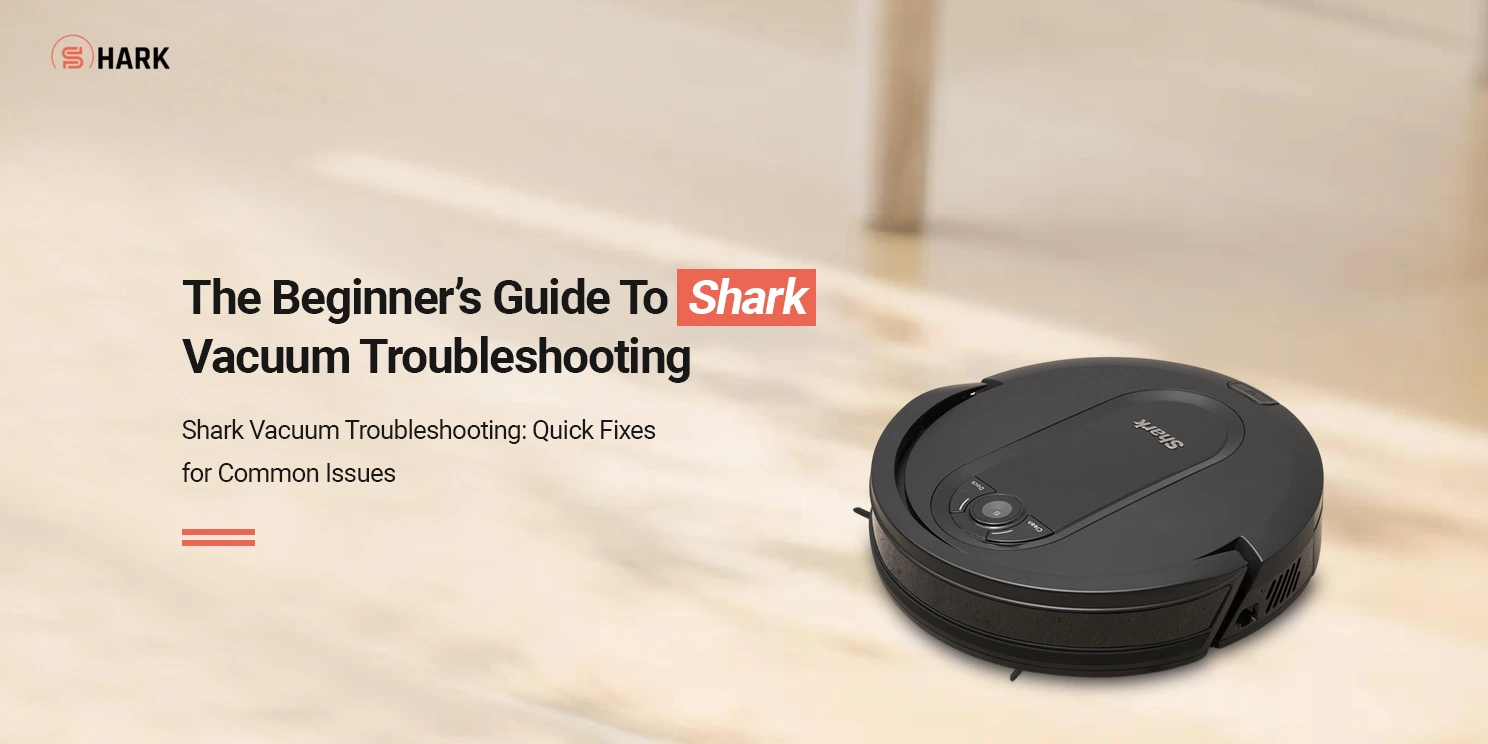
Operating Your Robot Vacuum
Operating your robot vacuum is simple and saves time. Understanding basic controls helps you get the best cleaning results. This section explains how to start, pause, and manage your device. It also covers manual and automatic settings. Troubleshooting common problems is part of smooth operation.
Starting And Pausing Cleaning
To start cleaning, press the power button on the vacuum or use the app. The robot begins its task immediately. Pausing is easy by pressing the same button or using the pause option in the app. Pausing lets you move the vacuum or check its progress. Resuming cleaning works the same way as starting.
Manual Controls Vs. Automated Modes
Manual controls allow you to steer the vacuum yourself. Use the remote or app to guide it to specific spots. Automated modes work by themselves. The robot follows a cleaning schedule or pattern. Choose manual for quick spot cleaning. Use automated modes for full room cleaning without effort.
Handling Common Issues
Sometimes the vacuum may get stuck or stop working. Check for obstacles like cables or rugs blocking it. Clean the brushes and wheels regularly to avoid jams. If the battery runs low, the vacuum returns to its dock. Restart the device if it freezes or stops responding. Regular maintenance keeps your vacuum running well.
Maintaining Your Robot Vacuum
Keeping your robot vacuum clean and updated helps it work well. Regular care stops problems and keeps your home tidy.
Simple tasks like emptying the dustbin and cleaning brushes keep the vacuum running longer. Software updates fix bugs and add new features.
Emptying The Dustbin
Check the dustbin after every cleaning session. Remove it carefully and empty all dirt into the trash. Wipe the dustbin with a dry cloth to clear any remaining dust. A clean dustbin helps the vacuum pick up more dirt.
Cleaning Brushes And Filters
Brushes collect hair and debris quickly. Use scissors or your fingers to remove tangled hair. Clean brushes weekly for the best results. Filters catch fine dust and allergens. Tap them gently to clear dust or rinse if the manual says so. Dry filters completely before putting them back.
Software Updates And Troubleshooting
Check your vacuum’s app or website for updates. Updates improve performance and fix problems. Restart the vacuum if it stops working. Reset to factory settings for bigger issues. Contact support if problems continue after troubleshooting.
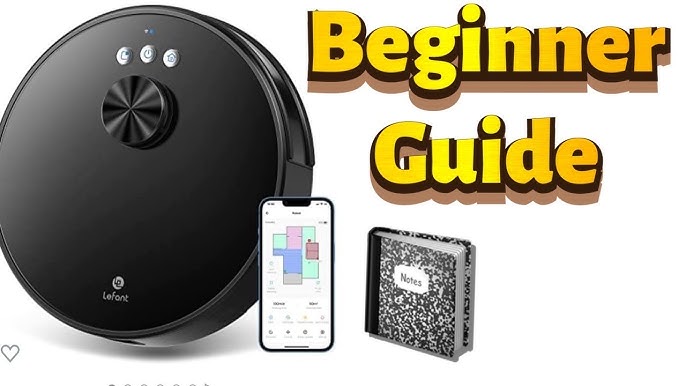
Maximizing Cleaning Efficiency
Maximizing cleaning efficiency with a robot vacuum helps keep your home cleaner with less effort. Understanding key tips can improve how well your robot cleans. Simple steps can make a big difference in its performance and battery life. This guide covers important ways to get the most from your robot vacuum.
Optimizing Cleaning Paths
Many robot vacuums use smart mapping to clean efficiently. Clear clutter from floors so the vacuum can move freely. Place furniture to create open paths for better coverage. Some models allow you to set no-go zones to avoid certain areas. Use scheduling features to clean when rooms are empty. This reduces interruptions and speeds up cleaning.
Regular Maintenance Tips
Keep your robot vacuum working well by cleaning it regularly. Empty the dustbin after each use to maintain suction power. Check brushes and wheels for hair or debris and remove them. Clean the sensors with a soft cloth to help navigation. Replace filters as recommended to keep dust levels low. Regular care extends the life of your vacuum.
Integrating With Smart Home Systems
Connect your robot vacuum to smart home devices for easier control. Use voice commands through assistants like Alexa or Google Assistant. Control cleaning schedules and settings from your smartphone app. Integration allows you to start or stop cleaning remotely. Smart home support can improve your cleaning routine’s flexibility.
Frequently Asked Questions
What Is A Robot Vacuum And How Does It Work?
A robot vacuum is an automated cleaning device. It uses sensors to navigate and clean floors without manual effort. It detects dirt, avoids obstacles, and returns to its charging dock automatically.
Are Robot Vacuums Suitable For Beginners?
Yes, robot vacuums are user-friendly. Most models have simple controls and automated features. Beginners can easily set schedules and start cleaning with minimal setup.
How Do I Maintain My Robot Vacuum For Best Performance?
Regularly empty the dustbin and clean brushes. Check sensors and wheels for debris. Update the software if available to keep it running efficiently.
Can Robot Vacuums Clean All Floor Types Effectively?
Most robot vacuums work well on hardwood, tile, and low-pile carpets. However, thick carpets may reduce cleaning efficiency. Always check product specifications for floor compatibility.
Conclusion
A robot vacuum makes cleaning easier and saves time. Start by reading the manual carefully. Set up the device in a clutter-free space. Regularly empty the dustbin and clean brushes. Use the app or remote for easy control. Keep an eye on the battery level.
Small steps lead to a cleaner home. Enjoy more free time and less effort. A robot vacuum fits well in busy lives. Try it today and see the difference.

