

The Shark Vertex is one of the most advanced vacuum cleaners available today. With its powerful suction, dual brushrolls, and smart settings, it can tackle almost any cleaning task at home. But many owners don’t use its features to their full potential.
Understanding the best settings for Shark Vertex can help you clean faster, protect your floors, and keep your vacuum running longer. This article will guide you through every important setting, show practical examples, and share tips that even experienced users often miss.
Understanding The Shark Vertex Controls
The Shark Vertex comes with several settings you can adjust for different surfaces and situations. Knowing what each control does is the first step to using your vacuum efficiently.
- Suction Power: Adjusts how strong the vacuum pulls dirt.
- Brushroll Speed: Changes the rotation speed of the brushrolls.
- Floor Type Selector: Lets you pick between carpet, hard floor, or area rug.
- Lift-Away Mode: Detaches the main unit for portable cleaning.
- LED Headlights: Helps spot dirt in dark areas.
Not every model has all these features, but most Shark Vertex vacuums include at least suction and floor type settings. Always check your user manual for specific controls.
Best Settings For Different Floor Types
Cleaning floors well means using the right setting for each surface. Using the wrong setting can leave dirt behind or damage your floors.
Carpet Settings
For thick or plush carpets, set the Shark Vertex to:
- Carpet Mode: This turns on both brushrolls and boosts suction.
- Maximum Suction: Helps pull dirt from deep in the fibers.
- High Brushroll Speed: Agitates the carpet to loosen debris.
On low-pile carpets, you can reduce suction slightly. Too much suction can make pushing the vacuum harder.
Example: If your carpet is shaggy, use carpet mode with high suction and brushroll speed. For office carpet, use carpet mode but medium suction.
Hard Floor Settings
For hardwood, tile, or laminate:
- Hard Floor Mode: This slows down the brushrolls and lowers suction.
- Low or Medium Suction: Prevents debris from scattering.
- Soft Brushroll: Protects delicate surfaces.
The Shark Vertex’s soft brushroll is designed to pick up fine dust without scratching. Avoid maximum suction on very old or scratched floors.
Example: Cleaning oak floors? Use hard floor mode, soft brushroll, and medium suction.
Area Rugs And Mats
Area rugs often need a mix of settings:
- Rug Mode: Usually a balance between carpet and hard floor.
- Medium Suction: Prevents the rug from getting sucked up.
- Moderate Brushroll Speed: Good for removing pet hair.
Tip: Hold the rug corner with your foot to stop it from moving while vacuuming.
Using Lift-away Mode Effectively
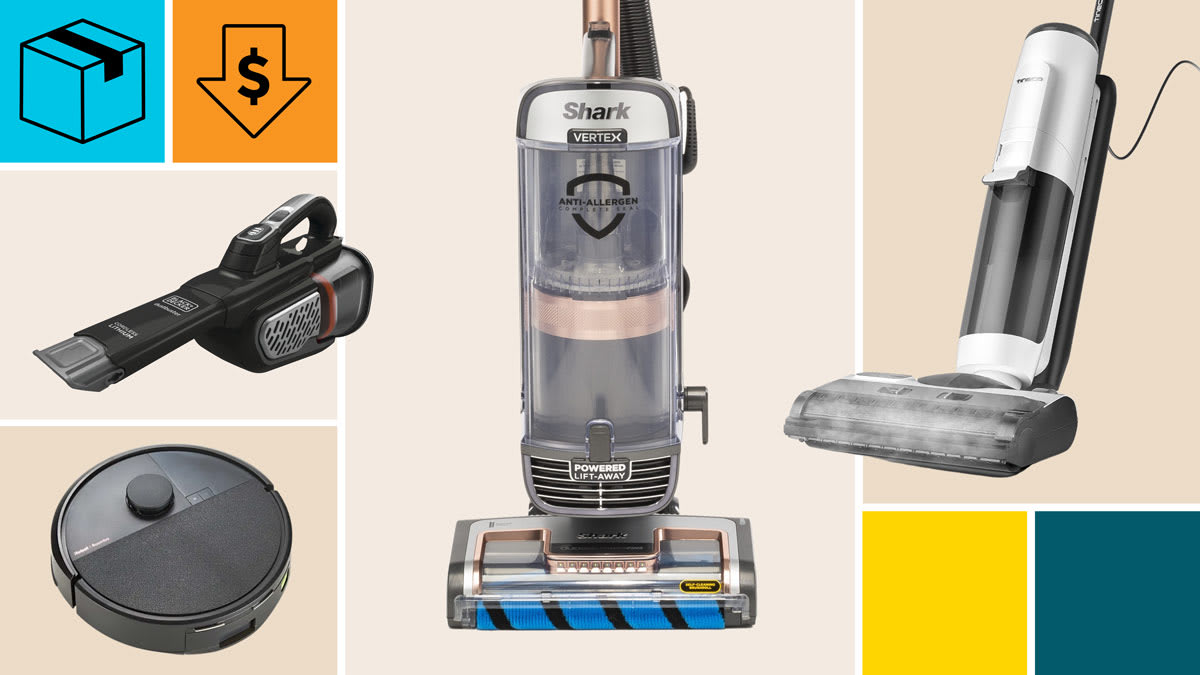
Lift-Away mode is unique to Shark Vertex. It lets you detach the main unit and carry it for stairs, furniture, or car interiors.
- Activate Lift-Away: Press the release button and lift the pod.
- Choose Suction Level: High for pet hair, low for delicate surfaces.
- Use Attachments: Crevice tool for corners, upholstery tool for sofas.
Many users forget to adjust suction when using Lift-Away. Too much suction on delicate fabrics can cause damage.
Comparison: Standard Vs. Lift-away Cleaning
Here’s a quick look at how settings differ between standard and Lift-Away mode:
| Feature | Standard Mode | Lift-Away Mode |
|---|---|---|
| Suction Power | Adjustable (High/Medium/Low) | Adjustable (High/Medium/Low) |
| Brushroll | On (Carpet/Hard Floor) | Off (Attachments only) |
| Attachments | Optional | Required |
| Mobility | Full vacuum | Portable pod |
Adjusting Suction Power For Different Tasks
Suction power is not just about cleaning strength. Using too much suction can make the vacuum harder to push or damage sensitive items. Here’s how to choose the right level:
- High Suction: Best for deep carpet, pet hair, and heavy debris.
- Medium Suction: Good for most hard floors and area rugs.
- Low Suction: Use for curtains, upholstery, or delicate surfaces.
Non-obvious insight: Many users leave suction on high all the time. But lowering suction can reduce noise, save energy, and extend the vacuum’s life.
Example Suction Settings
| Task | Recommended Suction | Setting Notes |
|---|---|---|
| Deep Carpet Cleaning | High | Use full brushroll speed |
| Hard Floors | Medium | Slow brushroll, soft roller |
| Upholstery | Low | Use upholstery attachment |
| Pet Hair Removal | High | Crevice tool or brush |
Brushroll Settings: What You Need To Know
The Shark Vertex uses two brushrolls—a soft roller for hard floors and a bristle brush for carpets. Adjusting their speed and mode is important.
- High Speed: For thick carpets and heavy dirt.
- Low Speed: For hard floors and delicate rugs.
- Off: For fragile surfaces like curtains.
Non-obvious insight: Running the brushrolls on hard floors can sometimes scatter large debris. Use the soft roller setting or turn brushrolls off if needed.
Common Mistakes With Brushrolls
- Using high speed on old wood floors (can scratch).
- Leaving brushrolls on when using attachments (wastes energy).
- Not cleaning brushrolls regularly (reduces efficiency).
Smart Features And Customization
Some Shark Vertex models come with smart sensors that automatically adjust settings. These features can improve cleaning but may confuse new users.
- Auto Mode: Sensors detect floor type and change settings.
- LED Headlights: Turn on automatically in dark areas.
- HEPA Filter Alerts: Warn when filter needs cleaning.
If your vacuum has auto mode, test it on different surfaces. Sometimes manual settings work better for stubborn dirt.
Data: Shark Vertex Smart Feature Usage
A study by Shark found that users who used auto mode cleaned 20% more efficiently than manual-only users. But manual mode was better for pet hair and deep carpet cleaning.
Maintenance Settings For Best Performance
Settings are only part of good cleaning. Keeping your Shark Vertex in top shape is just as important.
- Check Filters: Clean or replace every 3-6 months.
- Empty Dustbin: After every use or when full.
- Clean Brushrolls: Remove hair and debris weekly.
- Inspect Attachments: Look for blockages before use.
Tip: Set a reminder in your phone to check filters monthly. Dirty filters can lower suction and cause bad smells.
Comparison: Maintenance Routine Vs. Neglect
| Action | Regular Maintenance | No Maintenance |
|---|---|---|
| Suction Power | Consistent | Decreases over time |
| Brushroll Efficiency | High | Clogs, slows down |
| Odor | Fresh | Bad smell |
| Vacuum Life | 5+ years | 2–3 years |
Practical Tips For Shark Vertex Settings
Here are some actionable tips to get the most from your Shark Vertex:
- Test Settings on Each Surface: Don’t rely on default modes.
- Adjust Suction as Needed: Lower for hard floors, higher for carpet.
- Use Attachments for Special Tasks: Crevice for corners, brush for furniture.
- Switch to Lift-Away for Stairs: Easier and safer than full vacuum.
- Clean Brushrolls Often: Prevents hair jams.
- Don’t Overuse Maximum Suction: Only when needed.
- Use LED Headlights in Dark Areas: Helps spot missed debris.
- Check Filters Regularly: Keeps air clean and suction strong.
- Store Vacuum Upright: Prevents brushroll damage.
Common Beginner Mistakes And How To Avoid Them
Many new Shark Vertex owners make simple mistakes:
- Using wrong mode for floor type: Can scratch or leave dirt behind.
- Ignoring suction adjustments: Makes vacuum harder to push.
- Forgetting maintenance: Lowers cleaning performance.
- Not cleaning brushrolls: Reduces efficiency and causes jams.
- Using maximum suction always: Wears out motor faster.
To avoid these, review your settings before each cleaning session. If you’re unsure, start with a lower setting and increase as needed.
Expert Advice On Shark Vertex Settings
Experts recommend customizing settings each time you vacuum. No single mode is best for all situations. For example, use maximum suction for pet hair but switch to medium for daily cleaning. Always check the floor type selector before starting. Adjust brushroll speed based on how dirty the surface is.
And don’t forget to use Lift-Away mode for stairs and tight spaces.
For deeper guidance, the official Shark Clean website has videos and manuals for every model.

Frequently Asked Questions
What Setting Should I Use For Pet Hair?
Set your Shark Vertex to carpet mode with maximum suction and high brushroll speed. Use the pet hair attachment if available. For hard floors, use medium suction and the soft roller.
How Often Should I Change The Filters?
Change or clean filters every 3–6 months. If you have pets or allergies, check them monthly. Dirty filters reduce suction and can cause bad smells.
Can I Vacuum Curtains Or Upholstery With Shark Vertex?
Yes, but use Lift-Away mode and low suction. Attach the upholstery tool. Avoid using brushrolls, as they can damage fabric.
What Is The Best Setting For Stairs?
Use Lift-Away mode and a crevice tool or brush attachment. Medium suction is usually best. Hold the pod securely and vacuum each step slowly.
Why Is My Shark Vertex Hard To Push?
This usually means suction is set too high or the brushroll is clogged. Lower suction and check for blockages or tangled hair. Clean brushrolls regularly for smooth movement.
The Shark Vertex is a powerful, flexible vacuum, but getting the best results means using the right settings for each job. By adjusting suction, brushroll speed, and floor mode, you’ll clean more efficiently and protect your floors. Don’t forget regular maintenance and testing settings on new surfaces.
With these tips, your Shark Vertex will help keep your home spotless for years to come.

