

A vacuum cleaner that won’t pick up dirt usually has a clog, a full bin, a dirty filter, or a worn brush roll.
A vacuum cleaner not picking up dirt is one of those frustrating little home problems that can make a big mess feel even bigger. I’ve seen this issue many times over the years, and in most cases, the fix is simpler than people expect. The trick is knowing where to look first, what to clean, and how to tell the difference between a minor airflow problem and a bigger mechanical issue.
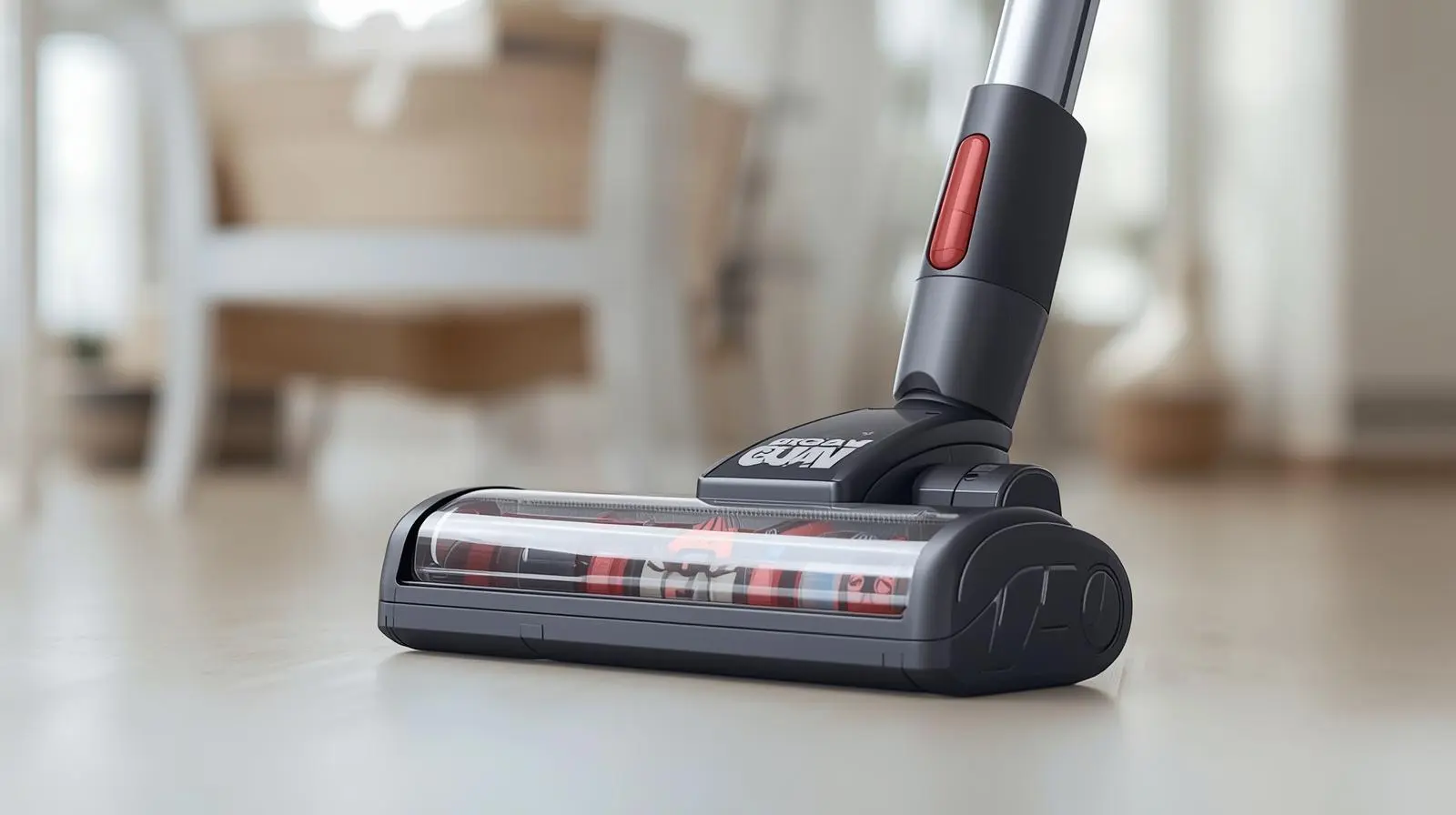
Why your vacuum cleaner not picking up dirt is such a common problem
When a vacuum cleaner not picking up dirt, the problem usually comes down to airflow, suction, or contact with the floor. Vacuums need a clear path for air to move through the machine. If that path gets blocked, the vacuum loses power fast.
In my experience, people often assume the motor is broken right away. Most of the time, though, the real cause is much simpler: a clogged hose, a packed filter, a brush roll wrapped in hair, or a bin that is too full. Even a small blockage can make a strong vacuum act weak.

The most common reasons a vacuum cleaner not picking up dirt
A vacuum cleaner not picking up dirt for a few predictable reasons. Once you know the usual trouble spots, troubleshooting becomes much easier.
1. The dust bin or bag is full
A full bin or bag is one of the top reasons a vacuum cleaner not picking up dirt. When debris has nowhere to go, airflow drops and suction suffers.
If your vacuum uses a bag, replace it before it looks completely packed. If it uses a bin, empty it before dirt reaches the max line. I learned this the hard way after helping a friend with a “broken” vacuum that only needed an empty dust cup.
2. The filter is dirty or clogged
A dirty filter can make a vacuum cleaner not picking up dirt even when the motor still sounds normal. Filters trap fine dust, but if they get coated, air cannot pass through well.
Washable filters should be cleaned and fully dried before reuse. Nonwashable filters should be replaced on schedule. A damp or overloaded filter can choke suction almost instantly.
3. The hose or wand is blocked
A hidden clog is a classic reason a vacuum cleaner not picking up dirt. Small objects, pet hair, lint, and even paper can jam the hose or wand.
You can test this by disconnecting parts and checking airflow piece by piece. If the suction returns after removing one section, you found the blockage. In real life, I often find the clog at a bend in the hose where debris gets stuck like a traffic jam.
4. The brush roll is tangled
If a vacuum cleaner not picking up dirt from carpet, the brush roll may be the issue. Hair, string, and fibers wrap around the brush and stop it from spinning freely.
When the brush roll slows down, it cannot agitate carpet fibers well. That means dirt stays trapped in the pile. Cleaning the brush roll often makes a surprising difference, especially in homes with pets.
5. The suction setting is wrong
Sometimes a vacuum cleaner not picking up dirt because the settings do not match the floor type. Many vacuums have height settings, suction controls, or floor mode switches.
A setting meant for thick carpet may be too high for a hard floor. A setting meant for rugs may not work well on deep pile carpet. Adjusting the head height or suction level can solve the problem in seconds.
6. The belt is worn or broken
A worn belt can make a vacuum cleaner not picking up dirt because the brush roll may stop moving. On many upright vacuums, the belt helps turn the brush.
If the belt is stretched, cracked, or snapped, the brush roll may spin slowly or not at all. That often shows up as weak carpet cleaning, even if the motor still runs.
7. Air leaks are reducing suction
A vacuum cleaner not picking up dirt if air escapes through cracks, loose fittings, or a torn hose. Suction depends on a sealed path.
Check where the hose connects, where the bin locks in, and whether the seals look damaged. A small crack can steal a lot of performance. This is one of those problems that is easy to miss because the vacuum still makes noise.
8. The vacuum is using the wrong attachment
A vacuum cleaner not picking up dirt well if the wrong tool is attached for the job. Some accessories are designed for upholstery, crevices, or bare floors, not deep carpet.
Using a narrow nozzle on large debris can also make pickup weaker. When I test vacuums, I always match the attachment to the surface first. It saves time and avoids false alarms.
How to fix a vacuum cleaner not picking up dirt step by step
If your vacuum cleaner not picking up dirt, start with the easiest checks first. That saves time and helps you avoid unnecessary repairs.
Step 1: Turn off and unplug the vacuum
Always unplug the machine before cleaning or inspecting it. Safety matters, even for simple fixes.
Step 2: Empty the bin or replace the bag
If the vacuum is full, empty it completely. If it uses bags, replace the bag with a fresh one.
Step 3: Clean or replace the filter
Take out the filter and inspect it for dust buildup. Clean it if it is washable, or replace it if it looks worn out.
Step 4: Check the hose, wand, and air path
Look through each section for clogs. A broom handle or flexible cleaning tool can help push debris out, but be gentle.
Step 5: Inspect the brush roll
Remove hair and thread from the brush roll. Make sure it spins easily and is not jammed.
Step 6: Check the belt and moving parts
Look for cracks, slack, or wear in the belt. If the belt looks damaged, replace it using the correct model number.
Step 7: Test the vacuum on different surfaces
Try hard floors, area rugs, and carpet. If the vacuum cleaner not picking up dirt only on one surface, the issue may be with height adjustment or attachment choice.
Vacuum cleaner not picking up dirt on carpet vs hard floors
A vacuum cleaner not picking up dirt on carpet for different reasons than on hard floors. Carpet needs strong agitation and a healthy brush roll. Hard floors need good suction and the right nozzle.
On carpet, watch for:
• A brush roll that is not spinning
• A belt that has slipped
• A height setting that is too high
On hard floors, watch for:
• A clogged suction path
• A floor head that does not seal well
• A setting that is too aggressive and pushes debris around
I’ve noticed that many people think more power always means better pickup. In truth, the vacuum needs the right balance of airflow, brush action, and floor contact.

When the problem is not dirt buildup
Sometimes a vacuum cleaner not picking up dirt because the issue is deeper than a simple clog. That does not always mean the vacuum is doomed, but it does mean you may need a closer look.
Possible deeper issues include:
• A failing motor
• A broken internal seal
• A cracked housing
• A damaged control switch
• A broken brush motor in powered heads
If you have already cleaned the filter, cleared the hose, and checked the brush roll, but suction is still poor, the motor or internal airflow system may need service. At that point, the cost of repair should be weighed against the age of the vacuum.
How to prevent a vacuum cleaner not picking up dirt again
The best fix is prevention. A vacuum cleaner not picking up dirt less often when you keep up with a few simple habits.
Do regular maintenance
Clean filters, empty the bin, and check the brush roll often. This keeps airflow strong and protects the motor.
Match the vacuum to the surface
Use the correct head, setting, and attachment for each floor type. This reduces strain and improves cleaning.
Avoid picking up large debris that should be swept first
Coins, pebbles, toy parts, and thick paper can clog the system. A quick sweep before vacuuming can prevent a lot of trouble.
Replace worn parts on time
Belts, filters, and brush rolls wear out over time. Replacing them on schedule keeps the vacuum cleaner not picking up dirt from becoming a repeat problem.
Store the vacuum properly
Keep the hose untwisted and the cord unwound neatly. Crushing the hose or storing the vacuum in a tight space can damage airflow parts.
Signs your vacuum needs repair or replacement
If your vacuum cleaner not picking up dirt after basic maintenance, it may be time to repair or replace it. I like to use a simple rule: if the fix is more expensive than half the price of a new vacuum, replacement may make more sense.
Warning signs include:
• Weak suction after cleaning everything
• Burnt smell from the motor
• Loud grinding or rattling sounds
• Repeated belt failure
• Cracks in the body or hose
• Poor pickup even after new filters and a clean brush roll
Older vacuums can still be worth repairing if the brand offers parts and the motor is still in good shape. But if the machine has multiple problems, a new unit may be the smarter long-term choice.
Practical buying tips if your current vacuum keeps failing
If your vacuum cleaner not picking up dirt again and again, your next purchase should solve the cause, not just replace the machine.
Look for:
• Strong suction rated for your floor type
• A sealed filtration system
• Easy-to-clean filters
• A brush roll you can remove without tools
• Replacement parts that are easy to find
• Good performance on carpet and hard floors
From hands-on use, I’ve found that convenience matters just as much as power. A vacuum that is easy to maintain stays useful longer because people actually clean it.
Frequently Asked Questions of Vacuum cleaner not picking up dirt
Why is my vacuum cleaner not picking up dirt even though it sounds strong?
A vacuum can sound normal and still lose suction because of a clog, full bin, or dirty filter. Air may be moving through the motor, but not enough is reaching the floor head.
Why does my vacuum cleaner not picking up dirt on carpet but works on hard floors?
This often means the brush roll is not working well, the belt is worn, or the height setting is wrong. Carpet needs more agitation, while hard floors rely more on suction and seal.
How often should I clean my vacuum filter?
That depends on the model and use, but many filters need cleaning every 1 to 3 months. If you have pets or heavy dust, you may need to clean them more often.
Can a clogged hose make a vacuum cleaner not picking up dirt?
Yes, absolutely. A clogged hose can block airflow so much that suction drops sharply, even if the motor is running fine.
When should I replace my vacuum instead of repairing it?
If the motor is failing, the vacuum has repeated problems, or the repair cost is close to the price of a new unit, replacement may be the better option. Age, part availability, and overall condition should guide the decision.
Conclusion
A vacuum cleaner not picking up dirt is usually a fixable problem, not a sign that the machine is done for. In most cases, the answer is hidden in the basics: empty the bin, clean the filter, clear the hose, and check the brush roll. Once you get into the habit of regular upkeep, your vacuum works better, lasts longer, and saves you a lot of frustration.
If your vacuum cleaner not picking up dirt right now, start with the simplest checks first and work step by step. You may be only a quick cleaning session away from strong suction again. If this guide helped, explore more home care tips, subscribe for updates, or leave a comment with the problem your vacuum is having.

