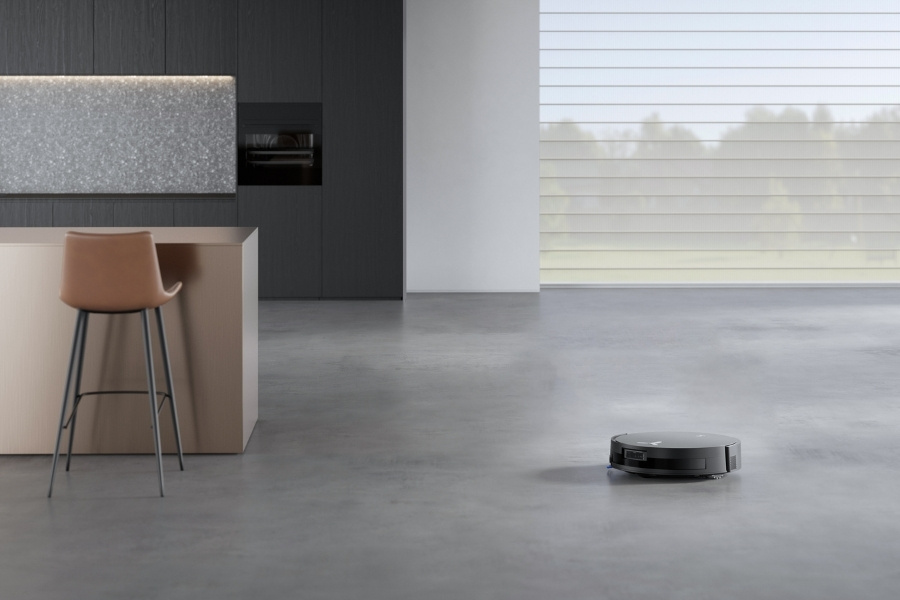
Robot vacuums have changed the way many people clean their homes. They save time, help keep floors tidy, and are easy to use. But one question comes up often: Can robot vacuums clean multiple floors in a house or apartment? If you have more than one level at home—like upstairs and downstairs—you may wonder if a robot vacuum can handle it all. Let’s dig deep into this topic, break down how these smart devices work on multiple floors, and give you everything you need to know before buying or using one.
How Robot Vacuums Work On Multiple Floors
Robot vacuums are designed to clean flat surfaces. Most models use sensors, mapping technology, and sometimes even cameras to find their way around. But these smart features are mostly made for one floor at a time. When it comes to cleaning several levels in your home, a robot vacuum can’t climb stairs, but that doesn’t mean it can’t help you on each floor.
Most robot vacuums can be picked up and moved to another level. Once there, they can clean just like they do on the first floor. Some advanced models even remember different floor layouts, so they don’t get confused when you move them.
A key thing to know: no robot vacuum can move between floors by itself. You have to carry it. But with the right setup and a bit of planning, you can use one robot vacuum to clean several floors in your house.
Main Features That Matter For Multi-floor Cleaning
Not all robot vacuums are the same. Some are better for cleaning more than one floor. Here’s what to look for if you want a vacuum that’s easy to use on multiple levels:
1. Mapping And Memory
Higher-end robot vacuums come with multi-floor mapping. This means the robot can store maps of different floors in its memory. When you move it to a new floor, it recognizes the layout and avoids problems like cleaning the same spot twice or missing areas.
2. Docking Stations
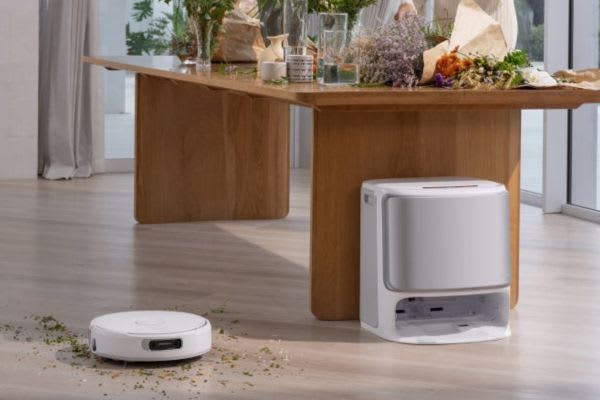
Every robot vacuum needs to recharge. Most models come with a charging dock. If you want to use your robot on more than one floor, you’ll need a dock on each level. Otherwise, you’ll have to carry the dock around along with the vacuum.
3. App Controls
Many new robot vacuums use smartphone apps for control. Good apps let you switch between maps for different floors and set cleaning schedules for each level. This can make multi-floor cleaning much easier.
4. Sensors And Navigation
Look for robots with advanced sensors. These help prevent falls down stairs and let the vacuum work smoothly on different surfaces—like carpet upstairs and wood downstairs.
5. Size And Weight
If you plan to move your robot vacuum up and down stairs, consider its weight and handle design. Lighter models are easier to carry, which makes cleaning more than one floor less of a hassle.
How To Use A Robot Vacuum For Multiple Floors
Let’s talk about practical steps for using a robot vacuum on more than one level. Here’s how most people do it:
- Set up a charging dock on each floor. This lets you move the robot and plug it in easily.
- Let the robot map each floor. Some models will map the floor automatically the first time they clean. Others need you to start mapping from the app.
- Name each map. In the app, you can label maps like “Upstairs” or “Basement” to keep things organized.
- Move the robot to the floor you want to clean. Carry it by the handle, place it on the floor, and start a cleaning cycle from the app or button.
- Repeat for each floor. The robot will use the correct map and know where to clean.
This process is easy once you get used to it, especially if you have the right model. Some people even buy a second robot vacuum for large homes, but that’s not always necessary.
Comparison: Single Vs. Multi-floor Robot Vacuums
It helps to see how different robot vacuums handle multi-floor use. Here’s a simple comparison of standard and advanced models.
| Feature | Basic Model | Advanced Model |
|---|---|---|
| Multi-Floor Mapping | No | Yes |
| App Support | Limited | Full, with floor switching |
| Weight | Light | Medium/Heavy |
| Dock Required on Each Floor | Yes | Yes |
| Auto Adjust Surface | Basic | Advanced |
| Price | $150–$300 | $400–$1000+ |
Insight: Many people think only expensive models can clean multiple floors. In reality, even some mid-range robots can do this with manual help. The main difference is how “smart” the mapping and memory are.
Real-world Examples Of Multi-floor Cleaning
Let’s look at how robot vacuums perform in real homes:
- Family House with Carpet Upstairs and Tile Downstairs: A family uses a robot vacuum with multi-floor mapping. They set up a dock on each floor. The robot remembers where furniture is on each level, avoids falling down the stairs, and cleans both surfaces well.
- Apartment with Loft: In a two-level apartment, a lighter, basic robot vacuum is used. It doesn’t have multi-floor mapping, but it still works. The owner carries it upstairs once a week and starts a cleaning cycle manually.
- Large Homes: In bigger houses, some people buy two robot vacuums—one for each main floor. This is more expensive but saves time and effort.
Non-obvious insight: Some users forget to empty the dustbin before moving the robot to a new floor. This can lead to poor cleaning performance. Always check the dustbin when switching floors.
What To Watch Out For When Using Robot Vacuums On Multiple Floors
While robot vacuums make cleaning easier, there are some things to consider:
- Stairs Are a Barrier: No robot vacuum today can climb stairs or move between floors on its own. You’ll need to carry it.
- Dock Placement Matters: If you don’t have a dock on each floor, you’ll spend time moving both the robot and the dock.
- Different Floor Types: Some robots struggle with thick carpets or dark-colored floors. Test your robot on each surface.
- Mapping Confusion: If you don’t save separate maps, your robot might get confused and miss spots. Always use the app to manage maps if possible.
- Firmware Updates: Some robots get better at multi-floor support after a software update. Make sure your robot’s software is up to date.
Advantages And Disadvantages Of Multi-floor Robot Vacuum Use
Here’s a look at the main pros and cons:
| Advantage | Disadvantage |
|---|---|
| Saves cleaning time on every floor | Can’t move between floors by itself |
| Consistent cleaning quality | Need to carry and set up on each floor |
| Works on different floor types | May need multiple docks |
| Reduces dust and allergens everywhere | Mapping can get confused if not set up properly |
Pro tip: If you have pets that shed a lot, running the robot vacuum on all floors regularly can greatly reduce pet hair buildup.
Tips For Getting The Best Multi-floor Cleaning Results
Getting the most out of your robot vacuum on multiple floors takes a bit of planning. Here are a few tips:
- Buy extra docks for each level. This saves time and hassle.
- Label each floor in the app to avoid confusion.
- Set up virtual boundaries (if your robot supports it) to stop the vacuum from going near stairs or “no-go” areas.
- Empty the dustbin and clean the filter before starting on a new floor.
- Test the robot on each surface to make sure it works well everywhere.
- Check for firmware updates that may improve mapping and floor recognition.
Advanced tip: Some models let you adjust suction power for each floor. For example, use higher suction on carpeted upstairs and a gentler setting on hard floors.
Popular Robot Vacuums With Multi-floor Support
If you’re looking for a robot vacuum that works well on multiple floors, here are some top choices:
| Model | Multi-Floor Mapping | Weight | Price Range |
|---|---|---|---|
| iRobot Roomba i7+ | Yes | 7.5 lbs | $700–$900 |
| Roborock S7 MaxV | Yes | 10.4 lbs | $750–$1200 |
| Eufy RoboVac G30 | No (Manual Use) | 5.7 lbs | $250–$350 |
| Shark IQ Robot | Yes | 6.8 lbs | $400–$600 |
| Neato D8 | Yes | 8.1 lbs | $400–$700 |
Note: Prices change often, and features may vary by model.
Common Mistakes Beginners Make
When using a robot vacuum on several floors, beginners often:
- Forget to save separate maps for each floor, causing cleaning errors.
- Move the vacuum without the dock, leading to low battery issues.
- Ignore firmware updates that can improve multi-floor support.
- Don’t check the dustbin between floors, reducing cleaning power.
- Place the dock in a hard-to-reach spot, making charging less convenient.
Avoiding these mistakes will help you get the best performance from your robot vacuum.
Is A Multi-floor Robot Vacuum Right For You?
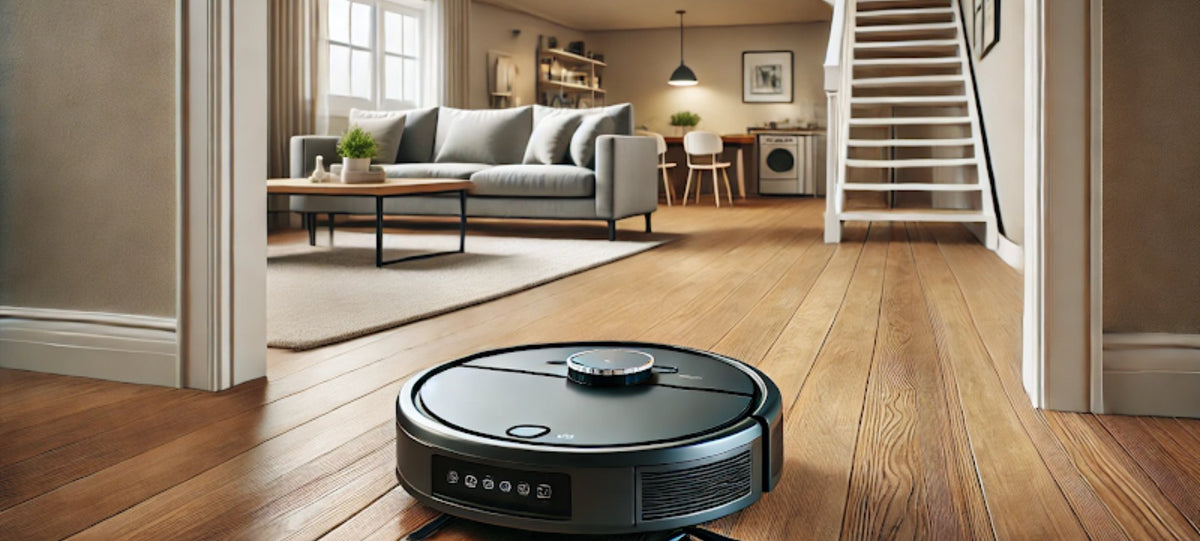
If you have more than one floor and want to spend less time cleaning, a robot vacuum can be a smart investment. For homes with lots of stairs or complex layouts, look for a model with strong mapping and memory features.
If you have a small two-floor apartment, even a basic robot vacuum can help if you’re willing to move it around.
For some people, buying two robots—one for each main floor—makes sense. But for most, a single robot with good multi-floor support is enough. It’s all about finding the right balance between features, price, and your cleaning needs.
For more technical details about robot vacuum technology, you can check the Wikipedia article on robotic vacuum cleaners.
Frequently Asked Questions
Can Robot Vacuums Move Between Floors By Themselves?
No, robot vacuums can’t climb stairs or move between floors automatically. You must carry the robot (and sometimes its dock) to each level you want to clean.
Do I Need A Separate Charging Dock For Each Floor?
It’s not required, but having a charging dock on each floor makes things much easier. This way, you don’t have to move the dock every time you switch floors.
Can I Use The Same Map For Every Floor?
No, each floor should have its own map. Most robot vacuums with multi-floor mapping will let you save several maps in the app and switch between them.
Will A Robot Vacuum Work On Carpet And Hard Floors?
Yes, most modern robot vacuums can clean both carpet and hard floors. Some even adjust suction automatically. However, very thick carpets or dark floors may cause issues for some models.
Should I Buy Two Robot Vacuums For A Multi-floor House?
It depends on your budget and needs. One robot vacuum can clean multiple floors if you move it yourself. But buying two—one for each main floor—can save time and effort in larger homes.
Robot vacuums make cleaning easier, even in multi-story homes. With the right model and setup, you can enjoy tidy floors on every level without much effort. Just remember to plan your setup, use the features your robot offers, and avoid common mistakes.
Soon, you’ll wonder how you ever cleaned without one.