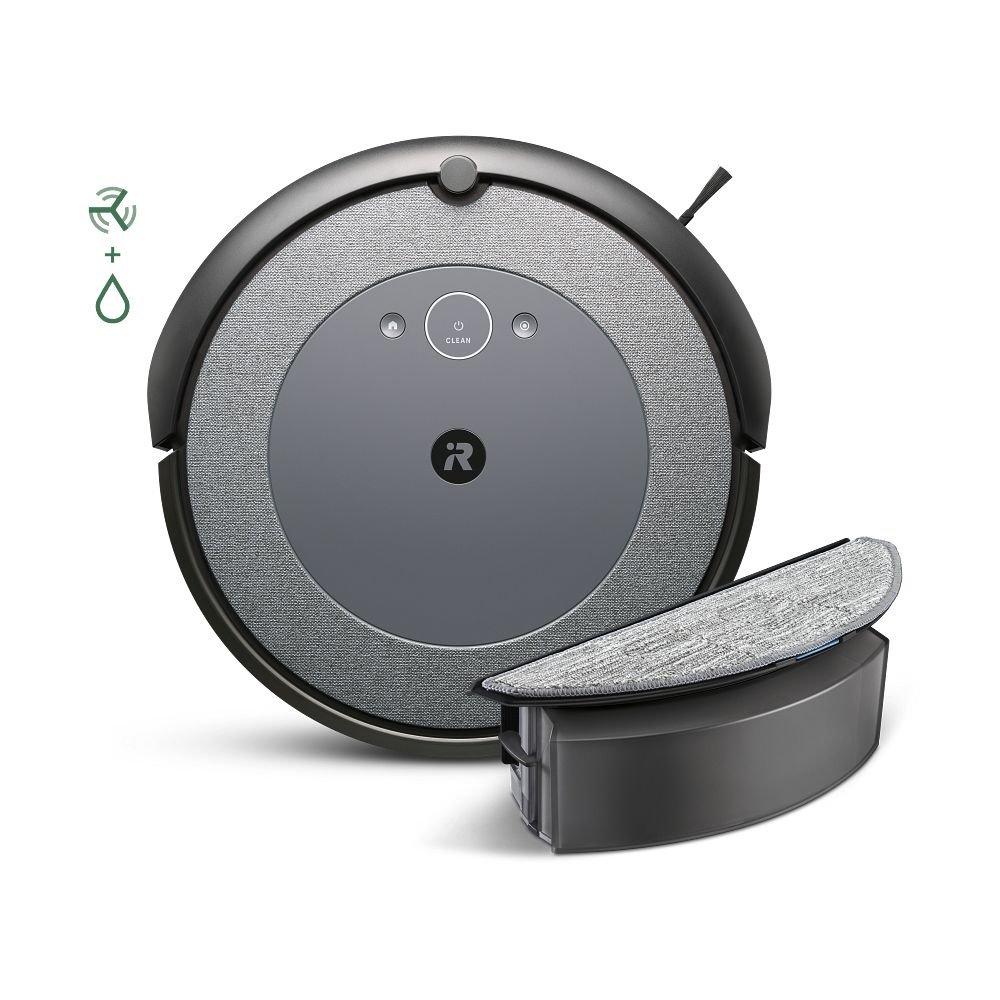
Keeping your Roomba I5+ clean is the secret to its long life and top performance. Many owners use their robot vacuum daily, but few realize that dirt, hair, and dust can quickly build up inside. If not cleaned regularly, the Roomba may lose suction, get stuck, or even stop working. Luckily, cleaning a Roomba I5+ is not hard—if you know what to do and how often.
This article walks you through every part of cleaning the Roomba I5+, step by step. You’ll learn what tools to use, how to avoid breaking delicate parts, and how to keep the self-emptying base in top shape. By following these tips, your Roomba will pick up more dirt and last longer—saving you time and money.
Why Regular Cleaning Matters
Many users think robot vacuums are “set and forget” devices. In reality, regular cleaning is critical for the Roomba I5+. Dust and pet hair can block the sensors, clog brushes, and slow down the motor. Over time, this can reduce battery life and lower cleaning efficiency.
IRobot, the maker of Roomba, recommends cleaning the main parts weekly if you use the device often or have pets. If your home is not very dusty, you can do it every two weeks. Skipping cleaning can lead to more serious problems, like the robot getting stuck or even breaking.
Tools And Supplies You Need
Before you start, gather the right tools. The good news is, you don’t need anything expensive or special. Here’s a quick list:
- Soft, dry cloth
- Small brush (the one that came with your Roomba or a clean toothbrush)
- Scissors (for cutting hair off rollers)
- Compressed air (optional, for deep cleaning)
- Mild soap and water (never use harsh chemicals)
Having these items ready makes the job faster and safer for your robot.
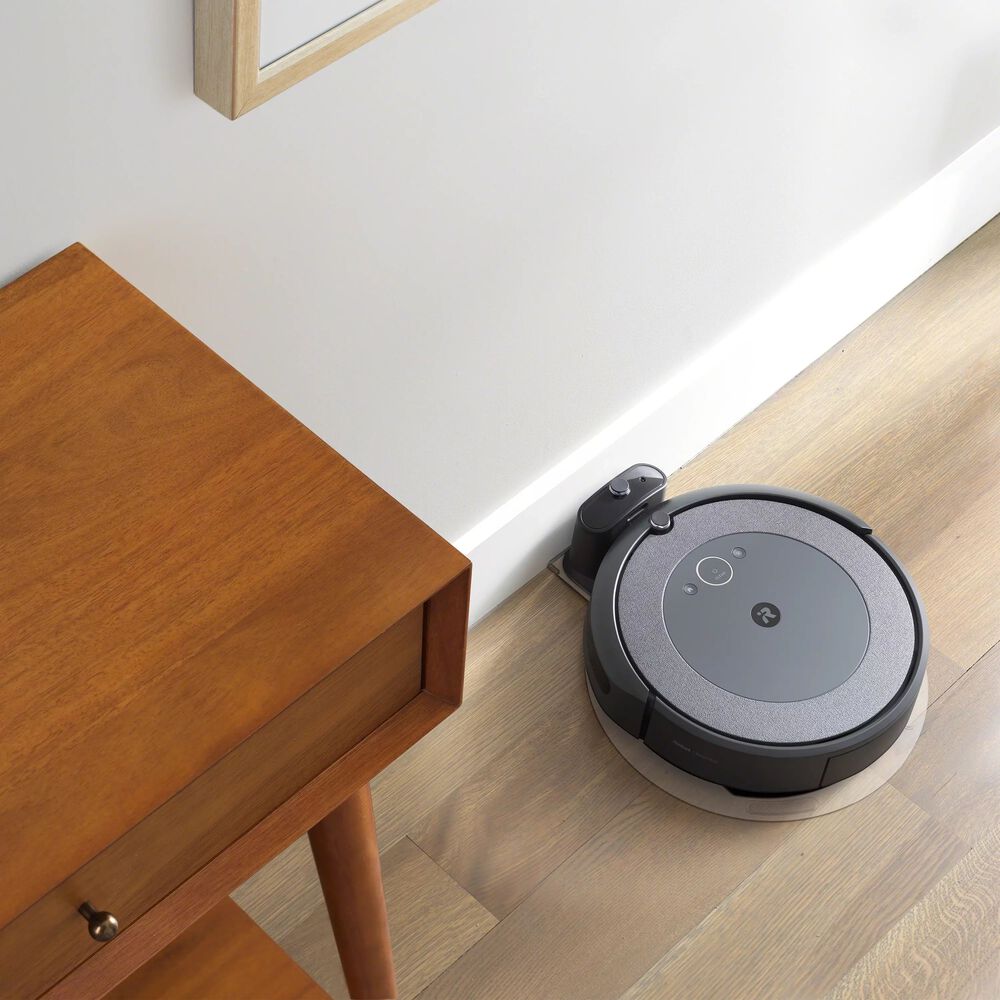
Step-by-step: Cleaning Your Roomba I5+
Let’s break down the cleaning process into simple steps. Each part of the Roomba needs a different approach.
1. Empty And Clean The Dustbin
Start with the dustbin, as it fills up quickly.
- Press the bin release button and pull out the dustbin.
- Open the bin lid and empty the contents into your trash.
- Remove the filter (tap it gently over the trash can to shake out dust).
- Wipe the inside and outside of the bin with a dry cloth. For stubborn dirt, use a damp cloth and let it dry completely.
- Never wash the filter with water—just tap or brush it clean.
Replace the filter every 2–3 months for best results.
2. Clean The Brushes And Rollers
The Roomba I5+ uses dual multi-surface rubber brushes. These pick up dirt but also collect hair and threads.
- Flip the Roomba upside down.
- Press the green tabs to remove both brushes.
- Remove hair and debris from the brushes, using scissors if needed.
- Check the brush caps and axles—hair often gets tangled here.
- Wipe the brushes with a dry cloth before snapping them back in.
Here’s a comparison of cleaning frequency for homes with and without pets:
| Home Type | Brush Cleaning Frequency |
|---|---|
| With Pets | Weekly |
| Without Pets | Every 2 Weeks |
3. Clean The Side Brush
The small side brush sweeps debris from edges into the Roomba’s path. This brush can get tangled easily.
- Use a screwdriver (usually a Phillips head) to remove the single screw.
- Pull off the side brush and clean any hair or dust.
- Wipe the brush and the area underneath.
- Reattach the brush and tighten the screw—don’t overtighten.
If the brush is bent, soak it in hot water for 30 seconds and reshape it.
4. Wipe The Sensors And Charging Contacts
The Roomba I5+ has several sensors (cliff, floor tracking, and IR sensors) and charging contacts that need attention.
- Use a soft, dry cloth to gently wipe the sensors around the bottom and sides.
- For the charging contacts (on both the robot and the base), wipe with a dry cloth. Dirty contacts may prevent charging.
- Avoid using wet wipes, as moisture can damage electronics.
Dusty sensors can cause navigation errors or make the Roomba think it’s about to fall.
5. Check The Wheels
Both the front caster wheel and the two main wheels collect hair and lint.
- Pull out the front caster wheel (it pops out easily).
- Remove any hair or dirt from the wheel and its socket.
- Spin the main wheels by hand to check for smooth movement.
- Wipe all wheels with a dry cloth.
If the wheels stick, clean more thoroughly or consider replacing them.
6. Clean The Self-emptying Base
The Clean Base is a key feature of the I5+, but it can get dusty or clogged.
- Unplug the base before cleaning.
- Remove the bag and replace it when full (usually once a month).
- Wipe the base’s ramp, sensors, and contacts with a dry cloth.
- Check for blockages in the air path—use compressed air if needed.
Here’s a comparison of base bag replacement intervals:
| Usage Level | Average Bag Life |
|---|---|
| Heavy (daily cleaning, pets) | 2–3 weeks |
| Light (few times a week) | 1–2 months |
Deep Cleaning: When And How
Most people only do basic cleaning. But every few months, your Roomba I5+ needs a deep clean:
- Remove both brushes, the side brush, and the front wheel.
- Use compressed air to blow out dust from the inside.
- Clean all sensors and contacts carefully.
- Inspect for any cracks, broken parts, or worn brushes.
Avoid opening the main body unless you’re confident—it can void the warranty.
Common Mistakes To Avoid
Many users make simple errors that can hurt their Roomba or reduce its cleaning power. Watch out for these common mistakes:
- Washing the filter with water. This ruins the filter and reduces suction.
- Forgetting the sensors. Dirty sensors cause navigation problems.
- Not cleaning the base. A clogged base can’t empty the bin, so dirt stays inside the robot.
- Using harsh cleaners. Only use mild soap and water for washable parts.
- Skipping brush checks. Hair can wrap around axles, making the motor work harder and wear out sooner.
How Often Should You Clean Each Part?
A regular schedule keeps your Roomba in top shape. Here’s a simple chart:
| Part | Cleaning Interval |
|---|---|
| Dustbin | Every use |
| Filter | Weekly |
| Main Brushes | Weekly |
| Side Brush | Monthly |
| Wheels | Monthly |
| Sensors/Contacts | Monthly |
| Clean Base | Monthly |
These intervals are for homes with average dust and pets. Adjust as needed for your situation.

Advanced Tips For Roomba I5+ Owners
If you want your Roomba to last longer and work better, try these advanced tips:
- Rotate the filters. Have two filters and swap them weekly. This gives each one time to dry and last longer.
- Mark your calendar. Set reminders on your phone for deep cleaning and base bag changes.
- Check the app. The iRobot Home app sometimes alerts you when maintenance is needed. Don’t ignore these notifications.
- Keep the area tidy. Pick up cords, socks, and toys—these can jam the brushes or get sucked into the dustbin.
- Replace worn parts. Brushes and filters are cheap but make a big difference. If you notice cracks or the robot cleans poorly, swap them out.
Most new owners don’t realize that overfilling the base bag can make the Roomba return to base more often, reducing cleaning time. Change bags before they’re packed full.
What To Do If Your Roomba Smells Bad
Sometimes, a Roomba can develop a musty or burnt smell. This is usually caused by a dirty filter or stuck debris in the brushes or wheels.
- Remove and clean all brushes and the dustbin.
- Check the filter—replace if it smells.
- Run the Roomba in a well-ventilated room after cleaning.
If the smell stays, check the motor area for stuck dirt or contact iRobot support.
When To Replace Parts
Even with good cleaning, some parts wear out over time. Here’s when to replace:
- Filters: Every 2–3 months (more if you have pets)
- Main brushes: Every 6–12 months
- Side brush: Every 6–12 months
- Front wheel: Every 12–24 months
- Clean base bag: When full or at least every 2 months
If you notice the Roomba leaves dirt behind, makes odd noises, or gets stuck often, check the parts closely.
For more information, visit the official iRobot support page.
Frequently Asked Questions
How Do I Clean The Roomba I5+ Filter?
Remove the filter from the dustbin and tap it gently over a trash can to remove dust. Never wash it with water. Replace the filter every 2–3 months for best results.
Can I Wash Any Roomba I5+ Parts With Water?
Only the dustbin (after removing the filter) and brushes can be washed with mild soap and water. Make sure all parts are completely dry before putting them back. Never wash the filter, sensors, or electronic parts.
What Should I Do If My Roomba Keeps Stopping Or Getting Stuck?
Check for tangled hair or debris in the brushes, wheels, and sensors. Clean each area thoroughly. Also, make sure the Clean Base is not blocked and the base bag is not full.
How Do I Know When The Clean Base Bag Is Full?
You’ll notice the Roomba returns to the base more often or the app may alert you. Open the base and check the bag—replace it if it looks full or if the suction seems weak.
Is It Safe To Use Compressed Air For Cleaning?
Yes, compressed air is safe for blowing dust out of brushes, sensors, and the inside of the robot. Hold the can upright and use short bursts to avoid moisture.
Keeping your Roomba I5+ clean doesn’t have to be a chore. With the right habits, you’ll enjoy strong suction, longer battery life, and a cleaner home—all with less effort. Make cleaning part of your regular routine, and your Roomba will reward you with years of reliable service.