

Panasonic Multi-Surface Vacuum Troubleshooting usually starts with clogged airflow, dirty filters, or a loose brush roll.
If your Panasonic Multi-Surface Vacuum is losing suction, making odd noises, or leaving debris behind, you’re not alone. I’ve seen the same pattern many times: the problem is usually small, fixable, and easy to miss until the vacuum starts acting up like it has a mind of its own. In this guide, I’ll walk you through Panasonic Multi-Surface Vacuum Troubleshooting in a clear, practical way so you can find the issue fast and get back to cleaning with confidence.

Common Signs Your Panasonic Multi-Surface Vacuum Needs Troubleshooting
A Panasonic Multi-Surface Vacuum often gives early warning signs before it stops working well. The trick is knowing what those signs mean. Small issues can snowball fast, so catching them early saves time and money.
Here are the most common symptoms:
- Weak suction, even on carpet or hard floors
- Strange whistling, grinding, or rattling sounds
- A burning smell from the motor or belt area
- The brush roll stops spinning
- Dust blows back out of the vacuum
- The vacuum shuts off during use
- The power cord, hose, or wand feels loose
In my experience, weak suction is the most common complaint. Most of the time, the vacuum is not “broken” in the big sense. It just has an airflow problem, a full dust bag, or a filter that needs cleaning.

How Panasonic Multi-Surface Vacuum Troubleshooting Works
Panasonic Multi-Surface Vacuum Troubleshooting is mostly about checking airflow, power, and moving parts in the right order. Start with the easiest things first, like the dust bag and filters. Then move to the hose, wand, brush roll, and belt.
A good troubleshooting method usually follows this path:
- Check power and cord condition
- Inspect the dust bag or bin
- Clean or replace filters
- Look for blockages in the hose and wand
- Examine the brush roll and belt
- Test suction and airflow again
This step-by-step approach matters because many vacuum problems look serious but are caused by simple clogs. I’ve made the mistake of assuming a motor issue too soon, only to find a sock stuck in the hose. That kind of thing happens more often than people think.
Power Problems and What to Check First
If your Panasonic Multi-Surface Vacuum does not turn on, the issue may be electrical rather than mechanical. Before opening anything up, check the basics. A loose plug or damaged cord can make a working vacuum seem dead.
Start with these checks:
- Make sure the outlet works by testing another device
- Inspect the cord for cuts, twists, or burn marks
- Confirm the switch is fully engaged
- Check whether the vacuum overheated and shut off for protection
- Let the unit cool if it stopped after heavy use
Some Panasonic models include thermal protection, which shuts the motor off if it gets too hot. That feature helps protect the machine, but it also means airflow problems can trigger shutdowns. If the vacuum turns off repeatedly, clean the filters and check for blockages before trying again.
Weak Suction Troubleshooting
Weak suction is one of the biggest reasons people look for Panasonic Multi-Surface Vacuum Troubleshooting help. The good news is that suction loss usually has a simple cause. The vacuum is trying to pull air, but something in the path is slowing it down.
Check these parts in order:
- Dust bag or dust cup: Replace or empty it if it is full
- Pre-motor and exhaust filters: Clean or replace them based on the manual
- Hose: Look for clogs, cracks, or loose connections
- Wand and floor head: Remove trapped dirt, paper, or string
- Brush chamber: Clear hair and lint buildup
A full bag or clogged filter can choke airflow the same way a bent straw makes drinking harder. If you clean everything and suction is still low, the issue may be a worn seal, a cracked hose, or a motor problem. At that point, repair or service may be needed.
Brush Roll Not Spinning
When the brush roll stops, the vacuum can still run, but cleaning power drops fast on carpet. This is one of those problems that feels bigger than it is. Often, the brush is jammed by hair, thread, or a worn belt.
Try these steps:
- Turn off and unplug the vacuum
- Flip the floor head over
- Remove hair and string from the brush roll
- Check whether the belt is stretched, cracked, or broken
- Make sure the brush roll spins freely by hand
On many multi-surface vacuums, the brush roll helps lift dirt from carpet fibers. If it does not move, the vacuum may still pick up dust on hard floors, but carpet performance will suffer. I always tell people to clean the brush roll monthly if they have pets or long hair in the home.
Strange Noises During Operation
Noises are the vacuum’s way of telling you something is off. A high-pitched whistle often points to an airflow leak, while a grinding sound can mean a brush roll or motor issue. Loud rattling usually means a loose part or debris inside the path.
Listen for these patterns:
- Whistling: air leak, clogged filter, or loose hose
- Grinding: brush roll damage, bad bearing, or belt trouble
- Rattling: debris, broken fan parts, or a loose attachment
- Burning smell: belt slip, motor strain, or jammed brush roll
If you hear a burning smell, stop using the vacuum right away. A slipping belt or jammed brush can overheat quickly. In repair work, I’ve found that ignoring that smell is one of the fastest ways to turn a small fix into a bigger one.
Overheating and Auto Shutoff
Overheating is often a sign of restricted airflow. Panasonic vacuums are built with safety in mind, so they may shut down before serious damage happens. That is helpful, but it also means you need to find the root cause.
Common causes include:
- A full dust bag
- Dirty filters
- A clogged hose
- A jammed brush roll
- Extended continuous use
Let the vacuum cool for at least 30 minutes before restarting it. Then clean the dust path from end to end. If the unit shuts off again after a short run, the motor may be strained or the airflow path may still be blocked.
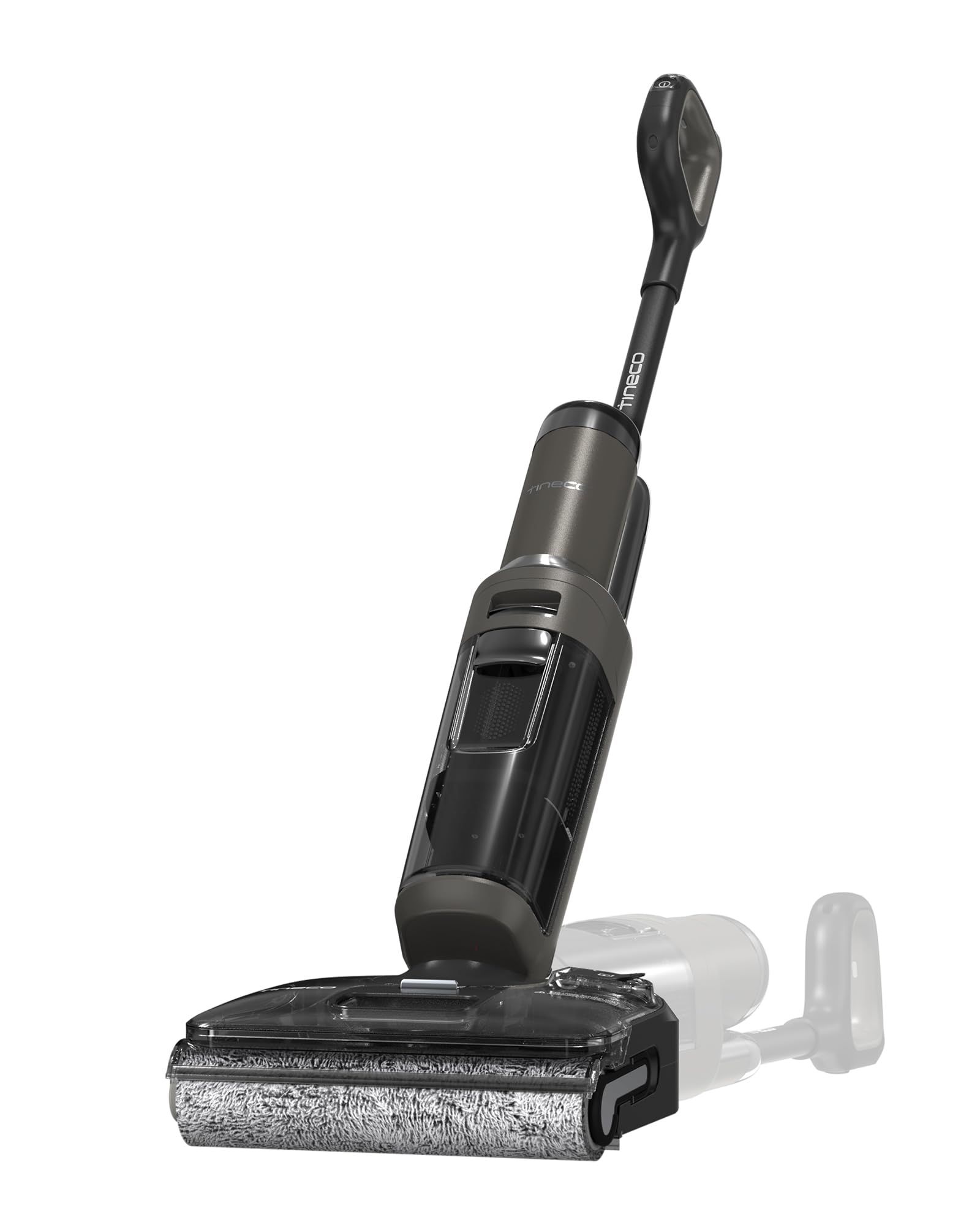
How to Clean Filters and Restore Performance
Filter care is one of the easiest ways to improve Panasonic Multi-Surface Vacuum performance. Dirty filters can hurt suction, overwork the motor, and make the vacuum feel weak even when everything else looks fine. Many owners skip this step longer than they should.
Use this simple process:
- Unplug the vacuum
- Remove the filters according to the user manual
- Tap out loose dust outside or over a trash can
- Wash only if the filter type allows it
- Let washable filters dry fully before reinstalling
- Replace worn filters if they look damaged or stay discolored
Never reinstall a damp filter. That can cause odor, mildew, and airflow restriction. If you are not sure whether a filter is washable, check the model instructions first. Different Panasonic models may use different filter materials and care methods.
Hose, Wand, and Attachment Blockages
A clog anywhere in the airflow path can make the whole vacuum seem weak. The hose and wand are common trouble spots because they catch large debris, paper, and pet hair. Even a partial clog can reduce suction enough to notice.
To check for blockages:
- Detach the hose and wand
- Look through each piece for trapped debris
- Use a long flexible tool or broom handle carefully if needed
- Shake out loose material over a trash can
- Reattach each part firmly
If suction improves after removing a clog, you’ve likely found the main issue. I’ve seen people replace filters or belts when the real problem was a crumpled receipt stuck in the wand. That is why airflow checks should always come early in Panasonic Multi-Surface Vacuum Troubleshooting.
Belt Problems and Brush Drive Issues
The belt connects motor power to the brush roll on many vacuum models. When the belt wears out, stretches, or breaks, the brush roll loses power. The vacuum may still turn on, but cleaning performance drops.
Look for these belt warning signs:
- The brush roll spins slowly or not at all
- You smell rubber or burning
- The vacuum sounds louder than normal
- Carpet pickup feels weaker than usual
If the belt looks shiny, cracked, or loose, replace it with the correct part for your model. Using the wrong belt can cause more damage and create new performance problems. Keep in mind that belts wear naturally over time, especially in homes with thick carpet or frequent use.
When the Problem Is the Floor Setting
Sometimes the issue is not a defect at all. Multi-surface vacuums often have settings for carpet, hard floors, or height adjustment. If the setting is wrong, the vacuum may seem weak or hard to push.
Check for these common setup issues:
- Brush roll set too low for thick carpet
- Height setting too high for sealed floors
- Wrong suction mode selected
- Nozzle not sealed properly against the floor
This is a small thing, but it matters a lot. I’ve seen a vacuum “fixed” by changing the floor setting in seconds. Always check the controls before assuming there is a deeper mechanical problem.
Preventive Care That Reduces Future Troubleshooting
The best Panasonic Multi-Surface Vacuum Troubleshooting is the kind you do not need to repeat often. Regular care keeps the machine running better and helps parts last longer. A little maintenance goes a long way.
Helpful habits include:
- Empty the dust bag or bin before it gets packed full
- Clean filters on schedule
- Remove hair from the brush roll each month
- Check the hose and wand for blockages
- Store the vacuum in a dry, clean place
- Inspect the cord before each use
Industry guidance on indoor cleaning tools consistently shows that maintenance improves performance and helps avoid unnecessary wear. In plain terms, your vacuum works less hard when you keep its air path open. That means better suction and fewer surprise shutdowns.
When to Repair or Replace the Vacuum
Not every problem is worth fixing at home. If the motor is failing, the cord is damaged, or the internal wiring is affected, professional service is the safer choice. Some repairs are simple, but electrical issues are not a good place to guess.
Consider repair or replacement if:
- The motor overheats even after cleaning
- The cord or plug is damaged
- The vacuum has recurring electrical issues
- Replacement parts cost close to a new unit
- The vacuum is very old and performance keeps dropping
A good rule of thumb is to compare repair cost with the value of the vacuum. If the machine has been reliable and the issue is minor, repair often makes sense. If problems keep returning, replacement may save you frustration in the long run.
Frequently Asked Questions of Panasonic Multi-Surface Vacuum Troubleshooting
Why does my Panasonic Multi-Surface Vacuum have weak suction?
Weak suction usually comes from a full dust bag, dirty filters, or a clog in the hose or wand. Start with airflow checks before assuming the motor is failing.
Why does my vacuum shut off after a few minutes?
This often happens when the vacuum overheats from poor airflow or a jammed brush roll. Let it cool down, then clean the filters and inspect for blockages.
Why is the brush roll not spinning?
A broken belt, tangled hair, or a jammed brush roll is usually the cause. Unplug the vacuum first, then clear debris and inspect the belt for wear.
Can I wash the filters in my Panasonic vacuum?
Some filters are washable, but not all of them are. Check the model instructions before rinsing anything, and make sure washable filters are completely dry before reinstalling.
What should I do if my vacuum smells like burning?
Stop using it right away and unplug it. A burning smell often points to a slipping belt, jammed brush roll, or motor strain, and continued use can make the damage worse.
How often should I clean my Panasonic Multi-Surface Vacuum?
Light maintenance should be done regularly, with filters, dust bags, and brush rolls checked often. If you have pets or high traffic areas, you may need to clean it more often than the average home.
Conclusion
Panasonic Multi-Surface Vacuum Troubleshooting becomes much easier when you follow the airflow first, then check the brush roll, belt, hose, and filters. Most issues are caused by clogs, wear, or simple setup mistakes rather than major failure. Once you learn the signs, you can fix small problems before they turn into expensive repairs.
The main lesson is simple: keep the air path clear, watch for overheating, and stay on top of routine care. If you use these steps consistently, your vacuum should perform better and last longer. If this guide helped you, save it for later, share it with someone who needs it, or leave a comment with the issue you’re dealing with.

