

How often should a robot vacuum run? It's the first question after you unbox one and watch it bump into your baseboards. The answer isn't a single number.
It depends on your floors, your pets, your allergies, and how much foot traffic your home sees.
As of 2026, most robot vacuums offer 60 to 150 minutes of battery life and cover 800 to 2,000 square feet per charge. Manufacturer specs also show dustbin sizes between 250 and 600 ml. Those numbers shape what schedule your machine can actually handle.
Let's work out yours.
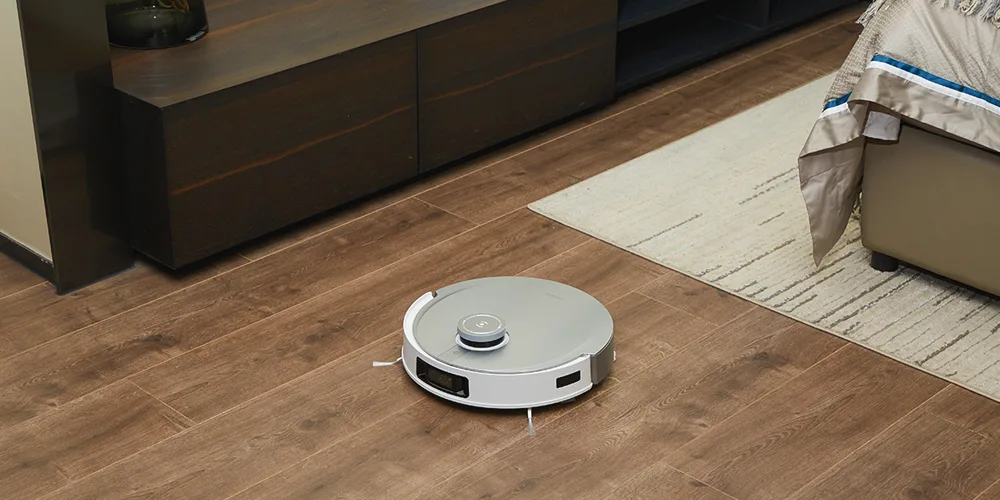
Image source: Web (Bing) / ecovacs.com (Web image (fair-use with source credit))
Quick Answer
Start with every other day for most homes. Run daily if you have shedding pets or carpet-heavy flooring. Weekly runs only work for low-traffic homes with hard floors.
Let your dustbin be the guide. If it fills up every run, schedule more.
How to Find Your Robot Vacuum's "Right" Run Frequency
Your robot vacuum doesn't care about the calendar. It cares about the dirt, dust, and hair on your floors. Your schedule should match how much debris your household creates.
Four questions settle it.
1. How much carpet do you have? Carpet traps dust deep in the fibers. Hardwood, tile, and LVP show surface dirt but hold less of it.
Carpet-heavy homes need more frequent runs.
2. Do you have pets? Cats shed dander nightly. Dogs track in grit from outside.
Pet homes usually need daily runs, especially during spring and fall shedding seasons.
3. Are allergies or asthma part of the picture? A consistent robot schedule paired with a HEPA filter can cut airborne allergens. If you wake up stuffy, try daily runs for two weeks.
4. How much traffic does each room see? The kitchen entryway collects more debris than the guest bedroom. Your whole floor doesn't need the same treatment.
That's what mapping and no-go zones solve.
| Frequency | Best For | Downsides | How to Know It's Working |
|---|---|---|---|
| Daily | Pet homes, allergy households, carpet-heavy layouts | More brush and filter wear, louder home, dustbin refills often | Floors stay visibly hair-free, allergy symptoms improve |
| Every other day | Most average homes, hard floors, moderate traffic | Needs consistency to stay effective | Floors look clean between manual vacuum passes |
| Weekly | Low-traffic, hard-surface, pet-free homes | Dust can build up by day six, bin may overflow | Works best when paired with a monthly deep clean |
Your robot's own specs matter too. A budget model with a 250 ml dustbin and a 60 minute battery might not survive a daily schedule. A robot with an auto-empty dock and longer runtime can handle it easily.
Match your frequency to the machine.
The Daily Run: Who Actually Needs It?
Daily running isn't overkill. For certain households, it's the only schedule that keeps floors genuinely clean.
The clearest candidate is a pet home. Dogs and cats shed on a cycle, and dead hair doesn't wait for your preferred cleaning day. Daily runs collect hair before it works into carpet fibers or gets ground into the floor by foot traffic.
Allergy sufferers are right behind. Regular pickup of dander and dust means less floating in the air. According to EPA guidance on indoor air quality, regular dust removal helps reduce indoor allergens.
A robot running daily does that work automatically, especially when paired with a machine that has a certified HEPA filter, like a solid HEPA vacuum option for the deeper weekly pass.
Carpet-heavy homes also benefit. Carpet acts like a sponge, holding dust, pollen, and tracked-in grit. That load builds fast.
A robot that runs every 24 hours stops it from settling deep into the pile. You'll still need a manual vacuum occasionally, but the robot does the daily lifting.
Daily running costs you more wear. Expect to replace the roller every six to eight months instead of yearly. The dustbin fills faster and needs regular emptying.
Combo vacuum-mop robots also need refills more often.
One common mistake: setting a daily schedule at maximum suction. That's the fastest way to burn through parts. Use standard suction for daily runs and save turbo mode for the occasional deep pass.
The Every-Other-Day Sweet Spot: Best for Most Homes
For the average household, every other day hits the balance point. It keeps floors tidy without hammering your robot's parts or turning you into a dustbin servant.
Why it works: a 48 hour gap is short enough to stop visible dust from piling up, but long enough that the robot isn't cycling needlessly. If your floors are mostly hardwood, tile, or LVP, two to three runs a week is plenty. Dirt sits on the surface, and a quick pass grabs it before it gets tracked around the house.
If your home is mostly LVP, choose a machine that suits LVP surfaces so you don't damage the finish over time.
This schedule also fits homes with moderate traffic. Two working adults, no pets, no kids underfoot? The floor doesn't get dirty fast enough to justify daily maintenance.
Every other day keeps the kitchen crumb-free and the entryway tidy without overworking the machine.
Combo vacuum-mop robots fit neatly here too. Running a mopping cycle every other day on hard floors prevents that sticky film from forming without over-wetting the surface. Daily wet mopping is usually excessive and can leave streaks on LVP and laminate.
Here's how to set it in the app: create a schedule for Monday, Wednesday, and Friday. Pick a time when you're out of the house or in another room. Run the whole floor on Monday, then focus on the kitchen and entryway on Wednesday and Friday.
That splits the work smartly.
The Weekly Run: When It's Actually Enough
Weekly runs work, but only for the right home. Wall-to-wall carpet and two shedding dogs? Skip this schedule.
A small apartment with hard floors and a single occupant? You can absolutely get away with it.
The low-traffic, hard-surface home generates surprisingly little loose debris. A little dust, maybe the occasional crumb. A weekly robot pass, paired with a quick cleanup after cooking or guests, keeps the floor acceptable for most of the week.
Dust does accumulate between runs, especially along baseboards and in corners. Edge-sweeping brushes help, but they can't match a good manual pass. If your allergies flare or your feet pick up grit, you've stretched the schedule too far.
A weekly schedule also makes sense when the robot is a supplement, not the primary cleaner. Many people run a robot weekly for maintenance, then pull out a full-size vacuum for the deep clean. That's a smart division of labor.
The robot handles surface dust, and a manual vacuum tackles carpets, crevices, and furniture. A good upright is built for that job, and upright vacuums have their benefits if you're still deciding between the two.
One caveat: if you run a robot only weekly, keep the dustbin empty between runs. A full bin just redistributes dust around the room. Check for tangled hair after every pass too.
A week of build-up can wrap the brush tightly.
Map Your Home and Use Zones to Dial in Frequency
Smart mapping changes how you schedule. Instead of asking "how often should the whole robot run," ask "how often should each room run."
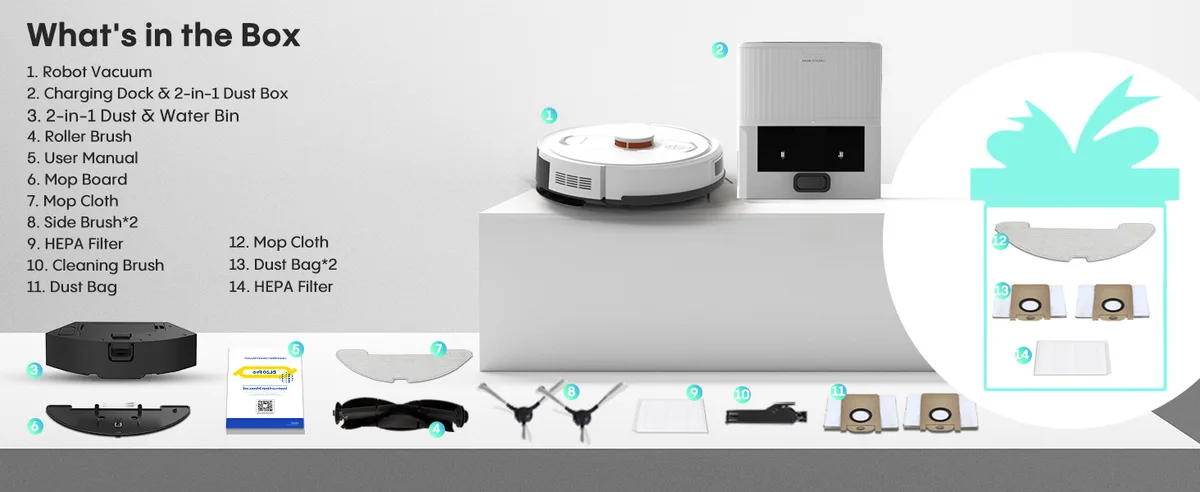
Image source: Web (Bing) / amazon.com (Web image (fair-use with source credit))
After the first mapping run, your robot builds a saved floor plan. You can label rooms, set no-go zones, and tell the robot which areas to skip. That unlocks targeted schedules.
High-traffic zones get more runs. Low-traffic zones get fewer.
Set up your map like this:
- Kitchen and entryway: run every other day or daily
- Living room: run two to three times a week
- Bedrooms: run once or twice a week
- Guest room or storage room: run once a week or not at all
No-go zones are just as important. Keep the robot away from pet water bowls, kids' play areas with small toys, and any spot with loose cords. Otherwise, the robot will get stuck mid-run and stop covering the zones you actually wanted cleaned.
App Scheduling Steps: From Mapping to Automation
Once your map is saved, setting a schedule takes about two minutes. Most apps follow the same flow.
- Complete the first mapping run. Let the robot explore the whole floor without any scheduled tasks.
- Review the map. Label rooms and set no-go zones before you schedule anything.
- Pick a schedule. Choose which rooms to clean and which days.
- Choose the time. Pick a slot when noise won't be an issue, like mid-morning or when you're at work.
- Adjust settings. Lower suction for daily runs and save turbo for deeper sessions.
One tip: run schedules on different rooms on different days. You get a cleaner home without asking the robot to cover the entire floor every single time. It also reduces wear.
As your routine changes, update the schedule. If you work from home, run the robot during lunch. If you're out at the office, schedule it for late morning.
If the seasons change and pets start shedding more, bump the frequency up. The app makes it easy to adjust.
Common Scheduling Mistakes and How to Fix Them
Most people make the same four mistakes. Avoid them and your schedule will work better.
1. Letting the dustbin get too full before a run. A full bin means the robot just pushes dirt around. Empty it after every run, or before the next one.
This matters even more with a frequent schedule.
2. Running at max suction every time. Turbo mode is for deep cleans, not daily maintenance. Stick with standard suction for regular runs and save the extra power for weekends.
3. Never cleaning the brush, filter, or sensors. A robot covered in pet hair loses suction fast. Hair wraps around the roller, filters clog, and sensors get confused.
Check the brush every few days if you have pets. If you need a refresher on untangling hair from a brush roll, the same basic approach used on upright vacuums applies, and this guide to removing hair from a brush roll is a good reference.
4. Ignoring battery health. Frequent charging cycles wear the battery over time. That's normal.
Let the robot finish its recharge between runs and avoid manually kicking off extra sessions when it's at 20 percent.
Maintenance That Keeps a Frequent Schedule Sustainable
A frequent schedule only stays practical if you keep up with maintenance. The good news? It's simple and takes a few minutes a week.
Empty the dustbin proactively. Don't wait for the app to say it's full. With daily runs, check the bin every morning.
Auto-empty docks solve this, but they still need a new bag every month or two.
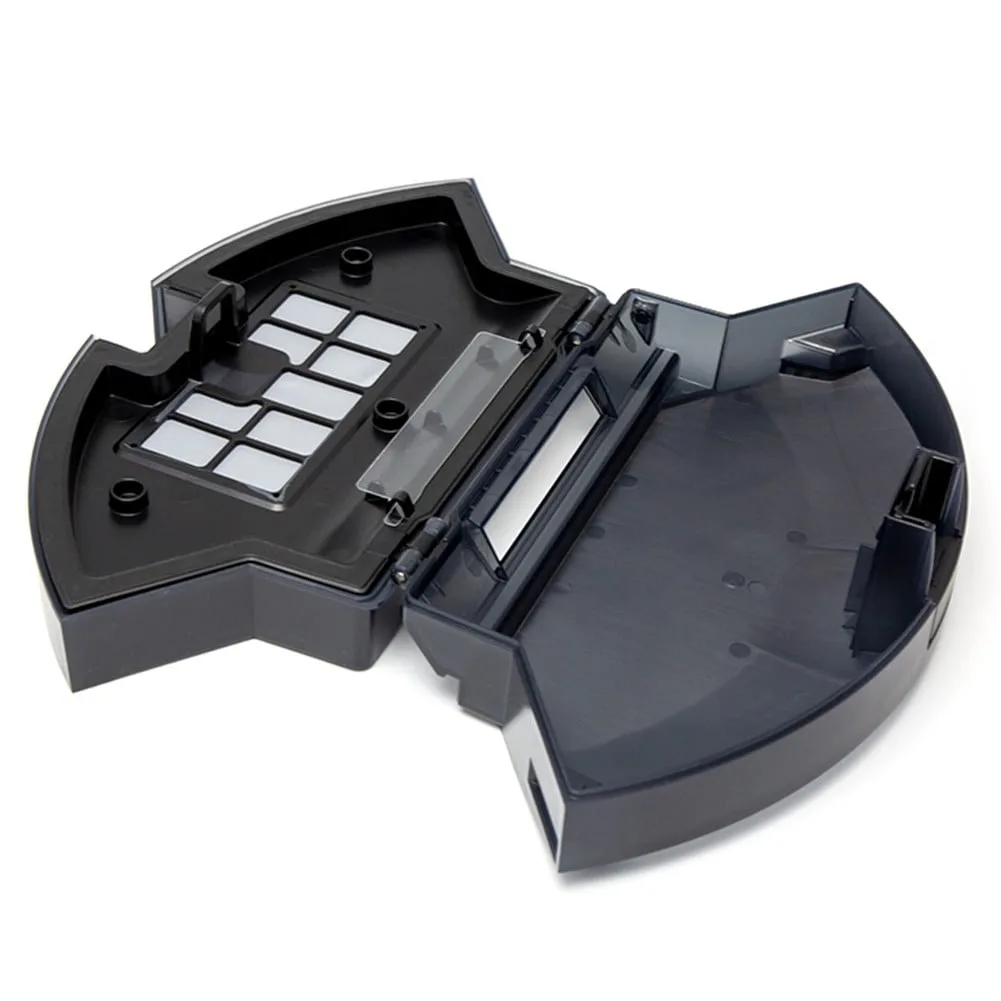
Image source: Web (Bing) / walmart.com (Web image (fair-use with source credit))
Clean the main brush weekly. Pet hair wraps around the roller fast. Use the included tool or pull it off by hand.
Most modern brushes have self-cleaning fins, but they still accumulate hair at the ends.
Replace the filter every two to three months. A clogged filter chokes suction and makes the robot run harder than it needs to. If you have pets, check it monthly.
Wipe the sensors and charging contacts monthly. Dust blocks the navigation sensors and interrupts charging. A dry microfiber cloth handles both jobs.
Follow the manufacturer's recommended part replacement intervals. Rollers typically last six to twelve months. Side brushes wear out faster, especially on hard floors.
A robot is only as good as its consumable parts.
Real Scenario: Two Households, Two Completely Different Schedules
Here's how the same robot, a mid-range model with a 500 ml dustbin and 120 minute battery, gets used in two homes.
Household A: a 1,200 sq ft apartment, one person, one cat, mostly hardwood.
- Monday, Wednesday, Friday: whole-home run at standard suction
- Saturday: kitchen and entryway only
- No-go zone on the cat's feeding area
- Dustbin emptied right after every run
- Filter replaced every three months
Why this works: the apartment doesn't produce heavy dirt, but the cat sheds. Every other day keeps dander in check without overworking the robot.
Household B: a 2,400 sq ft family home, two dogs, two kids, carpet in the bedrooms and living room.
- Every day: living room, kitchen, and entryway at standard suction
- Wednesday and Sunday: full-home run
- Bedrooms run twice a week
- No-go zones around toy bins and dog beds
- Auto-empty dock so the bin never gets in the way
- Roller replaced every six months
Why this works: the dogs and kids create constant mess. Daily runs handle the high-traffic zones, and the full-home runs cover the rest.
The takeaway? Same robot, completely different schedules. Both are correct for their households.
Frequently Asked Questions
Does the robot vacuum need to run every day?
No. Daily runs are only necessary for pet homes, allergy households, or carpet-heavy floors. Most homes do fine with every other day.
Watch the dustbin. If it's full after each run, daily is justified. If it's half full, you can run less often.
Is it okay to run the robot when no one is home?
Yes, and most people prefer it. An empty home means no noise complaints and no obstacles in the way. Just make sure the floor is relatively clear before you leave.
Loose cords and small toys can still cause stuck runs.
Can running it too often damage carpets?
Not directly. A robot vacuum with standard suction is gentle on carpet. The risk comes from worn brushes or running at max suction constantly.
Check the brush for tangled hair and replace it when needed. That keeps the carpet looking fine for years.
Do I still need a regular vacuum if I use a robot daily?
Yes. A robot handles surface dust and hair well, but it can't deep-clean carpets, reach under furniture, or clean upholstery. Keep an upright for weekly or biweekly deep cleans.
Routine upkeep for that machine matters just as much as the robot's maintenance.
How much does daily running cost in electricity?
Very little. Most robot vacuums draw between 30 and 60 watts during a run. A 90 minute daily run uses roughly 0.07 to 0.09 kWh per day.
That's under a dollar per month for most households. It's not a meaningful cost.
Should the robot vacuum while you're asleep?
You can, but check the noise level first. Most robots hum at 50 to 70 dB. That's comparable to a dishwasher.
In an open-plan home, it might wake light sleepers. If that's a concern, schedule runs for mid-morning or early afternoon instead.
Final Takeaway: Build a Schedule You'll Stick To
Start with the defaults: daily for pets and carpet, every other day for most homes, and weekly for light-traffic hard floors. Then adjust over seven to ten days.
Let your dustbin be the guide. If it's full every run, you're on the right track. If it's barely half full, stretch the frequency.
If your floors look dirty by the end of the week, add a run.
The best schedule is the one you actually maintain. Consistency beats perfection. A robot that runs three times a week, every week, will beat one that runs daily for a month and then sits idle for two.
Set it, check it, adjust it, and let the robot do the boring work.

