

If you own a Dyson V15 Detect cordless vacuum, you’ve probably wondered: “How long does the battery really last?” This question matters because battery life affects how long you can clean before needing to recharge. The answer isn’t simple; it depends on settings, surfaces, age of the battery, and more. In this article, you’ll learn the 15 key factors influencing the Dyson V15 Detect’s battery life, practical numbers, and how to make your battery last longer. You’ll also find comparison tables, non-obvious insights, and answers to common questions—all explained in clear, simple English.
What Is The Dyson V15 Detect Battery?
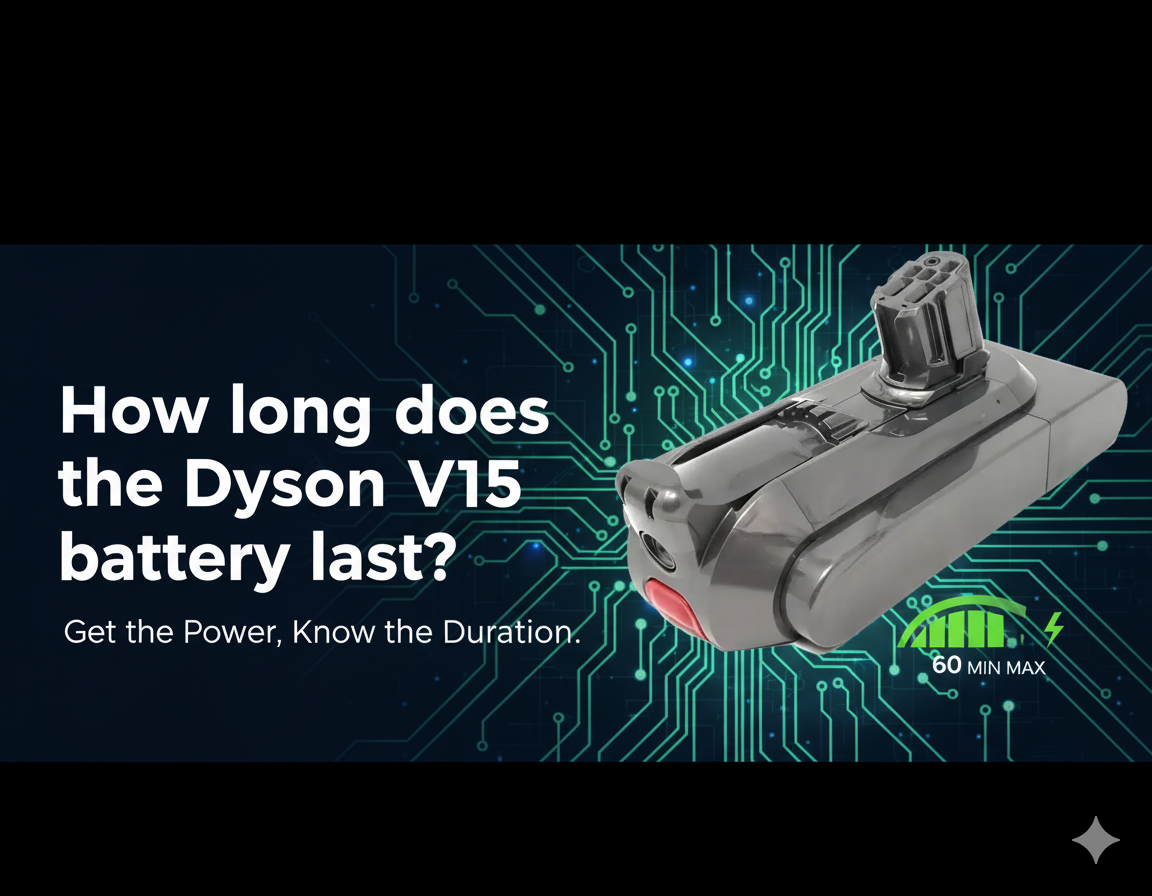
The Dyson V15 Detect uses a lithium-ion battery. This battery is removable, so you can swap it out if needed. Dyson says the battery lasts up to 60 minutes on a single charge, but real-life usage varies. The battery powers the motor, the laser dust detection, and other smart features. Understanding battery behavior is important for anyone who wants efficient cleaning.
15 Factors That Affect Dyson V15 Detect Battery Life
Battery life isn’t just about the vacuum itself. It’s shaped by how you use it, what you clean, and even the age of the battery. Here are 15 factors, each explained so you can make smarter choices.
1. Cleaning Mode Selected
The Dyson V15 Detect offers three cleaning modes: Eco, Auto, and Boost. Eco mode uses the least power, so the battery lasts longest—up to 60 minutes. Boost mode uses maximum suction, draining the battery in about 10–12 minutes. Auto mode adjusts suction based on floor type and dirt levels, giving a middle-range battery life.
2. Type Of Floor
Cleaning hard floors (like wood or tile) uses less battery than thick carpets. Carpets need more suction, which drains the battery faster. If you mostly clean hard floors, you’ll get closer to Dyson’s 60-minute claim.
3. Motorized Attachments
The V15 Detect comes with several motorized attachments. Tools like the High Torque cleaner head and the Laser Slim Fluffy head use extra power. Using these reduces battery life by 10–20% compared to non-motorized tools.
4. Amount Of Dirt
The piezo sensor in Auto mode increases suction when it detects more dirt. If your home is very dusty or you’re cleaning after a big mess, the vacuum will boost power more often, shortening battery run time.
5. Battery Age
Every lithium-ion battery loses capacity over time. After about 2 years of regular use, the V15 Detect battery may hold 10–25% less charge. This means shorter cleaning sessions. Replacing the battery restores full run time.
6. Room Temperature
Batteries work best at room temperature (around 68–77°F). Using the vacuum in very hot or cold environments lowers battery efficiency. Extreme temperatures can reduce run time by up to 15%.
7. Charging Habits
Frequent partial charges or letting the battery drop to zero before charging can affect long-term health. Keeping the battery charged between 20% and 80% is ideal. Avoid leaving the battery plugged in for days.
8. Battery Maintenance
Cleaning the battery contacts and storing the vacuum in a dry, cool place can help maintain battery health. Neglecting maintenance can lead to lower capacity and shorter run time.
9. Power Settings During Use
Switching between Eco, Auto, and Boost modes during cleaning changes battery drain. If you often use Boost mode for tough spots, your battery will empty faster than if you stay in Eco mode.
10. Cleaning Time Per Session
Longer cleaning sessions heat up the battery, which can reduce efficiency. If you vacuum for more than 30 minutes straight, battery performance may drop slightly in the last half of the session.
11. Charging Cable And Adapter
Using the official Dyson charger is important. Third-party chargers may charge slower or damage the battery, affecting run time and lifespan.
12. Storage Location
Storing your vacuum in a place with high humidity or temperature can damage the battery. A cool, dry spot helps preserve battery life.
13. Firmware Updates
Dyson releases firmware updates for their vacuums. Sometimes, these updates optimize battery usage, improving run time. Check for updates regularly.
14. Battery Replacement Quality
If you replace the battery, use a genuine Dyson battery. Cheaper, third-party batteries often have lower capacity and can reduce run time by up to 30%.
15. Frequency Of Use
Using your Dyson V15 Detect daily will wear the battery faster than weekly use. More frequent use means the battery ages quicker, so expect shorter run time after 1–2 years of heavy use.
Real-life Battery Life Examples
Most users rarely get the full 60 minutes promised by Dyson. Here are typical battery numbers based on real usage:
- Eco Mode, Hard Floor: 55–60 minutes
- Auto Mode, Mixed Floor: 35–45 minutes
- Boost Mode, Carpet: 10–12 minutes
If you switch modes, use motorized heads, or clean a very dirty home, expect battery life to drop. For example, a 1200 sq ft apartment with mixed flooring usually takes 40 minutes in Auto mode.
Dyson V15 Detect Battery Life Compared To Other Models
To understand how the V15 Detect stacks up, see this comparison:
| Model | Max Run Time (Eco) | Max Run Time (Boost) | Battery Type |
|---|---|---|---|
| Dyson V15 Detect | 60 min | 12 min | Lithium-ion |
| Dyson V11 | 60 min | 12 min | Lithium-ion |
| Dyson V10 | 60 min | 10 min | Lithium-ion |
| Dyson V8 | 40 min | 7 min | Nickel-cobalt-aluminum |
| Dyson V7 | 30 min | 6 min | Nickel-cobalt-aluminum |
The V15 Detect matches or beats older models, especially in Boost mode and overall efficiency.

How To Make Your Dyson V15 Detect Battery Last Longer
You can improve battery life with simple habits:
- Use Eco mode for everyday cleaning.
- Clean with non-motorized tools when possible.
- Avoid cleaning in extreme temperatures.
- Charge the battery after each use, but don’t overcharge.
- Update firmware when available.
Non-obvious tip: Cleaning your filters regularly reduces stress on the battery because the motor doesn’t have to work as hard.
Signs Your Dyson V15 Detect Battery Needs Replacing
After 1–2 years, you might notice:
- The vacuum doesn’t last as long as before.
- Battery drains quickly, even on Eco mode.
- Charging takes longer or doesn’t fully complete.
- The vacuum shuts off unexpectedly.
If you see these signs, it’s time to get a new battery.
Is The Battery Replaceable?
Yes, the Dyson V15 Detect battery is removable. Just press the release button and slide the battery out. You can buy a genuine replacement from Dyson or select retailers. Avoid cheap, unofficial batteries—they might damage your vacuum.
Dyson V15 Detect Battery Charging Time
It takes about 4.5 hours to fully charge the battery from empty. If you use the vacuum for short sessions, you don’t need to wait for a full recharge before the next use.
Battery Life Tracking And Display
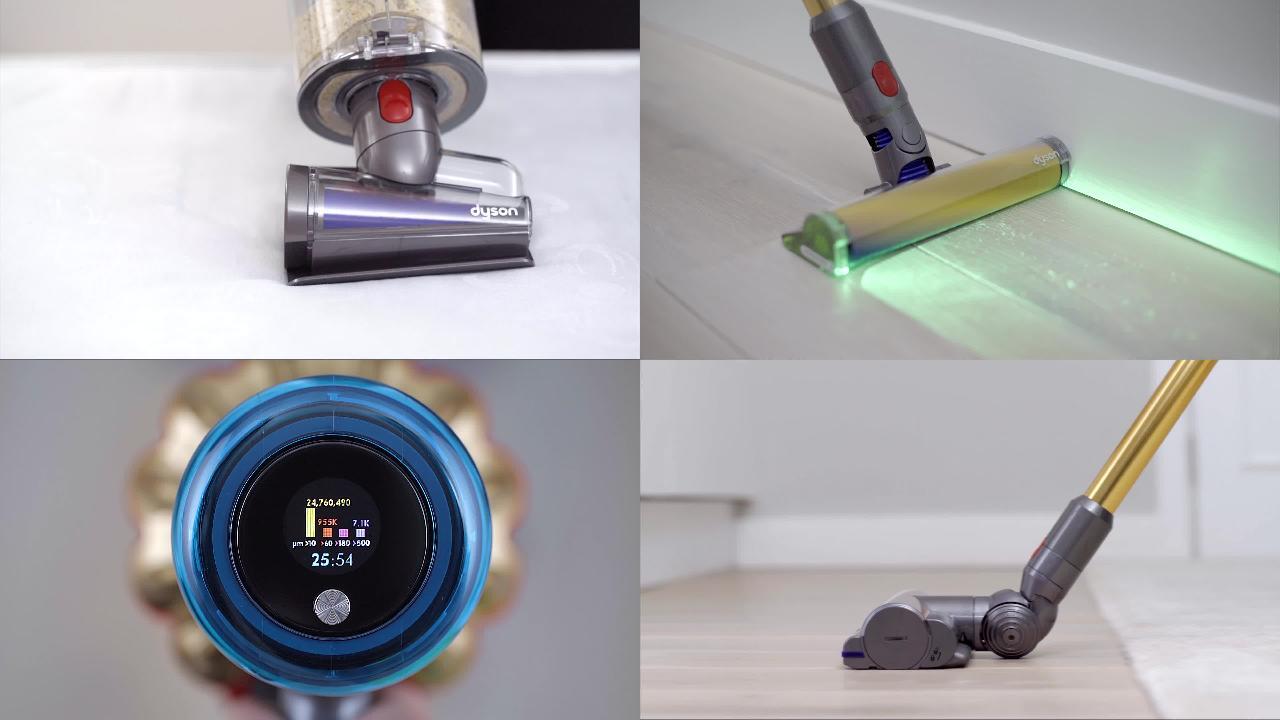
The V15 Detect has an LCD screen showing remaining battery time in real minutes. This helps you plan your cleaning. The display updates when you change modes or tools.
Battery Performance Over Time
Lithium-ion batteries degrade with use. After 300–500 charge cycles, expect battery life to drop by about 20%. For most people, this means a new battery every 2–3 years.
Comparing Battery Life With Corded Vacuums
Corded vacuums can run as long as you want, but lack portability. The V15 Detect offers good battery life for most homes, but you may need to recharge for larger spaces or deep cleaning.
| Feature | Dyson V15 Detect | Corded Vacuum |
|---|---|---|
| Run Time | Up to 60 min | Unlimited |
| Portability | High | Low |
| Recharge Needed | Yes | No |
| Cleaning Power | High | High |
How Battery Life Impacts Cleaning Routine
Knowing your battery limits helps you plan cleaning. For example, if you have a large home, clean one area at a time, or buy a spare battery for longer sessions. For smaller apartments, one charge is usually enough.
Practical Tips For Dyson V15 Detect Battery Care
Here are some actionable ideas:
- Let the battery cool before charging if you’ve cleaned for a long time.
- Store the vacuum away from sunlight and heat sources.
- Clean filters monthly for best performance.
- Update the vacuum software regularly.
These tips can extend battery life and help you get the most from your Dyson V15 Detect.
Frequently Asked Questions
How Long Does The Dyson V15 Detect Battery Last Per Charge?
In Eco mode, the battery lasts up to 60 minutes. In Boost mode, it lasts around 10–12 minutes. Most users get 35–45 minutes in Auto mode, depending on floor type and dirt level.
Is The Dyson V15 Detect Battery Replaceable?
Yes, you can remove and replace the battery easily. For best results, use a genuine Dyson battery.
How Long Does It Take To Recharge The Dyson V15 Detect Battery?
Charging from empty takes about 4.5 hours. Partial charges are faster. Avoid leaving the battery plugged in for days.
Does Battery Life Decrease Over Time?
Yes. After 2–3 years, the battery will hold less charge. Expect run time to drop by 10–25% after 300–500 charging cycles.
Can I Buy A Spare Battery For Longer Cleaning Sessions?
Yes, Dyson sells spare batteries. Swapping batteries lets you clean longer without waiting for a recharge. Always use genuine parts for best performance.
If you want official details and data, visit the Dyson Support site.
The Dyson V15 Detect battery offers solid performance for most homes. Battery life depends on your cleaning style, floor types, and how you care for the battery. With smart habits and regular maintenance, you can enjoy efficient cleaning and avoid battery frustrations.

