

Are you planning to leave your robot vacuum unused for weeks or even months? Storing it the right way is more important than you might think.
If you don’t take proper care, your device could lose battery life, collect dust, or even stop working altogether. But don’t worry—this guide will show you simple and effective steps to keep your robot vacuum safe and ready to go whenever you need it again.
Keep reading to learn how to protect your investment and avoid costly repairs down the line.

Preparing The Robot Vacuum
Preparing your robot vacuum before storage keeps it in good condition. Proper care prevents damage and ensures it works well later. Follow these simple steps to get your vacuum ready for long periods without use.
Emptying The Dustbin
Remove the dustbin from the vacuum carefully. Empty all dirt and debris into the trash. This stops mold and bad smells from forming. Clean the dustbin with a dry cloth or rinse it if the manual allows. Let it dry completely before putting it back.
Cleaning Brushes And Filters
Take out the brushes and filters from the vacuum. Remove any hair, dust, or dirt stuck on them. Use a small brush or cloth to clean thoroughly. Wash filters only if the manufacturer recommends it. Make sure all parts are dry before reassembling.
Checking For Damage
Look over the vacuum for any broken or loose parts. Check wheels, sensors, and the charging port carefully. Fix small issues or replace damaged parts if possible. This keeps your robot vacuum safe and ready for future use.
Battery Care Tips
Proper battery care is key for storing your robot vacuum safely. It helps keep the battery healthy and ready to use. Neglecting battery care can reduce battery life or cause damage. Follow these tips to protect your vacuum’s battery during long storage.
Charging Before Storage
Charge the robot vacuum fully before storing it. A full charge keeps the battery stable. Avoid storing the vacuum with a low battery. This prevents deep discharge, which can harm the battery cells.
Avoiding Full Discharge
Do not let the battery drain completely while stored. Full discharge can cause permanent battery damage. Check the battery level every few weeks if possible. Recharge the battery before it drops too low.
Using A Battery Maintainer
A battery maintainer can keep the battery charged safely. It prevents the battery from discharging over time. Use a maintainer designed for lithium-ion batteries. This tool helps extend battery life during long storage periods.
Choosing The Storage Location
Choosing the right storage location is important for your robot vacuum’s health. The place should protect the device from damage and keep it ready for use. A good spot helps keep the battery and parts in good condition.
Ideal Temperature And Humidity
Store the robot vacuum in a room with a steady temperature. Avoid places that get too hot or cold. Ideal temperatures are between 50°F and 80°F (10°C to 27°C). Keep humidity low to stop moisture from damaging the electronics. High humidity can cause rust and short circuits.
Avoiding Direct Sunlight
Direct sunlight can harm the vacuum’s plastic and battery. Sunlight causes overheating and can fade the surface. Find a spot that stays shaded during the day. Sunlight exposure can shorten the vacuum’s lifespan.
Safe And Dry Spots
Pick a place that stays dry and clean. Avoid areas near water sources like sinks or bathrooms. Dusty or dirty spots can clog the vacuum’s sensors. A safe corner or a closet works well. Ensure the floor is even to keep the vacuum stable.
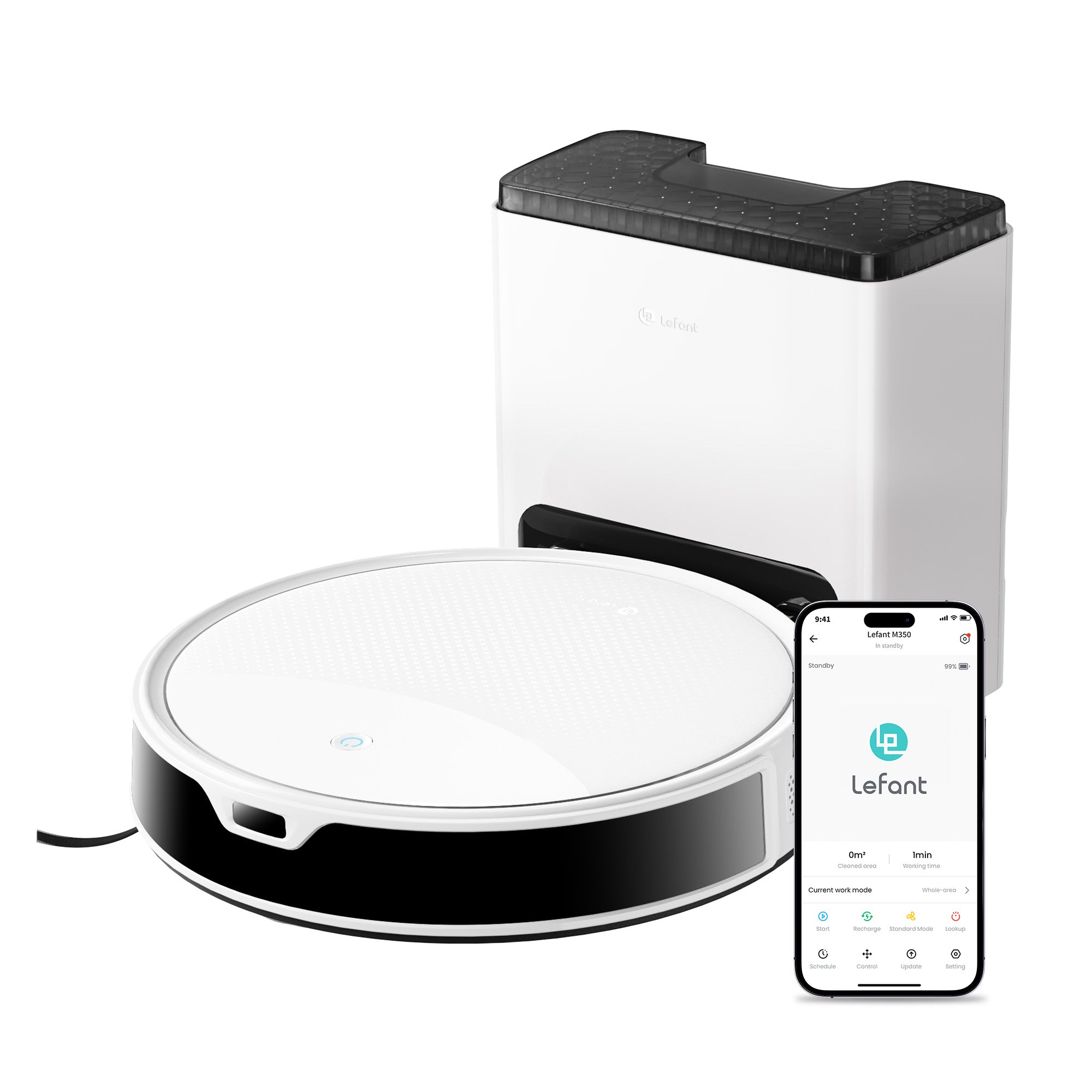
Protecting The Robot Vacuum
Protecting your robot vacuum during long storage keeps it safe and ready to use. Proper care stops dust, dirt, and damage. This helps the device last longer and work well after storage. Follow simple steps to protect the vacuum fully.
Covering The Device
Use a soft cloth or dust cover to shield the vacuum. Covering stops dust from settling on sensors and wheels. Avoid plastic wraps that trap moisture. A breathable cover keeps the vacuum dry and clean.
Removing Accessories
Detach all accessories like brushes and dustbins. Clean and dry these parts before storing. Storing them separately prevents damage and keeps parts in good shape. It also stops dirt build-up inside the device.
Securing Loose Parts
Fasten or remove any loose parts on the vacuum. Loose items can break or get lost during storage. Use small bags or boxes for tiny components. Secure parts protect the vacuum from accidental damage.
Maintenance During Storage
Proper maintenance during storage keeps your robot vacuum ready for use. It prevents damage and extends the device’s life. Simple steps can protect the battery and internal parts. Staying organized helps avoid issues when you start using it again.
Periodic Battery Checks
Check the battery every few weeks. Batteries can lose charge even when not in use. Charge the battery to about 50% before storing. Avoid letting the battery drain completely. Partial charging helps maintain battery health over time.
Remove the battery if the vacuum allows it. Store the battery in a cool, dry place separately. This reduces the risk of battery damage or leaks.
Cleaning Schedule
Clean your robot vacuum before storage. Empty the dustbin and remove debris from brushes. Dirt left inside can cause mold and bad smells. Wipe sensors and wheels with a dry cloth. Keep the vacuum free from dust and grime.
Regular cleaning prevents damage and keeps parts working well. It also makes the vacuum ready to use immediately after storage.
Software Updates
Check for software updates before storing your vacuum. Updates can fix bugs and improve performance. Connect the vacuum to Wi-Fi and update the firmware. This keeps your device secure and efficient.
Updating software reduces problems when you use the vacuum again. It helps the vacuum run smoothly and stay up to date.

Frequently Asked Questions
How Should I Prepare My Robot Vacuum For Storage?
Clean the dustbin and brushes thoroughly. Fully charge the battery before storing. Store in a cool, dry place away from direct sunlight.
Can I Leave My Robot Vacuum On The Charger Long-term?
It’s best to remove the vacuum from the charger after full charging. Prolonged charging can reduce battery lifespan and performance over time.
How Often Should I Check My Stored Robot Vacuum?
Check your stored robot vacuum every 1-2 months. Inspect for dust buildup and battery health to ensure proper function when reused.
What Is The Ideal Storage Temperature For Robot Vacuums?
Store your robot vacuum between 50°F and 77°F (10°C–25°C). Extreme temperatures can damage the battery and electronic components.
Conclusion
Storing your robot vacuum properly keeps it ready to work well. Clean the dustbin and brushes before storing. Keep the battery charged but not full or empty. Store the vacuum in a dry, cool place away from sunlight. Cover it to protect from dust.
Check it now and then during storage. These simple steps help your vacuum last longer. Care matters for good performance next time. Easy habits make a big difference. Your vacuum will thank you.

