

Panasonic OptiFlow vacuum issues usually come from airflow blockage, filter clogging, brush roll trouble, or power loss.
If you have ever watched a Panasonic OptiFlow Vacuum lose suction at the worst time, you know how frustrating it feels. I’ve seen this kind of problem in real cleaning routines, and the fix is often simpler than people expect. In this guide, I’ll walk you through Panasonic OptiFlow Vacuum Troubleshooting in a clear, practical way so you can find the cause fast and get your vacuum back to strong, steady performance.
How Panasonic OptiFlow Vacuum Systems Work
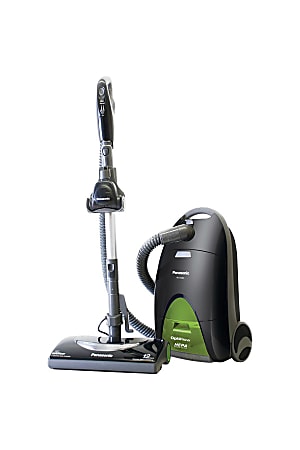
Panasonic OptiFlow vacuum models are built to move air efficiently through the cleaning path. That airflow is what lifts dust, pet hair, and debris from floors and carpets. When any part of that path gets blocked or damaged, cleaning power drops fast.
From experience, most people assume the motor is failing right away. In many cases, the real issue is much smaller, like a packed filter, a jammed brush roll, or a loose hose connection. Understanding the airflow system makes Panasonic OptiFlow Vacuum Troubleshooting much easier and saves time.
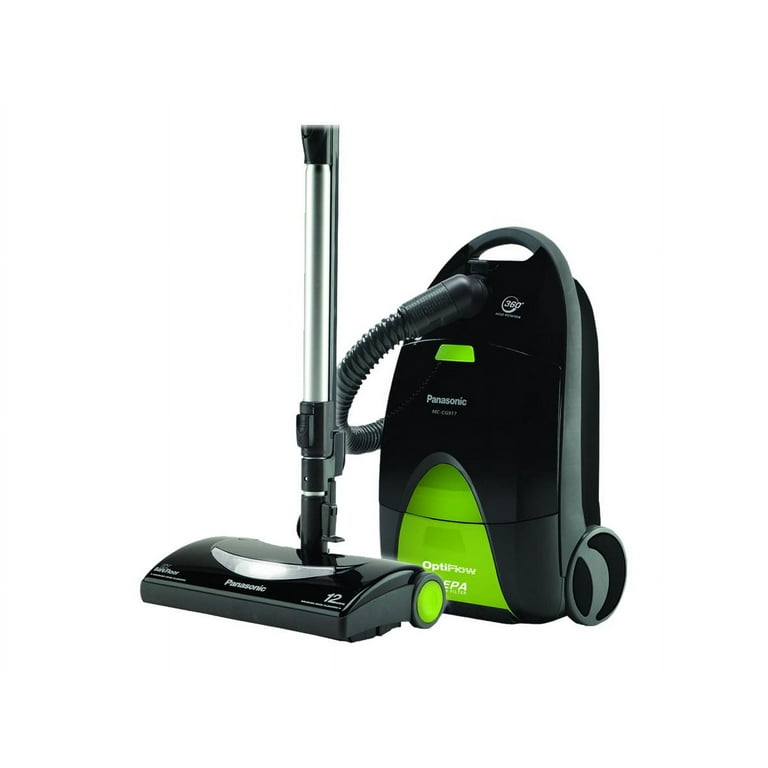
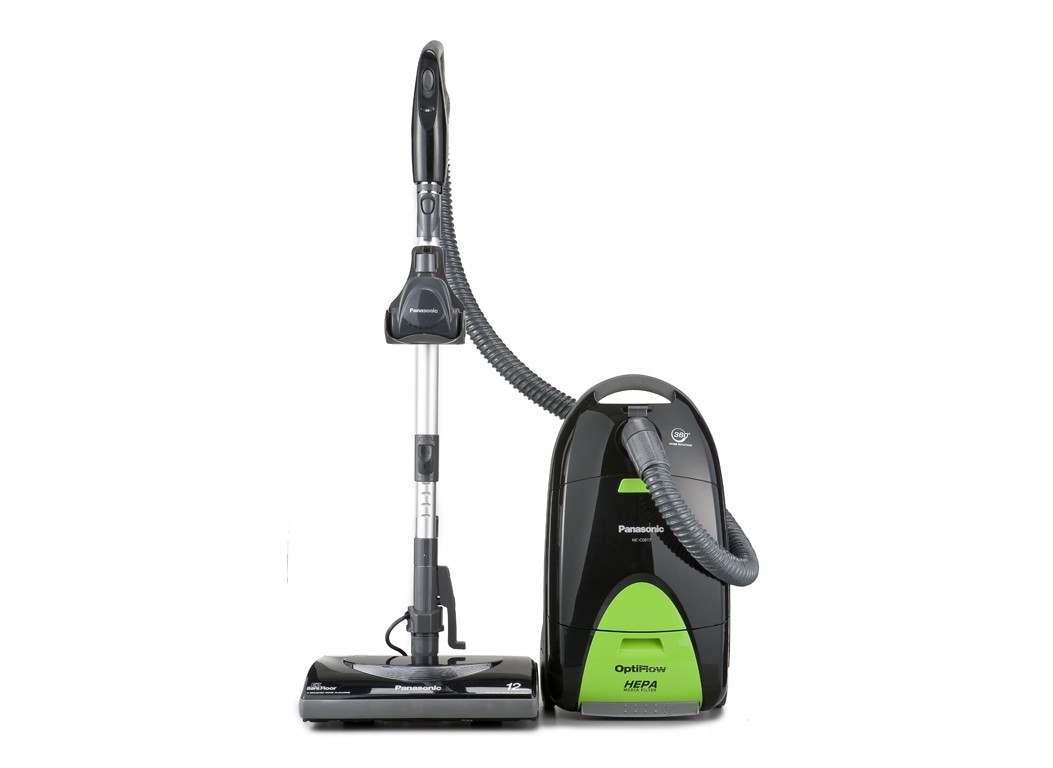
Common parts that affect performance include:
- The dust bag or dust bin, which holds debris
- The pre motor and exhaust filters, which catch fine dust
- The hose and wand, which carry suction
- The brush roll, which agitates carpet fibers
- The belt, which drives the brush roll on many models
Common Panasonic OptiFlow Vacuum Problems and What They Mean
A vacuum usually gives warning signs before it stops working well. Panasonic OptiFlow Vacuum Troubleshooting starts with reading those signs correctly. That alone can point you in the right direction and keep you from replacing the wrong part.
Here are the most common issues I’ve seen:
- Weak suction: Often caused by clogs, full bags, dirty filters, or a cracked hose
- Brush roll not spinning: Usually tied to a broken belt, jam, or power switch issue
- Vacuum shuts off during use: Can point to overheating, blockage, or electrical trouble
- Strange noise: Often means a stuck object, worn belt, or motor strain
- Dust blowing back out: Usually linked to a filter problem or poor seal
If your vacuum seems to “work harder but clean less,” that is often a classic airflow problem. Think of it like breathing through a straw that keeps getting narrower. The machine is trying, but the path is restricted.

Step-by-Step Panasonic OptiFlow Vacuum Troubleshooting
A methodical approach works best. When I troubleshoot a vacuum, I always start with the easiest checks first. That saves time and helps avoid unnecessary part swaps.
1. Check the power source
Make sure the vacuum is plugged in securely. Test the outlet with another device if needed. If the vacuum has a reset button or thermal protector, check whether it has tripped.
2. Inspect the dust bag or dust container
A full bag or overfilled bin can choke airflow. Replace or empty it before doing anything else. Even if it does not look completely full, packed fine dust can still block suction.
3. Clean or replace the filters
Filters are one of the biggest trouble spots in Panasonic OptiFlow Vacuum Troubleshooting. A dirty pre motor filter can make the vacuum feel weak even when the motor is fine. If the filter is washable, let it dry fully before reinstalling it.
4. Look for clogs in the hose and wand
Disconnect the hose and check for stuck debris. Small items like paper scraps, hair clumps, or toy pieces can cause a big drop in suction. A simple flashlight check can reveal the blockage fast.
5. Inspect the brush roll
Turn the vacuum off and unplug it first. Remove hair, thread, and string wrapped around the brush. If the brush does not spin freely, the motor has to work harder and may overheat.
6. Check the belt
If the brush roll is not turning, the belt may be stretched, cracked, or broken. A worn belt is a common fix and is often much cheaper than a service call. Replace it if it looks loose or damaged.
7. Listen for motor strain
A high-pitched sound, burning smell, or repeated shutoff can mean the motor is under stress. In that case, stop using the vacuum until you find the cause. Running it too long with a blockage can make the problem worse.

Why Suction Drops in Panasonic OptiFlow Vacuums
Low suction is the number one complaint in Panasonic OptiFlow Vacuum Troubleshooting. The good news is that this problem often has a very normal cause. Most of the time, airflow is being interrupted somewhere between the floor head and the dust collection area.
Typical causes include:
- Clogged filters
- Full dust bag or bin
- Blocked hose, wand, or intake path
- Loose seals or cracked hoses
- Worn internal gaskets
- Weak motor performance
In my own experience, the sneaky culprits are usually dirty filters or a hose crack near a bend. Those small issues can act like a leak in a water pipe. The vacuum still runs, but it loses force before it reaches the floor.
If suction drops suddenly, do not skip the hose and filter check. Those are the fastest wins and often restore performance right away.

Brush Roll and Belt Troubleshooting Tips
The brush roll does more than spin. It helps lift dirt from carpet fibers so the vacuum can pull it away. When the brush roll stops working, carpets often look dirty even after a full cleaning pass.
Signs of brush roll trouble include:
- The roll does not move at all
- The vacuum still has suction, but carpet cleaning is weak
- You hear a slipping or squealing sound
- Hair and thread are wrapped tightly around the brush
What usually helps:
- Remove debris from the brush roll ends
- Check for worn bearings or obstructions
- Replace a cracked or stretched belt
- Confirm the height setting matches the floor type
A mistake I have seen many times is people forcing the brush roll to move by hand without checking the belt first. That can hide the real issue. Always inspect the belt and the brush housing together.

Overheating, Shutoffs, and Safety Checks
If the vacuum shuts off mid use, overheating may be the reason. Panasonic vacuums often include thermal protection that turns the unit off to prevent damage. That is a useful safety feature, not a failure by itself.
Common overheating triggers include:
- Restricted airflow
- Dirty filters
- Blocked brush roll
- Overfilled bag or bin
- Running the vacuum too long without breaks
What to do:
- Turn the vacuum off and unplug it
- Let it cool completely
- Remove blockages and clean filters
- Check the brush roll and belt
- Restart only after airflow is restored
If the vacuum keeps shutting off after cleaning and cooling, the motor or wiring may need professional service. At that point, continuing to test it can create more damage than help.
Maintenance Habits That Prevent Future Problems
The best Panasonic OptiFlow Vacuum Troubleshooting strategy is prevention. Regular care keeps airflow strong and helps the vacuum last longer. I always tell people that a vacuum is like a kitchen vent: if you let grease and dust build up, performance drops slowly until one day it feels broken.
Good maintenance habits include:
- Empty the dust bin or replace the bag before it gets packed tight
- Clean filters on schedule
- Check the hose for clogs every few weeks
- Remove hair from the brush roll regularly
- Inspect the belt for wear
- Wipe dust from seals and connectors
A simple monthly check can prevent most common failures. That is especially true if you have pets, thick carpet, or a lot of fine dust in the home. Those conditions make vacuums work harder than average.
When to Repair, Replace, or Call a Technician
Not every issue is a DIY fix. Some problems are small and easy, while others are better left to a technician. Knowing the difference helps you avoid wasted time and unsafe repairs.
You can usually handle these yourself:
- Clogged filters
- Full bag or bin
- Hose blockage
- Brush roll cleaning
- Belt replacement
You should consider professional help for:
- Repeated motor shutoffs
- Burning smell
- Electrical sparking
- Damaged power cord
- Strange motor noise after cleaning all blockages
If the vacuum is older and the repair cost is close to replacement value, it may make more sense to upgrade. That is not a failure. It is just practical decision making.
Frequently Asked Questions of Panasonic OptiFlow Vacuum Troubleshooting
Why does my Panasonic OptiFlow vacuum have weak suction?
Weak suction usually comes from a clogged filter, full dust bag, or blockage in the hose or wand. Start with the simplest fixes first, since they solve most cases quickly. If the suction is still weak, check for cracks in the hose or worn seals.
Why did my Panasonic OptiFlow vacuum suddenly stop working?
A sudden stop is often caused by overheating or a tripped safety feature. Let the vacuum cool, then inspect it for blockages and dirty filters before turning it back on. If it still will not start, the cord, switch, or motor may need service.
Why is the brush roll not spinning?
The most common causes are a broken belt, tangled hair, or a jammed brush roll. Turn the vacuum off and unplug it before checking the brush housing. If the belt looks worn or cracked, replacement is usually the next step.
Can a dirty filter really stop suction?
Yes, a dirty filter can reduce suction a lot. It blocks airflow and makes the motor work harder. Cleaning or replacing the filter is one of the most important parts of Panasonic OptiFlow Vacuum Troubleshooting.
How often should I clean my Panasonic OptiFlow vacuum?
That depends on how often you use it, but a quick check every few weeks is a good habit. Homes with pets or heavy dust may need more frequent cleaning. Regular care keeps airflow strong and helps prevent overheating.
When should I stop troubleshooting and call for repairs?
Stop if you notice burning smells, electrical issues, repeated shutoffs, or motor noise that does not go away after cleaning. Those can signal deeper problems that need professional attention. It is safer to avoid pushing the machine further.
Conclusion
Panasonic OptiFlow Vacuum Troubleshooting becomes much easier once you focus on airflow, filters, clogs, and brush roll health. Most problems are not mysterious at all. They are usually simple wear, buildup, or a small part that needs attention.
If you keep up with basic care and check the common trouble spots early, your vacuum will clean better and last longer. Start with the easy fixes, stay patient, and use the steps above as your repeatable checklist. If this guide helped, save it for later, share it with someone who needs it, or leave a comment with the issue you are seeing.

