

The Roomba j7+ usually stops working because of a jam, dirty sensors, weak power, or a software glitch.
If your iRobot Roomba j7+ Robot Vacuum is not working, you are not alone. I’ve seen this happen in homes where the robot is cleaned often and in homes where it has been ignored for weeks. The good news is that most problems are simple, and with the right checks, you can usually get the Roomba j7+ back to normal without guesswork.
Why the iRobot Roomba j7+ Robot Vacuum not working is so common
The iRobot Roomba j7+ Robot Vacuum not working issue often looks worse than it really is. In many cases, the robot is not broken at all. It is just blocked, low on charge, or confused by a sensor issue.
This model is smart, but it still depends on clean wheels, clear brushes, and stable software. When one part fails, the whole cleaning cycle can stop. That is why a calm, step by step check usually works better than random resets.
Main reasons your iRobot Roomba j7+ Robot Vacuum not working
The most common causes are easy to spot once you know where to look. In my experience, these problems show up again and again:
• Battery problems: The Roomba may not charge fully, or the battery may be worn out.
• Dirty sensors: Dust on cliff sensors, charging contacts, or camera areas can stop normal operation.
• Jammed brushes or wheels: Hair, string, and carpet fibers can lock the rollers or side brush.
• Full dustbin or clog: Airflow drops fast when the bin, filter, or passage is blocked.
• App or Wi-Fi issues: Sometimes the robot is fine, but the app shows it as offline or unresponsive.
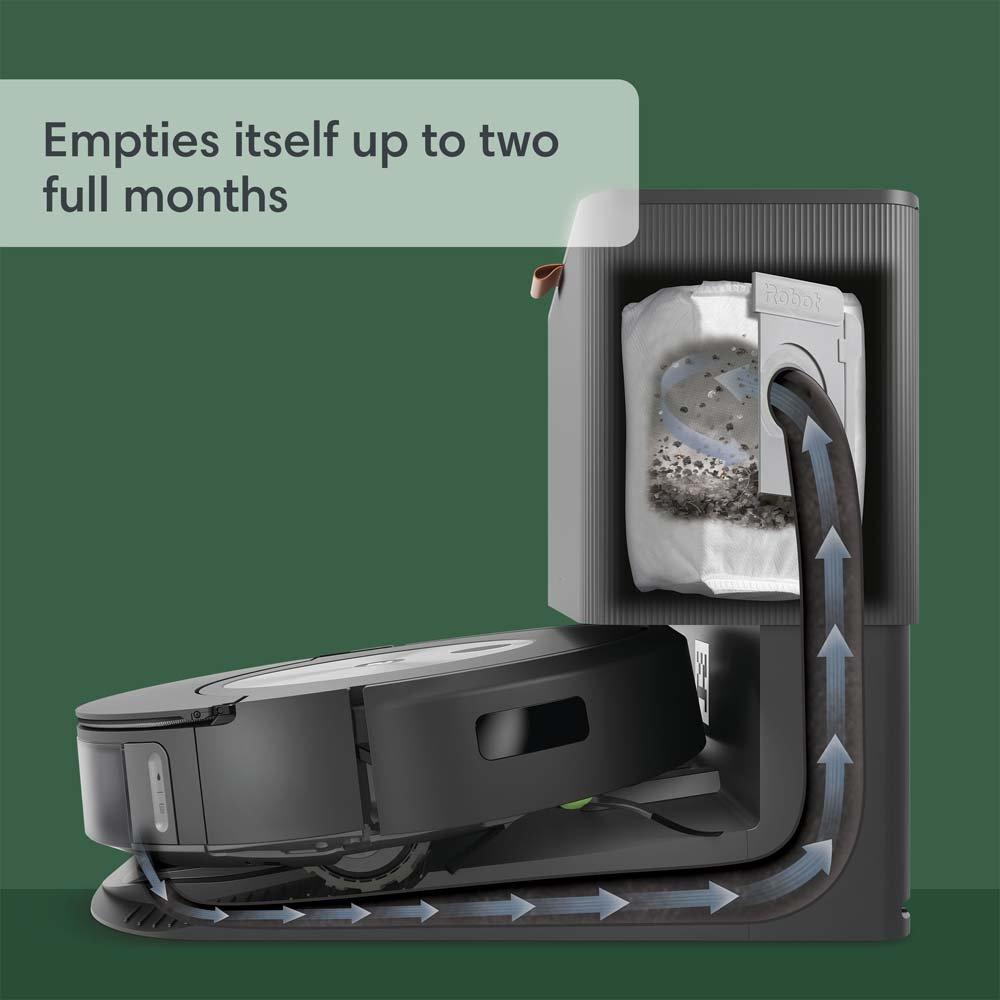
• Docking problems: If the base station is not powered or placed well, the Roomba may never start correctly.
• Firmware glitches: A software bug can freeze cleaning, mapping, or docking behavior.
The iRobot Roomba j7+ Robot Vacuum not working problem usually starts with one of these simple faults. That is why the first fix is often the easiest one.
Step by step fixes for an iRobot Roomba j7+ Robot Vacuum not working
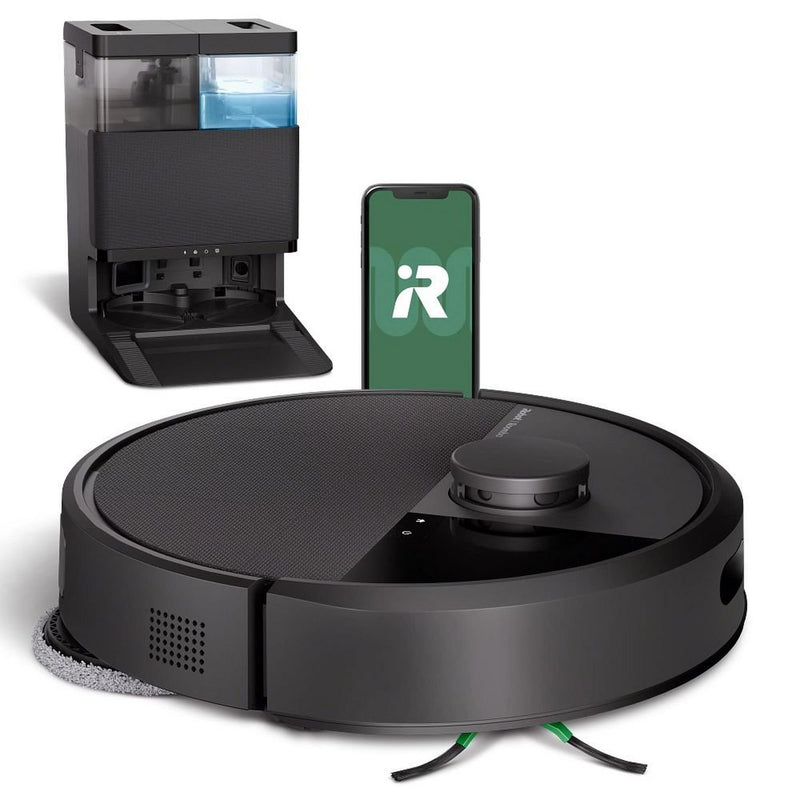
When the iRobot Roomba j7+ Robot Vacuum not working issue happens, start with the basics. I like to work from the outside in, because that saves time and avoids unnecessary resets.
1. Check the battery and charging base
Place the robot on the Home Base and make sure the dock has power. Look for the charging light and confirm the metal charging contacts are clean.
If the robot does not charge, wipe the contacts with a dry cloth. Also check that the base is on a hard, level floor with enough space around it. A poor docking setup can make the Roomba act dead even when the battery is fine.
2. Clean the wheels, brushes, and sensors
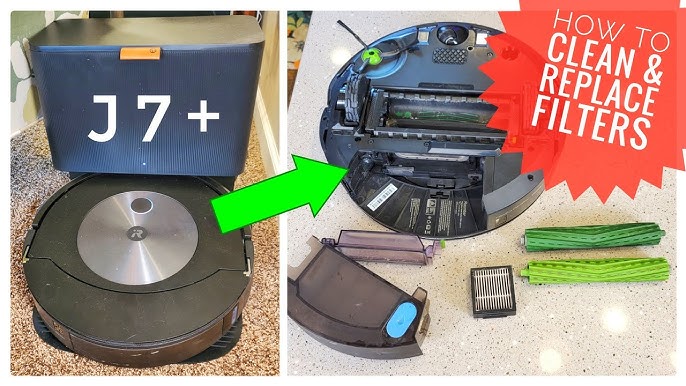
Turn the robot over and look for hair, thread, or debris. The main brush rolls, side brush, and front wheel can all get stuck.
Use your fingers, scissors, or a cleaning tool to remove buildup. Then wipe the sensors gently with a soft dry cloth. This is one of the fastest ways to fix an iRobot Roomba j7+ Robot Vacuum not working problem.
3. Empty the bin and inspect the airflow path
A clogged bin can make the robot stop mid job or act weak. Remove the dustbin, empty it, and clean the filter if it looks dirty.
Check the air duct and bin inlet for packed dust. I have seen robots act “broken” when they were really just choking on fine debris. Think of it like trying to breathe through a straw full of lint.
4. Restart the robot
A soft reboot can clear temporary software trouble. This is often worth trying before a factory reset.
Power the robot off, wait a short time, then turn it back on. If your app or model supports a reboot option, use that first. Many weird issues vanish after a clean restart.
5. Update the software
If the iRobot Roomba j7+ Robot Vacuum not working issue started after a recent app change or strange behavior, check for updates. Software updates can fix navigation bugs, charging errors, and connection problems.
Keep the app open, connect the robot to Wi-Fi, and allow updates to finish. Do not interrupt the process. I have found that a lot of “mystery failures” are really old firmware acting up.
6. Reconnect Wi-Fi and the app
If the robot seems offline, remove and re-add it in the app. Make sure your phone is on the same network and that the router is working properly.
Roomba vacuums usually work best on a stable 2.4 GHz connection. If your home network is overloaded or the password changed, the robot may stop responding in the app.
7. Check for error messages
The Roomba j7+ often gives a spoken alert, app message, or light pattern. These clues matter.
Common alerts point to:
• Full bin
• Brush jam
• Battery issue
• Cliff sensor problem
• Wheel obstruction
• Charging error
Always note the exact message before you reset anything. That makes troubleshooting much faster.
When the iRobot Roomba j7+ Robot Vacuum not working is a mapping or navigation issue
Sometimes the robot powers on, but it wanders, gets stuck, or ends early. That can feel like a cleaning failure, but it is really a navigation problem.
This often happens when:
• The floor has cords, toys, or loose rugs
• The robot’s camera or sensors are dirty
• The lighting is too dark in certain areas
• Furniture was moved and the map is outdated
• The robot hits thresholds, mirrors, or shiny surfaces that confuse it
The j7+ uses smart navigation, but it still needs a clean path and a good view of the room. If it keeps failing in the same spot, block the problem area or update the map in the app.
When a reset is needed for the iRobot Roomba j7+ Robot Vacuum not working
A reset should be a later step, not the first step. I usually save it for cases where cleaning, charging, and restarting do not help.
Use a reset when:
• The app will not connect after multiple tries
• The robot freezes during startup
• Mapping keeps failing
• The vacuum gives repeated false errors
• Firmware seems stuck
Before a full reset, back up any important room maps if possible. A factory reset can clear saved data, so only use it if the other fixes do not work.
How to prevent the iRobot Roomba j7+ Robot Vacuum not working again
Good maintenance makes a big difference. The j7+ is reliable, but like a car, it runs best when you keep up with basic care.
Try these habits:
• Empty the bin often, especially if you have pets
• Clean brushes weekly if hair is common in your home
• Wipe sensors and contacts every few days
• Keep cords, socks, and small objects off the floor
• Update the app and robot software when available
• Place the dock in a clear, open area
• Check the wheels for trapped debris after heavy use
One lesson I learned early: small cleaning habits prevent big problems later. A robot vacuum is not truly “set it and forget it.” It is more like a helpful teammate that still needs a little care.
When to contact support or replace parts
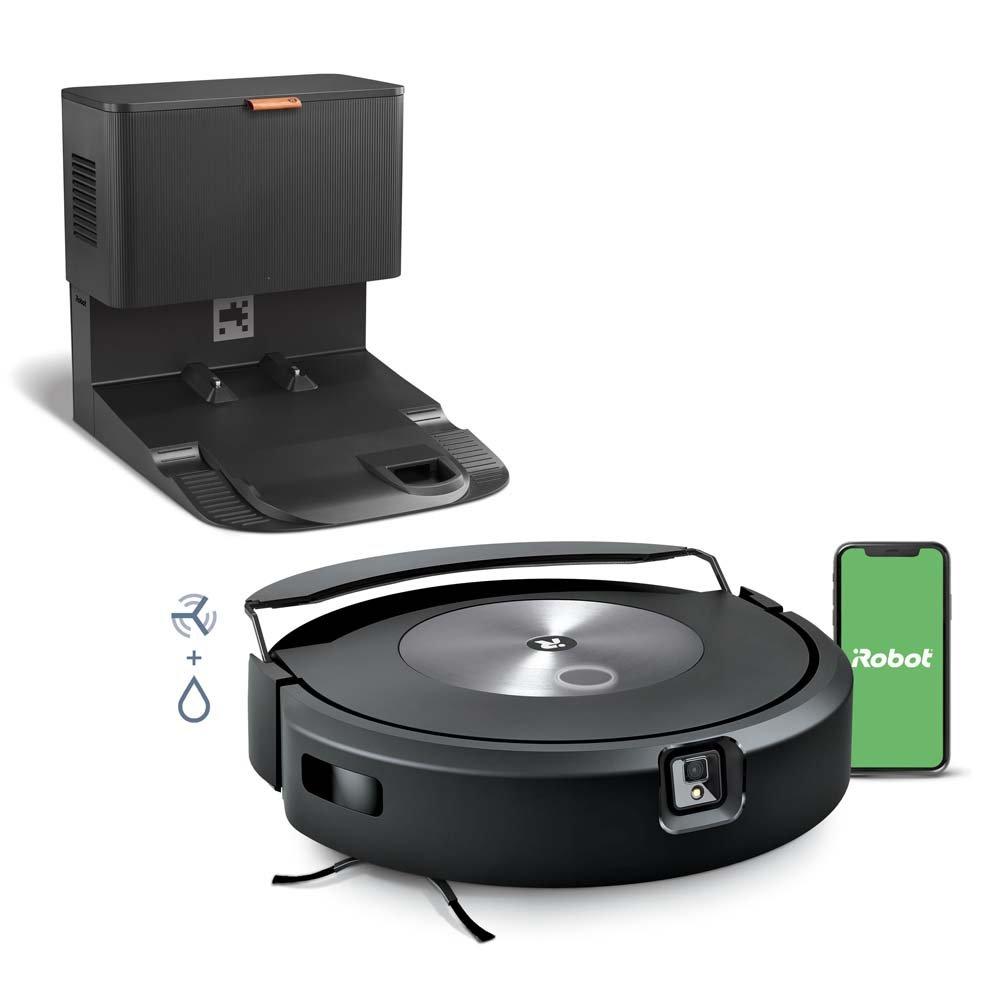
If the iRobot Roomba j7+ Robot Vacuum not working issue keeps returning, the problem may be hardware related. Worn batteries, damaged wheels, bad sensors, or charging dock faults may need replacement.
You should get help if:
• The robot will not power on at all
• It dies even after a full charge
• The dock light is off and the base has power problems
• A wheel stays stuck after cleaning
• Error messages return after every restart
Replacement parts can be a smart fix if the vacuum is out of warranty. In many homes, a new battery or brush module restores normal use without replacing the whole robot.
Frequently Asked Questions of iRobot Roomba j7+ Robot Vacuum not working
Why is my iRobot Roomba j7+ Robot Vacuum not working even though it is charged?
A full battery reading does not always mean the robot can run normally. Dirty contacts, a weak battery, or a jammed brush can still stop cleaning.
Why does my Roomba j7+ keep stopping mid cleaning?
This usually happens because of a clog, wheel issue, sensor problem, or a false obstacle detection. Check the bin, brushes, and floor area first.
Why is my Roomba j7+ not connecting to the app?
Wi-Fi problems, router changes, or app glitches are common causes. Restart the robot, confirm your network, and reconnect the device if needed.
What should I do if my Roomba j7+ will not dock?
Clean the charging contacts and make sure the Home Base has power. Also check that the dock has open space around it and is not sitting on an uneven floor.
Can a firmware update fix the iRobot Roomba j7+ Robot Vacuum not working issue?
Yes, in many cases it can. Firmware updates often fix navigation bugs, app errors, and charging or connectivity problems.
Conclusion
The iRobot Roomba j7+ Robot Vacuum not working issue is frustrating, but it is usually fixable. Most of the time, the answer is hidden in something simple like a dirty sensor, a stuck brush, a weak charge, or a software glitch.
If you take the time to check each part in order, you can save yourself stress and avoid unnecessary repairs. Start with the basics, stay patient, and keep up with regular cleaning so the problem does not come back. If this guide helped, try the steps today, and share your experience or questions so others can learn from it too.

