

Empty the Shark AI Ultra by removing the dust bin, opening it over a trash can, and cleaning the filter.
If you own a Shark AI Ultra Robot Vacuum, learning how to empty it the right way keeps suction strong and helps the robot clean like it should. I’ve found that a fast, careful emptying routine makes a huge difference in day-to-day performance, especially if you have pets, long hair, or a lot of dust in the home. In this guide, I’ll walk you through exactly how to empty Shark AI Ultra Robot Vacuum, plus the small maintenance habits that help it stay reliable longer.
Why Emptying the Shark AI Ultra Robot Vacuum Matters
Emptying the Shark AI Ultra Robot Vacuum is not just about making room for more dirt. It is about protecting suction power, airflow, and overall cleaning performance. When the dust bin gets too full, the vacuum can start leaving debris behind, and that is when people often think the robot is broken.
A full bin can also make the filter work harder than it should. Over time, that can lead to weaker pickup, more noise, and more frequent cleaning interruptions. If you want your Shark AI Ultra Robot Vacuum to stay efficient, emptying it regularly is one of the easiest things you can do.
From experience, this is one of those tiny chores that saves a lot of frustration later. I’ve seen robot vacuums act sluggish simply because the bin was packed tighter than it looked from the outside. Think of it like a backpack: it may still close when full, but it is not doing you any favors.

How to Empty Shark AI Ultra Robot Vacuum Step by Step
The process is simple, but doing it carefully helps keep dust from spilling back into the air. If you are wondering how to empty Shark AI Ultra Robot Vacuum the right way, this is the basic routine I recommend.
1. Remove the robot from the charging dock
First, take the robot vacuum off its base if needed. Make sure it is powered off or paused before opening any compartments. This keeps the brush rollers and internal parts from moving while you are handling it.
2. Find the dust bin release
Locate the dust bin on the robot body. On most Shark AI Ultra Robot Vacuum models, the bin is easy to access from the top or rear area. Press the release tab gently and slide the bin out.
3. Carry the bin to a trash can
Take the dust bin directly to a trash can before opening it. This is the cleanest way to empty Shark AI Ultra Robot Vacuum because loose dust, crumbs, and pet hair can fall straight into the bin below. If you open it near furniture or carpet, you may end up cleaning twice.
4. Open the dust bin door
Most bins have a bottom latch or lid that opens with a simple press. Hold the bin low over the trash can and release the debris slowly. If the bin is packed with hair, you may need to tap it gently to loosen the clumps.
5. Check for trapped debris
After emptying, look inside the bin for dust stuck in corners or around the filter area. Small bits of debris can build up and reduce airflow. A quick check here helps the Shark AI Ultra Robot Vacuum stay strong between cleanings.
6. Reinstall the bin securely
Once the bin is empty, close it fully and slide it back into the robot until it clicks into place. A loose bin can cause poor sealing and weak suction. I always give it a light tug to make sure it is seated properly.
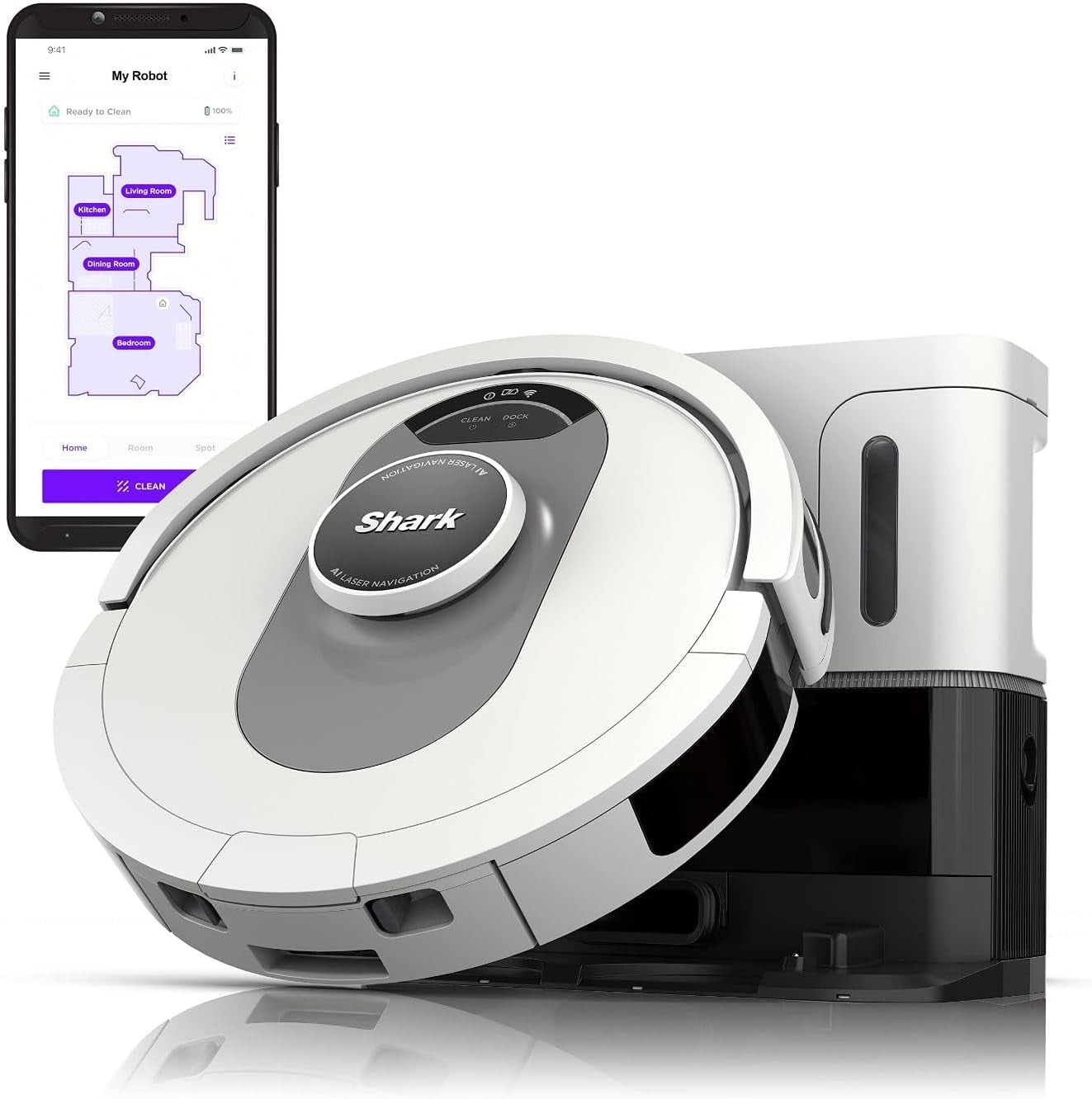
How Often Should You Empty Shark AI Ultra Robot Vacuum?
How often you need to empty Shark AI Ultra Robot Vacuum depends on your home. If you have pets, kids, heavy foot traffic, or lots of carpet, the bin may fill faster than you expect. In smaller homes with lighter messes, you may not need to empty it as often.
A good rule is to check it after every few cleaning runs. If the vacuum is collecting hair, crumbs, or fine dust, I would empty it more often rather than waiting for it to look full. In my experience, frequent emptying keeps the robot cleaner inside too, which means less buildup in the filter and bin.
Here is a simple way to think about it:
• Empty after every run if you have pets or long hair in the home
• Empty every 2 to 3 runs if dust levels are moderate
• Empty immediately if suction seems weaker than normal
The bin does not need to be completely packed before you empty it. In fact, that is usually too late.
How to Clean the Dust Bin and Filter
Knowing how to empty Shark AI Ultra Robot Vacuum is only part of the job. A clean bin and filter help the machine breathe better, just like clear airways help a person breathe easier. That is why a deeper clean is worth doing now and then.
Clean the dust bin
Rinse the dust bin only if the manufacturer’s care guidance allows water cleaning for that part. If water is safe for your model, wash it gently and let it dry fully before reinstalling it. Never put a damp bin back into the robot, because moisture can lead to odor and damage.
Clean the filter
The filter is one of the most important parts to maintain. Tap it gently over a trash can to remove loose dust, and replace it if it looks worn or clogged. Some filters can be cleaned, while others are meant to be replaced, so it is smart to follow the model’s maintenance instructions closely.
From a practical standpoint, I have found that a clogged filter often looks harmless but quietly hurts performance. It is like trying to sip through a straw that is partly blocked. The robot may still run, but it will not clean as well.
Check the brush roll and bin area
While you are already working on the vacuum, look for hair wrapped around the brush roll or debris stuck near the bin opening. Small blockages can build up fast, especially in homes with pets. Clearing them early saves time and keeps the Shark AI Ultra Robot Vacuum moving smoothly.

Common Mistakes to Avoid
A lot of people think emptying the Shark AI Ultra Robot Vacuum is as simple as dumping the bin and moving on. That works sometimes, but a few small mistakes can shorten the life of the vacuum or make it perform badly.
• Do not overfill the bin before emptying it. Packed debris can block airflow and make removal messier.
• Do not shake the bin too hard. That can send fine dust back into the air.
• Do not reinstall a wet bin or filter. Moisture can damage internal parts.
• Do not ignore hair wrapped around the brushes. Hair buildup often causes poor pickup and strange noises.
• Do not force the bin into place. If it does not fit easily, check alignment first.
I learned early on that rushing this step usually creates more cleanup. A slow, steady emptying routine takes less than a minute and prevents a lot of unnecessary mess.
Troubleshooting If the Vacuum Still Seems Full or Weak
Sometimes the Shark AI Ultra Robot Vacuum still acts weak even after you empty it. When that happens, the problem is often not the bin alone. It may be a blocked filter, tangled brush, or dirty sensor.
Try these checks:
• Make sure the dust bin is fully seated
• Clean or replace the filter if it looks gray and clogged
• Remove hair from the brush roll and side brushes
• Wipe the sensors with a soft, dry cloth
• Check the air path for trapped debris
If the vacuum still struggles, the issue may be related to maintenance, battery health, or a deeper clog. In that case, it helps to review the user guide for your exact model and confirm the recommended cleaning schedule. That way you are not guessing.
Best Practices to Keep Your Shark AI Ultra Robot Vacuum Running Well
A good emptying routine is just one part of keeping your robot vacuum in shape. I always tell people that maintenance works best when it is simple and consistent. You do not need a big cleaning ritual, just a few steady habits.
• Empty the bin often instead of waiting for it to be packed full
• Clean the filter on a regular schedule
• Remove hair and string from brushes weekly if needed
• Wipe the sensors and charging contacts
• Keep floors clear of cords and small clutter
These steps help the Shark AI Ultra Robot Vacuum do what it was designed to do: clean without drama. When you stay ahead of the dirt, the robot lasts longer and performs better.
Frequently Asked Questions of How to Empty Shark AI Ultra Robot Vacuum
How do I open the dust bin on a Shark AI Ultra Robot Vacuum?
Most models have a release tab or latch that lets the dust bin slide out easily. Hold it over a trash can and open the bin door slowly so debris falls straight down.
Can I wash the dust bin of my Shark AI Ultra Robot Vacuum?
Some dust bins can be washed, but not all parts are meant for water. Always check your model’s care instructions first and let every washable part dry fully before putting it back.
How often should I empty the Shark AI Ultra Robot Vacuum?
If you have pets or heavy dust, empty it after every run or every few runs. For lighter use, check it often and empty it before it gets packed full.
Why does my Shark AI Ultra Robot Vacuum seem weaker after emptying it?
A weak vacuum after emptying usually means the filter, brush roll, or air path is still clogged. Check those areas carefully, because the bin is only one part of the system.
What should I do if the dust bin is stuck?
If the dust bin feels stuck, do not force it. Gently check the release tab, look for debris blocking the slot, and make sure the vacuum is powered off before trying again.
Do I need to clean the filter every time I empty the vacuum?
Not every time, but it should be checked often. A dirty filter can reduce suction even when the bin is empty, so regular cleaning helps keep performance strong.

Conclusion
Learning how to empty Shark AI Ultra Robot Vacuum the right way is one of the easiest ways to keep it cleaning well. A quick bin empty, a clean filter, and a check for tangled debris can make a big difference in suction and overall performance. It is a small habit, but it pays off every time the robot rolls out to clean.
If you keep up with regular maintenance, your Shark AI Ultra Robot Vacuum will stay more reliable and work less like a stressed-out helper and more like the dependable one you bought it to be. Try the steps above during your next cleaning cycle, and if you found this guide useful, share your own tips or explore more home cleaning advice.

