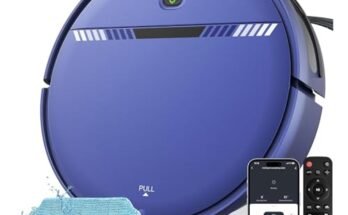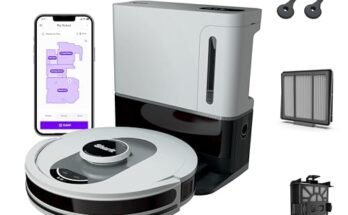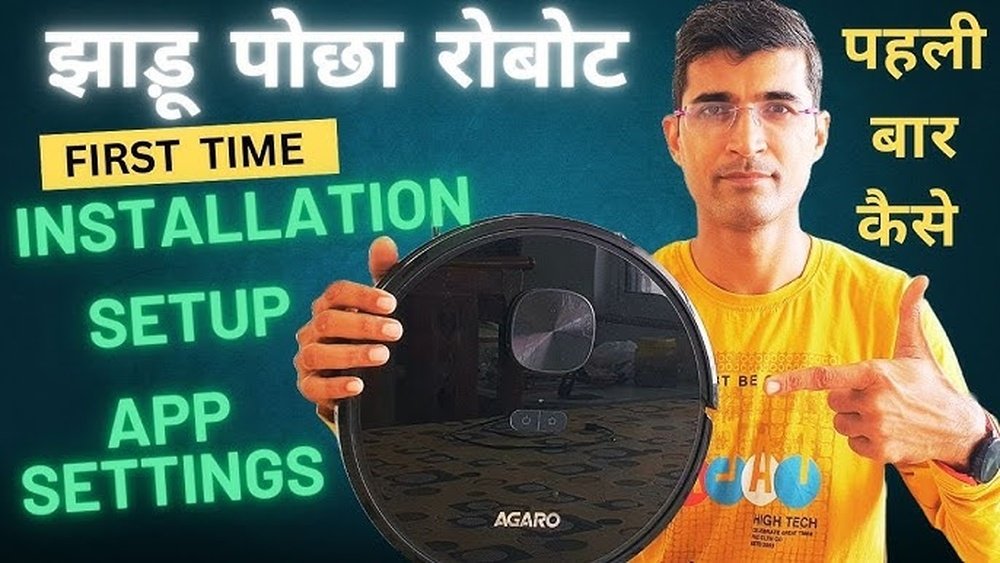
Setting up your robot vacuum for the first time might seem tricky, but it’s easier than you think. Imagine coming home to perfectly clean floors without lifting a finger.
This guide will walk you through every simple step to get your new helper ready to work. By the end, you’ll feel confident and excited to let your robot vacuum take care of the mess. Keep reading, and discover how quickly your home can become cleaner and your life a little easier.
Choosing The Right Spot
Choosing the right spot for your robot vacuum’s docking station is important. It helps the vacuum work well and recharge easily. A good location saves time and avoids problems during cleaning.
Placing the docking station in the right place ensures the vacuum can find it quickly. It also keeps the area safe from damage or blockages. This step makes your cleaning routine smoother and more efficient.
Ideal Docking Station Location
Place the docking station against a wall on a flat surface. Make sure it has enough space around it for the vacuum to dock easily. Leave at least 3 feet clear in front and 1.5 feet on each side.
Choose a spot near a power outlet to keep the station plugged in. Avoid places that are too dark or hidden. The vacuum needs clear signals to locate the dock every time.
Avoiding Obstacles And Interference
Keep the docking station away from stairs and drop-offs to prevent falls. Remove nearby objects like cables, shoes, or small furniture that could block the vacuum.
Do not place the station near large metal objects or wireless routers. These can cause signal interference. A clear path helps the vacuum return safely without errors.
Charging Your Robot Vacuum
Charging your robot vacuum is the first step before using it. Without enough power, the vacuum cannot clean your home properly. Proper charging helps keep the battery healthy and extends its life. Follow simple steps to charge your robot vacuum correctly and safely.
Initial Charging Tips
Place the charging base on a flat surface near a power outlet. Make sure the area around the base is clear. This allows the robot to find and dock easily. Connect the charger to the base and plug it into the outlet. Let the robot vacuum charge fully before the first use. This may take several hours. Avoid interrupting the first charge cycle. A full charge helps the battery perform better.
Battery Care Basics
Keep the robot vacuum’s battery charged regularly. Do not let the battery drain completely. Charge it soon after cleaning sessions end. Store the vacuum in a cool, dry place. Avoid extreme heat or cold, which can harm the battery. Unplug the charging base if you will not use the vacuum for a long time. This protects the battery from damage and keeps it ready to use.
Preparing Your Home
Preparing your home is the first step to setting up a robot vacuum. It helps the vacuum work better and avoid problems. A clean, clear floor makes it easier for the robot to move around and clean well.
Taking a few minutes to prepare your space saves time later. It also protects your belongings from damage. Let’s look at two important tasks to get your home ready.
Clearing Floors And Cords
Remove small objects from the floor. Toys, shoes, and clothes can block the vacuum’s path. Loose cords are a major problem. They can get tangled in the vacuum’s brushes or wheels.
Gather cords and place them out of reach. Use clips or ties to keep cords neat. Clear floors help the vacuum clean smoothly and avoid getting stuck.
Securing Loose Items
Check for any loose items that can move around. Small rugs, mats, or lightweight furniture may shift. These can confuse the robot or cause it to stop.
Secure rugs with tape or remove them. Push furniture close to walls to create a clear path. This makes it easier for the vacuum to clean every corner.

Setting Up The App
Setting up the app is the first step to control your robot vacuum easily. The app helps you schedule cleaning times, check the vacuum’s status, and control it remotely. Follow these simple steps to get started with the app quickly.
Downloading And Installing
Find the app on your phone’s app store. Search using the vacuum’s brand or model name. Tap the download button and wait for it to install. The app will appear on your home screen once installed.
Connecting To Wi-fi
Open the app and select the option to connect your vacuum. Make sure your phone is connected to a 2.4GHz Wi-Fi network. Enter your Wi-Fi password carefully. The vacuum will connect to the network and sync with the app.
Creating User Profile
Sign up with your email or phone number in the app. Create a simple password to protect your account. Fill in your name and any other requested details. This profile helps save your vacuum settings and preferences.
Customizing Cleaning Preferences
Customizing your robot vacuum’s cleaning preferences makes your cleaning routine easier. Setting up these options helps the vacuum work the way you want. You save time and keep your home cleaner. Focus on scheduling, modes, and no-go zones for best results.
Scheduling Cleaning Times
Set specific times for your robot vacuum to clean. Choose days and hours that suit your schedule. This way, the vacuum cleans even when you are away. You avoid unwanted noise during rest times. Scheduling keeps your home tidy without extra effort.
Selecting Cleaning Modes
Robot vacuums offer different cleaning modes. Choose a mode based on your floor type or mess level. For light dust, use a gentle mode. For heavy dirt, select a stronger mode. Switching modes helps clean more effectively and saves battery.
Setting No-go Zones
No-go zones keep the vacuum away from certain areas. Use the app to mark places like pet bowls or fragile items. This prevents damage and stops the vacuum from getting stuck. Setting no-go zones protects your home and makes cleaning smooth.
Running The First Cleaning Cycle
Running the first cleaning cycle is an important step for your new robot vacuum. It helps the vacuum learn your home layout. Also, it checks if the device works well and cleans properly. This first run sets the stage for future cleanings.
Starting The Vacuum
Place the robot vacuum on a flat surface. Make sure it is fully charged or connected to its dock. Press the power button or use the app to start the cleaning. The vacuum will begin moving and scanning the area. Clear small objects and cords from the floor first.
Monitoring Initial Run
Watch the robot during its first cleaning cycle. Notice if it moves smoothly and avoids obstacles. Check if it cleans corners and edges well. If the vacuum gets stuck, gently move it and clear the path. This helps the vacuum learn and improve future cleaning paths.
Maintenance Tips
Keeping your robot vacuum in good shape is key to its long life. Regular care helps the vacuum clean better and last longer. Follow these simple maintenance tips to keep your device running smoothly.
Emptying The Dustbin
Empty the dustbin after every cleaning session. Full dustbins reduce suction power. Remove the bin carefully to avoid dust spills. Rinse it with water once a week. Let it dry completely before putting it back.
Cleaning Brushes And Filters
Brushes collect hair and debris quickly. Remove tangles to avoid damage. Clean the brushes once a week or more often. Filters trap dust and dirt inside the vacuum. Check filters every week. Wash or replace them as the manual suggests.
Software Updates
Software updates improve your vacuum’s performance. Connect the vacuum to Wi-Fi for updates. Check for updates once a month. Install updates to fix bugs and add features. Updated software keeps the vacuum efficient and smart.

Frequently Asked Questions
How Do I Prepare My Home For A Robot Vacuum?
Clear the floor of cables, toys, and small objects. Close doors to rooms you don’t want cleaned. Remove rugs that could tangle the vacuum. This ensures smooth navigation and prevents damage to both your robot vacuum and household items.
What Is The First Step In Setting Up A Robot Vacuum?
Start by charging your robot vacuum fully before first use. Then, download the manufacturer’s app if available. Follow the app’s instructions to connect the vacuum to your Wi-Fi network. This setup allows full control and scheduling features.
How Do I Map My Home For Robot Vacuum Cleaning?
Most robot vacuums map your home automatically during the first cleaning. Run a full cleaning cycle without interruptions. The vacuum uses sensors to create a map for efficient future cleanings. You can usually edit or save this map in the app.
Can I Schedule Cleaning Times On My Robot Vacuum?
Yes, scheduling is a common feature in robot vacuums. Use the app or onboard controls to set specific cleaning times. This helps maintain a clean home without manual operation. Make sure your vacuum is charged and docked when scheduled.
Conclusion
Setting up a robot vacuum is easier than it seems. Start by reading the manual carefully. Place the charging dock in an open area. Connect the vacuum to your Wi-Fi for app control. Clear the floor from wires and small objects.
Schedule cleaning times that fit your routine. Regularly empty the dustbin and clean the brushes. These simple steps help your robot work well. Enjoy a cleaner home with less effort. Keep your robot vacuum ready for the next job. You will save time and energy every day.