

A Shark robot vacuum usually stops working because of power, brush, sensor, or navigation issues.
If your Shark robot vacuum not working has turned cleanup into a headache, you are not alone. I’ve seen this problem come up in homes with pets, rugs, dust, and busy schedules, and the cause is often simpler than it looks. In this guide, I’ll walk you through the most common reasons a Shark robot vacuum not working issue happens, how to fix it step by step, and when it may be time to contact support or replace a part.

Common reasons a Shark robot vacuum not working
A Shark robot vacuum not working can be caused by something as small as a dirty sensor or as big as a battery failure. In many cases, the vacuum is not fully broken. It is just blocked, stuck, undercharged, or confused by its surroundings.
The most common causes include:
- Low or dead battery
- Charging dock issues
- Dirty charging contacts
- Full dust bin or clogged air path
- Hair wrapped around the brush roll
- Dirty cliff sensors or bumper sensors
- Wi-Fi or app connection problems
- Software glitches
- Wheel obstructions
- Error lights that point to a specific fault
In my experience, the fastest fix is often the boring one: clean the vacuum well, then restart it. That simple step has solved more Shark robot vacuum not working complaints than people expect.

Check the power and charging setup first
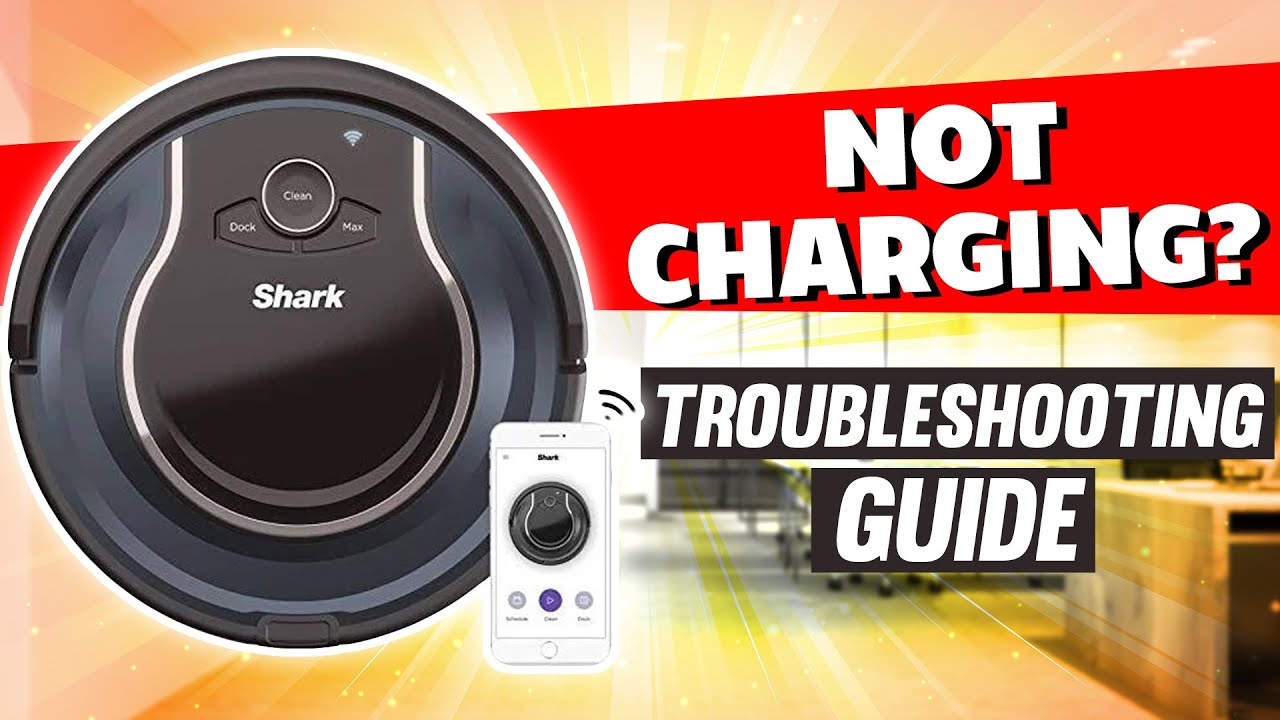
When a Shark robot vacuum not working problem shows up, start with power. If the vacuum has no charge, it will not respond, clean, or return to dock properly. A weak battery can also make it stop halfway through a run.
Try these steps:
- Make sure the charging dock is plugged in firmly.
- Check whether the outlet works with another device.
- Align the vacuum on the dock properly.
- Clean the metal charging contacts on both the vacuum and the dock.
- Let the vacuum charge for several hours before testing again.
If the Shark robot vacuum not working issue only happens after a short run time, battery wear may be the reason. Rechargeable batteries lose strength over time, especially if the vacuum is used daily in large homes.

Clean the sensors, brush roll, and wheels
A Shark robot vacuum not working issue often comes down to dirt in the wrong place. These machines depend on sensors and free-moving parts to navigate. If dust, pet hair, or lint builds up, the robot may stop, spin in place, or think it is stuck.
Focus on these parts:
- Cliff sensors on the bottom
- Bumper area on the front
- Side brushes
- Main brush roll
- Drive wheels
- Wheel wells
- Filter and dust bin
Use a dry cloth or soft brush to clean the sensors. Remove hair from the brush roll and wheels. I once fixed a “dead” robot vacuum in minutes just by clearing a wad of pet hair from one wheel. It had been acting like the floor itself was the problem.
Empty the bin and clear airflow blockages
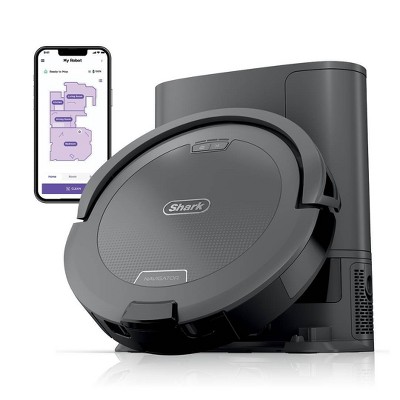
A full dust bin can make a Shark robot vacuum not working issue worse than it seems. When airflow is blocked, suction drops and the machine may overheat or shut down early. Even if it still moves, it may not clean properly.
Check for blockages in these spots:
- Dust bin
- Filter compartment
- Intake opening
- Hose or air channel, if your model has one
- Brush housing
Tap out the dust bin, wash reusable parts if the manual allows it, and let them dry fully before reinstalling. Never run the vacuum with a wet filter or damp parts, because that can damage the motor.
Reset the vacuum if it is frozen or unresponsive
Sometimes a Shark robot vacuum not working issue is just a software freeze. Like a phone that needs a restart, the robot can lock up after a failed charge, interrupted cleaning cycle, or app error. A reset often clears the problem fast.
Basic reset steps usually include:
- Turning the vacuum off
- Removing it from the dock
- Waiting a few minutes
- Turning it back on
- Placing it back on the charger
For some Shark models, a factory reset may be needed. This can clear saved settings and fix deeper glitches, but it should be your last step before calling for repair help. Always check your model’s manual before doing a full reset.

Fix app, Wi-Fi, and mapping problems
If your robot vacuum uses an app, the Shark robot vacuum not working problem may be tied to connectivity. A weak Wi-Fi signal, app crash, or map error can keep the vacuum from starting jobs or returning to the right room. This is common with smart home devices that rely on both hardware and software.
Try this:
- Restart your router
- Move the dock closer to a stronger Wi-Fi signal
- Reconnect the vacuum in the app
- Update the app
- Check for firmware updates
- Delete and rebuild the map if navigation is broken
A mapped robot can become confused if furniture moves a lot or if mirrors, cords, or dark rugs interfere with sensors. I’ve seen vacuums wander in circles after a room was rearranged, only to work fine again after a fresh map was created.
Look for physical damage or worn parts
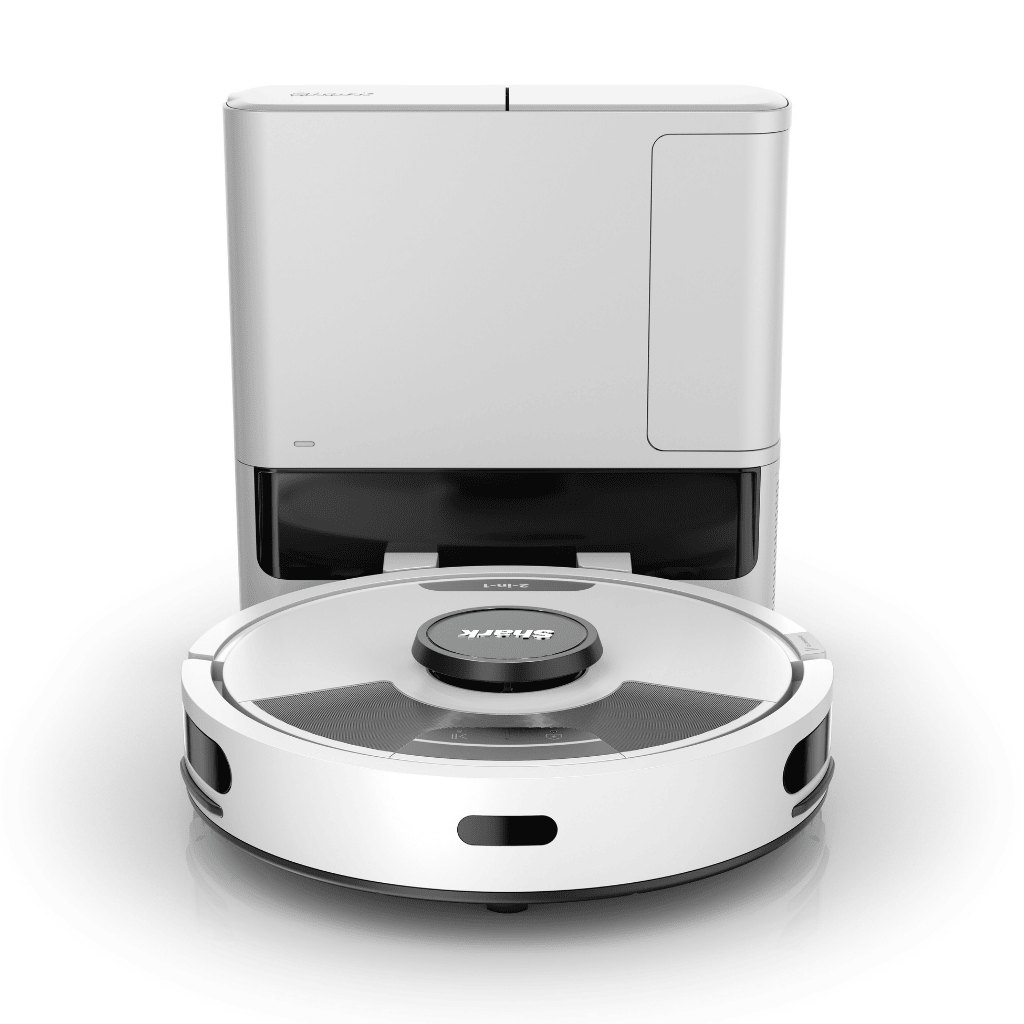
A Shark robot vacuum not working issue can also point to a worn-out part. Brushes, batteries, wheels, and sensors all take a beating over time. If the vacuum has been used for years, basic wear may be the real cause.
Watch for these signs:
- Battery no longer holds a charge
- Brush roll looks bent or cracked
- Wheels grind or stop turning
- Sensors stay dirty or scratched
- Dock connectors are loose
- Strange noises from inside the unit
Replacement parts are often cheaper than a new vacuum. Still, if several parts are failing at once, compare the repair cost with the price of a replacement model. That is usually the smartest long-term move.

How to troubleshoot by symptom
A Shark robot vacuum not working issue becomes easier when you match the symptom to the cause. Here is a simple way to narrow it down.
Vacuum will not turn on
- Check battery charge
- Try a different outlet
- Clean charging contacts
- Reset the unit
Vacuum starts, then stops
- Empty the bin
- Clean the filter
- Remove hair from brushes
- Check for wheel blockage
Vacuum keeps spinning or getting stuck
- Clean cliff sensors
- Remove cords and loose rugs
- Check for dirty wheels
- Re-map the room if needed
Vacuum will not dock
- Clear the dock area
- Make sure the dock has power
- Remove obstacles around the charger
- Clean the front sensors
Vacuum is loud or weak
- Remove debris from the brush roll
- Check the filter
- Inspect airflow for clogs
- Replace worn parts if needed
A symptom-based approach saves time. Instead of guessing, you can move straight to the most likely fix.
Prevention tips to keep your Shark robot vacuum working
Once you solve a Shark robot vacuum not working issue, it helps to keep it from coming back. A little routine care goes a long way. These vacuums are dependable, but only if they stay clean and charged.
Good habits include:
- Empty the bin after each use
- Clean brushes weekly
- Wipe sensors with a soft cloth
- Check wheels for hair and string
- Keep cords, socks, and toys off the floor
- Replace filters on schedule
- Keep the dock in an open area
- Update software when available
I like to think of robot vacuum care like changing oil in a car. It is not exciting, but it prevents bigger problems later.
When to contact Shark support
If you have tried the basics and the Shark robot vacuum not working issue still remains, support may be the next step. Some problems are deeper than surface cleaning. A damaged battery, internal motor issue, or charging board failure usually needs expert help.
Contact support if:
- The vacuum will not charge at all
- Error lights keep returning
- The motor smells hot or burnt
- The unit shuts off immediately after starting
- A reset does not help
- The dock seems fine, but the vacuum still will not respond
Before you call, have your model number, purchase date, and a short description of the problem ready. That makes the process faster and usually less frustrating.
Frequently Asked Questions of Shark robot vacuum not working
Why is my Shark robot vacuum not turning on?
A dead battery, bad charger connection, or dirty charging contacts are the most common reasons. Start by cleaning the dock and letting the vacuum charge for several hours.
Why does my Shark robot vacuum stop after a few minutes?
This usually points to a clogged brush roll, full bin, blocked filter, or weak battery. Cleaning the unit and checking airflow often solves the issue.
Why is my Shark robot vacuum spinning in circles?
Dirty sensors, wheel problems, or a bad map can make it lose direction. Clean the sensors and wheels first, then reset or rebuild the map if needed.
Why won’t my Shark robot vacuum dock?
The dock may not have power, or the path to it may be blocked. Make sure the area around the dock is clear and the front sensors are clean.
How do I reset my Shark robot vacuum?
Most models can be reset by turning the unit off, waiting a short time, and turning it back on. Some models also support a factory reset, but you should check your manual before doing that.
Conclusion
A Shark robot vacuum not working issue is frustrating, but it is often fixable with a few careful checks. Power, charging contacts, sensors, brush rolls, airflow, and software are the main places to look first. Most of the time, the answer is hidden in plain sight.
If your Shark robot vacuum not working problem is still active, start with the simplest fix and work step by step. That approach saves time, protects the machine, and helps you avoid unnecessary repairs. If this guide helped, keep exploring more home maintenance tips and share your experience in the comments.

