

Use the Ecovacs Deebot T30S by setting it up, mapping your home, and running cleaning modes from the app.
If you want a smart robot vacuum that can handle daily messes with less effort, the Ecovacs Deebot T30S is built for exactly that. I have found that the best results come from a simple routine: set it up correctly, let it learn your floor plan, and use the right cleaning settings for each room. In this guide, I’ll walk you through how to use Ecovacs Deebot T30S in a clear, practical way so you can get cleaner floors, fewer mistakes, and much better results from day one.

What the Ecovacs Deebot T30S Is and How It Works
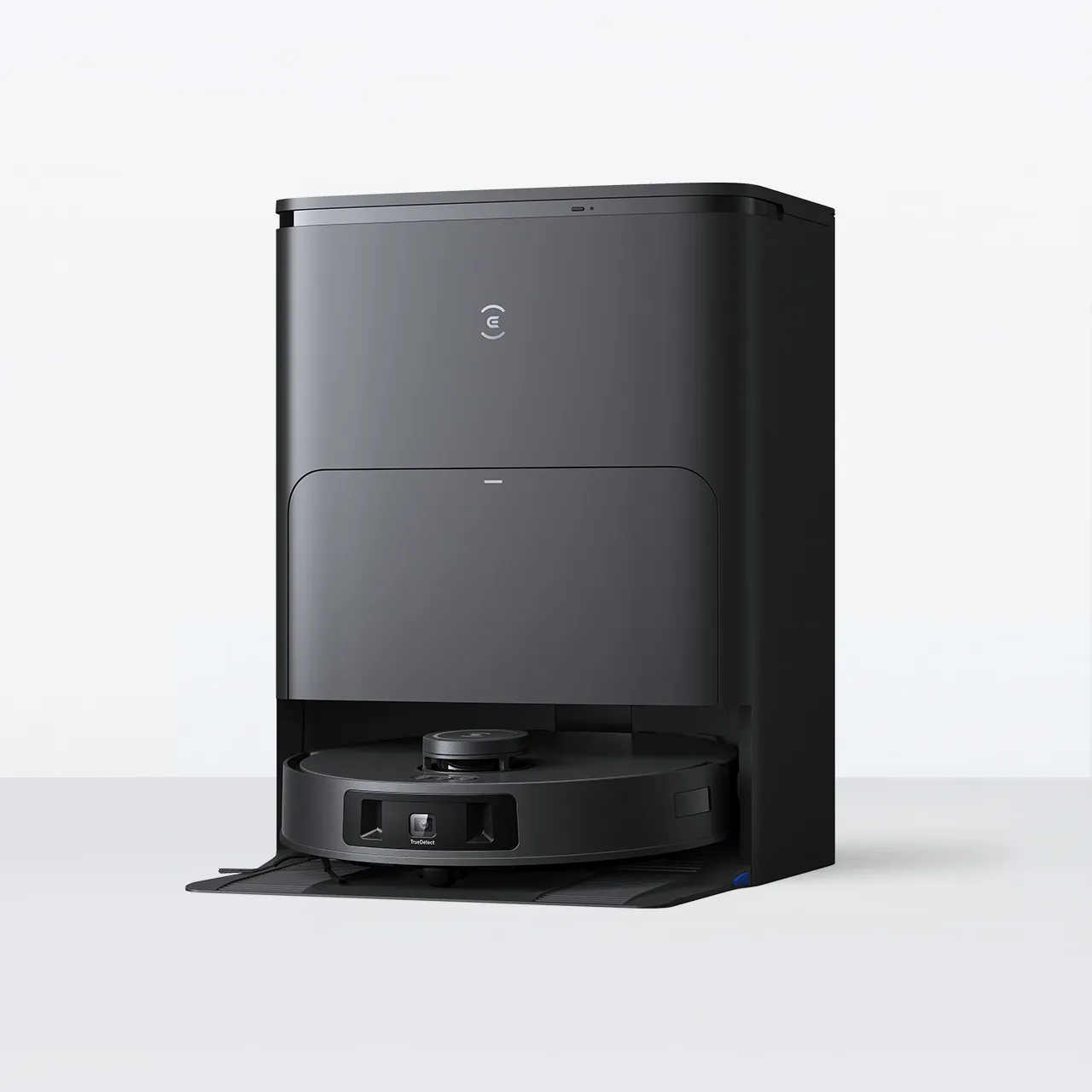
The Ecovacs Deebot T30S is a robot vacuum and mop designed to clean hard floors and carpets with very little hands-on effort. It uses smart navigation, app control, and automatic features to move through your home, avoid obstacles, and clean in a planned path instead of random circles.
From a real-world use angle, that matters a lot. A robot like this is only as good as its setup, and the Deebot T30S performs best when you understand its map, suction levels, water control, and docking features.
Here is the simple idea behind it:
- It scans your space and creates a map
- It cleans room by room or zone by zone
- It can vacuum, mop, or do both
- It returns to the station when needed
- It can be controlled from the Ecovacs app
If you are learning how to use Ecovacs Deebot T30S for the first time, think of it like teaching a very tidy helper your home layout. The cleaner the instructions you give it, the better the result.
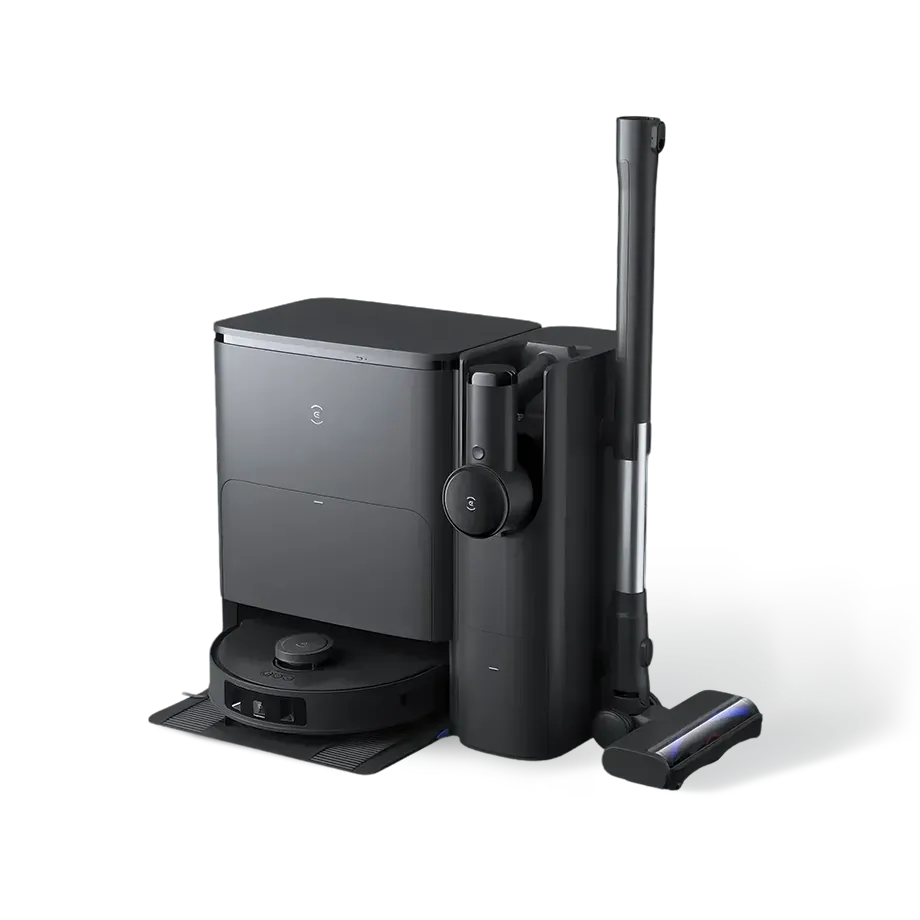
What You Need Before First Use
Before you start cleaning, take a few minutes to prepare the robot and your home. This step sounds basic, but it prevents a lot of early frustration. I’ve seen people blame the robot when the real issue was a loose cable, a blocked dock, or a messy floor.
Do these first:
- Place the docking station on a flat surface
- Leave open space around the dock for easy return
- Plug in the station and make sure it powers on
- Charge the robot fully before first use
- Remove plastic wrap, inserts, and shipping locks
- Clear the floor of cords, socks, toy pieces, and loose items
A good setup makes the first mapping run much smoother. The Ecovacs Deebot T30S relies on open space and clear paths to build an accurate map.
How to Set Up Ecovacs Deebot T30S
Setting up the Ecovacs Deebot T30S is easy once you follow the steps in order. The first time is the most important because it affects everything that comes later, including room recognition and cleaning efficiency.
Follow these steps:
- Place the charging dock in a central, open area
- Connect the dock to power
- Turn on the robot
- Put the robot on the dock to charge
- Download the Ecovacs app on your phone
- Create or sign in to your account
- Add the robot through the app
- Connect it to your Wi-Fi network
9. Update the firmware if prompted
A stable Wi-Fi connection helps with app control, maps, and remote scheduling. If the connection is weak, the robot may still clean, but you will lose some of the smarter functions that make the Deebot T30S so useful.
One small tip from experience: do the first setup while you are not rushed. Rushing usually causes the kind of small mistakes that lead to a poor first map.

How to Map Your Home with Ecovacs Deebot T30S
Mapping is one of the most important parts of learning how to use Ecovacs Deebot T30S. This robot performs much better after it creates an accurate floor plan of your home.
To map your home:
- Open the app
- Start a full cleaning or mapping run
- Keep doors open for rooms you want included
- Move small obstacles out of the way
- Let the robot complete the scan without interruption
Once the map is ready, review it in the app. You can usually:
- Rename rooms
- Split or merge spaces
- Set no-go zones
- Mark carpeted areas
- Create room-by-room cleaning routines
The first map does not always look perfect. That is normal. In my experience, the best maps come after a couple of runs, especially in homes with furniture changes or tight hallways.
How to Use the App to Control Ecovacs Deebot T30S
The app is where the Deebot T30S really comes alive. It turns the robot from a one-button cleaner into a flexible home cleaning tool. If you want to get the best value from the machine, the app is not optional.
Inside the app, you can usually control:
- Start and stop cleaning
- Choose rooms or zones
- Set suction power
- Set water level for mopping
- Schedule cleanings
- View cleaning history
- Edit the map
- Create custom routines
A smart way to use the app is to match settings to the room. For example, I often use stronger suction on entryways and a gentler mop setting on sealed hardwood floors. That kind of control saves time and helps protect delicate surfaces.
If you are learning how to use Ecovacs Deebot T30S daily, the app becomes your command center. Once you get used to it, cleaning feels much more automatic.

How to Start a Vacuum Cleaning Cycle
Vacuuming with the Ecovacs Deebot T30S is simple, but the best results come from choosing the right mode. Most people just press start, but small setting changes can make a big difference.
To begin vacuum cleaning:
- Open the app or use the robot’s button controls
- Choose full-home, room, or zone cleaning
- Select the suction level
- Make sure the floor is clear
- Start the cleaning cycle
Useful vacuum settings include:
- Quiet mode for light daily cleaning
- Standard mode for regular dust and crumbs
- Strong mode for heavier dirt
- Max mode for carpets or large debris
One lesson I learned early: use max suction only when you need it. It can be great for deep cleaning, but daily cleaning works better with moderate settings because it saves battery and keeps the robot moving smoothly.
How to Use the Mopping Function
The mopping feature is one of the best parts of the Ecovacs Deebot T30S, especially if you have tile, vinyl, or sealed wood floors. It does not replace a deep manual scrub, but it is excellent for daily dust and light spill cleanup.
To use the mop:
- Fill the water tank if your setup requires it
- Attach the mop pad or mop module
- Make sure the floor is suitable for mopping
- Set the desired water flow in the app
- Start a mop-only or vacuum-and-mop cycle
Good mopping habits:
- Use mop mode on sealed floors only
- Avoid soaking sensitive wood floors
- Wash or replace mop pads regularly
- Do not let dirty pads sit too long after use
A simple rule I follow: vacuum first if the floor is dusty, then mop. That keeps the mop from spreading dry grit around like sandpaper.
How to Set No-Go Zones and Cleaning Limits
One of the smartest things you can do when learning how to use Ecovacs Deebot T30S is to set boundaries. This keeps the robot out of trouble and saves you from having to rescue it later.
You may want to block off:
- Pet feeding areas
- Kids’ play zones
- Cables and charging areas
- Fragile rugs
- Tight spaces under low furniture
- Water-prone areas such as bathrooms if needed
Most app maps let you draw virtual boundaries. That feature is especially helpful in homes with pets or clutter-prone spots.
I once tested a robot in a room full of loose charging cords, and the result was a mess of stops and retries. After setting a no-go zone, the same room became easy to manage. The lesson is simple: give the robot a clean path, and it will behave much better.

How to Schedule Cleanings for Daily Use
Scheduling is where the Ecovacs Deebot T30S starts feeling like a real helper instead of just a gadget. If you clean on a routine, you spend less time thinking about it.
To set a schedule:
- Open the app
- Choose the day and time
- Pick rooms or zones
- Select the cleaning mode
- Save the schedule
A good schedule depends on your home:
- Busy homes with kids or pets may need daily cleaning
- Smaller homes may only need a few runs per week
- Kitchens and entryways may benefit from more frequent cleaning
The best schedule is the one that fits your life, not the one that sounds perfect on paper. I usually recommend cleaning when the house is quiet, because the robot can finish without interruptions.
How to Maintain Ecovacs Deebot T30S for Better Performance
Like any smart appliance, the Ecovacs Deebot T30S works best when you maintain it regularly. A little upkeep goes a long way.
Basic maintenance tasks include:
- Emptying the dust bin if your model setup requires it
- Cleaning the brushes
- Washing or drying mop pads
- Checking for hair wrapped around rollers
- Wiping sensors gently with a soft cloth
- Clearing the dock area
- Updating the firmware when available
If the robot starts missing spots or sounding strained, the problem is often simple buildup. Hair, dust, and wet residue can all affect performance over time.
My advice is to build maintenance into the same day you use the robot most often. That way, you avoid the common “I’ll do it later” problem, which usually means never.
Common Mistakes to Avoid When Using Ecovacs Deebot T30S
Most problems with robot cleaners come from setup mistakes, not bad machines. The Ecovacs Deebot T30S is no different.
Avoid these common mistakes:
- Starting without charging the battery first
- Skipping the mapping run
- Leaving cables and socks on the floor
- Using mop mode on unsafe floors
- Ignoring dirty brushes or pads
- Placing the dock in a cramped corner
- Forgetting to update the app or firmware
The biggest mistake I see is people expecting perfect performance before the robot has learned the home. A robot vacuum is a little like a new employee. It gets better after it learns the workspace.
Benefits of Learning How to Use Ecovacs Deebot T30S the Right Way
When you use the Ecovacs Deebot T30S properly, the benefits show up fast. You save time, reduce daily dust, and keep floors cleaner with less effort.
Main benefits include:
- Less manual vacuuming
- Better daily floor upkeep
- Easier pet hair cleanup
- More control through the app
- Smarter room-by-room cleaning
- Convenient scheduling
The real win is consistency. A robot like this keeps dirt from building up, which means your weekly deep clean becomes much easier.
Limits You Should Keep in Mind
No robot vacuum is perfect, and it helps to know where the Ecovacs Deebot T30S may need support. That keeps your expectations realistic and your experience better.
Possible limits include:
- It can struggle with cluttered floors
- Very dark or reflective spaces may affect navigation
- Thick rugs or tall thresholds can be harder to cross
- Mop performance is best for light to moderate soil
- Small objects can still cause interruptions
These limits are normal for the category. Even the best robot cleaners work best in homes that are a little prepared for them.
Frequently Asked Questions of How to Use Ecovacs Deebot T30S
How do I start the Ecovacs Deebot T30S for the first time?
Charge it fully, connect it to the app, and run a mapping clean with open doors and clear floors. This gives the robot a better chance to learn your home accurately from the start.
Can the Ecovacs Deebot T30S vacuum and mop at the same time?
Yes, it can usually vacuum and mop in one run if the settings and floor type allow it. For best results, vacuum first on dusty floors and use mopping for light daily cleaning.
How often should I clean the brushes and mop pads?
Check them after several uses, especially if you have pets or long hair in the home. Regular cleaning helps keep suction strong and prevents streaks during mopping.
Why is my Ecovacs Deebot T30S getting stuck?
It is often caused by cords, socks, clutter, or a weak map. Clear the floor, refine no-go zones, and make sure the robot has enough space to move around furniture.
Is the Ecovacs Deebot T30S good for pet hair?
Yes, it is a strong choice for homes with pets when used regularly. The key is frequent maintenance, since pet hair can wrap around brushes and reduce performance if ignored.
Conclusion
Learning how to use Ecovacs Deebot T30S is really about using it with intention, not just turning it on and hoping for the best. Once you set up the dock, build a clean map, use the app well, and keep up with maintenance, the robot becomes a reliable part of your home routine.
The best results come from small habits: clear the floor, adjust the settings room by room, and check the brushes and pads often. If you do that, the Deebot T30S can save you real time and keep your home feeling cleaner with less effort.
Try the tips in this guide on your next cleaning cycle, and you will likely notice a smoother, smarter result. If you want to get even more from your robot, keep exploring its app features and share your own experience with other users.

