Have you ever noticed your robot vacuum skipping certain spots on your floor? It’s frustrating to see those missed areas, especially when you expect a thorough clean.
You might wonder why your smart helper isn’t doing its job perfectly. Understanding the reasons behind these gaps can help you get the most out of your device. Keep reading, and you’ll discover simple fixes that can make your robot vacuum work smarter—not harder—so your home stays spotless without you lifting a finger.

Common Causes Of Missed Spots
Robot vacuums are designed to clean your floors automatically. Still, they sometimes miss spots. Understanding the common causes helps you fix these issues and get better cleaning results. Several factors can lead to missed areas during cleaning.
Navigation System Limitations
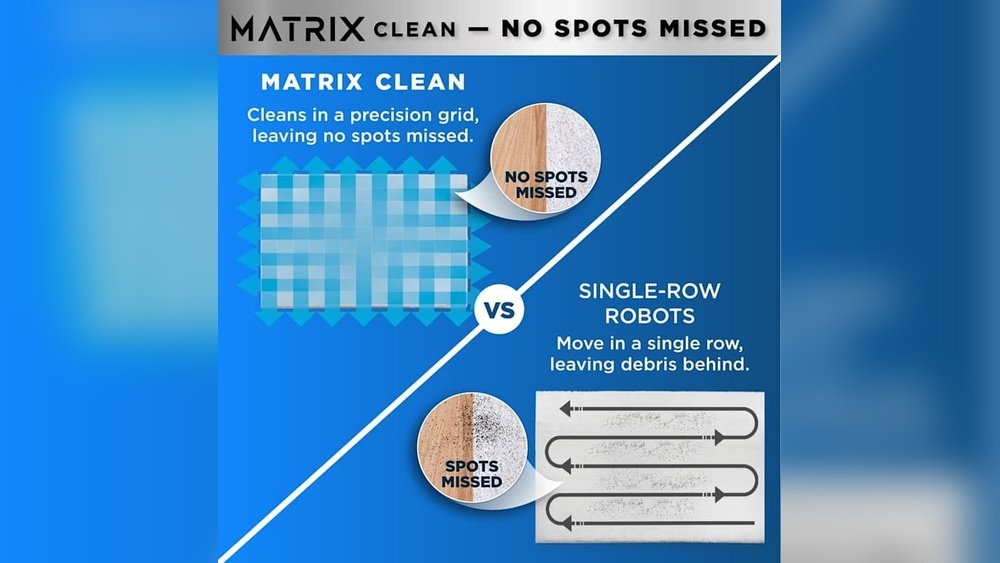
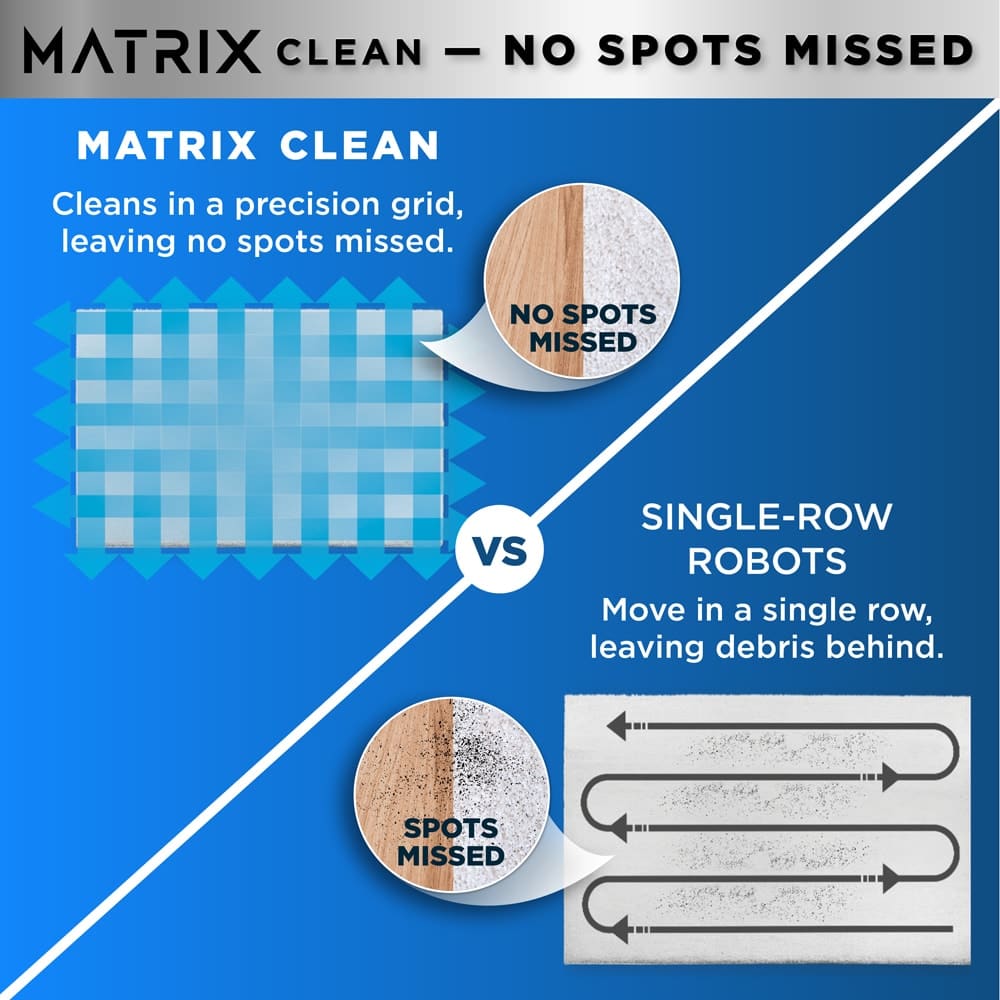
Many robot vacuums use basic navigation. They follow simple patterns like random or spiral movements. This can cause them to miss corners or edges. Some models lack mapping technology, so they do not know where they have cleaned. This limits their ability to cover the whole floor evenly.
Obstacle Detection Issues
Robot vacuums rely on sensors to detect obstacles. Small objects, low furniture, or dark colors can confuse these sensors. The vacuum may avoid or get stuck near these obstacles. It then skips cleaning those areas. Cluttered rooms increase missed spots due to frequent obstacle encounters.
Battery And Power Concerns
Low battery levels can affect cleaning performance. The vacuum might stop before finishing the entire area. Some models return to charge stations too early, leaving parts of the floor untouched. Battery health also declines over time, reducing run time and cleaning coverage.
Sensor Malfunctions
Dirty or broken sensors cause navigation errors. Dust, hair, or debris can block sensors. This leads to poor obstacle detection and navigation. Regular sensor cleaning is essential. Faulty sensors may need professional repair or replacement for proper cleaning.
Impact Of Room Layout And Furniture
The layout of your room and the furniture inside affect how well your robot vacuum cleans. Certain shapes and objects can block the vacuum’s path. This causes missed spots and uneven cleaning. Understanding these factors helps explain why the vacuum may skip some areas.
Cluttered Spaces
Rooms with many items on the floor confuse the vacuum. Toys, cables, and small objects create obstacles. The vacuum might avoid these spots to prevent getting stuck. This leaves dirt behind. Keeping floors clear helps the vacuum clean better and cover all areas.
Tight Corners And Edges
Robot vacuums struggle with narrow corners and edges. Their round shape makes it hard to reach sharp angles. Dust and debris often gather in these spots. Some models have side brushes to help. Still, tight corners may remain less clean than open areas.
Multi-level Flooring Challenges
Changes in floor height confuse many robot vacuums. Steps, rugs, and thresholds can block their movement. The vacuum may avoid these areas to prevent falling. This limits its cleaning range. Flat and even floors allow the vacuum to work best.
Cleaning Schedule And Settings
Robot vacuums rely heavily on their cleaning schedule and settings to cover your floors properly. Setting the right schedule helps the vacuum work efficiently. Adjusting the settings guides how it cleans different areas. Understanding these details can solve the problem of missed spots.
Frequency And Timing
How often your robot vacuum runs affects cleaning results. Running it daily can keep dirt under control. Less frequent cleaning means more dirt builds up. Timing matters too. Scheduling cleaning when rooms are empty helps the vacuum move freely. It avoids obstacles like people or pets. This leads to better coverage and fewer missed areas.
Cleaning Modes And Patterns
Robot vacuums offer various cleaning modes. Some focus on spot cleaning, others on full room coverage. Different modes use different patterns. Random patterns may miss spots easily. Systematic patterns, like back-and-forth, cover floors better. Choose the right mode for your space. Adjusting the pattern improves overall cleaning and reduces missed areas.
Virtual Boundaries And No-go Zones
Virtual boundaries keep the robot out of certain places. You set these boundaries through the app or physical barriers. No-go zones protect fragile items or cluttered areas. If these zones are too large or misplaced, the vacuum might skip parts of the floor. Check your settings regularly to make sure no important spots are blocked. This ensures thorough cleaning every time.
Maintenance Tips To Improve Coverage
Robot vacuums may miss spots due to simple maintenance issues. Keeping your device clean and updated helps it cover more area effectively. Small efforts in care can improve its performance greatly.
Regular Sensor Cleaning
Sensors guide the robot and help avoid obstacles. Dust or dirt on sensors can confuse it. Wipe sensors gently with a soft, dry cloth every week. This keeps the robot aware of its surroundings.
Wheel And Brush Upkeep
Wheels and brushes pick up dirt but also get dirty themselves. Hair and debris can block movement and reduce cleaning power. Remove stuck debris regularly and check for damage. Clean brushes with water and dry them before use.
Software And Firmware Updates
Updates fix bugs and improve navigation. Check the app or manufacturer’s website for updates often. Installing the latest software helps the robot clean smarter and cover missed areas.
Advanced Solutions And Accessories
Advanced solutions and accessories can help your robot vacuum clean better. These upgrades improve its ability to find and clean missed spots. They also help the vacuum avoid obstacles and cover every corner of your home. Many options exist to enhance your robot vacuum’s performance and make cleaning easier.
Mapping And Navigation Upgrades
Mapping upgrades let your robot vacuum create a detailed map of your home. This helps the vacuum plan a better cleaning route. Navigation systems with lasers or cameras guide the vacuum smoothly around furniture. These upgrades reduce the chance of missing areas or repeating spots.
Some models allow you to save multiple maps. This feature suits homes with many rooms or floors. It ensures the vacuum cleans each space thoroughly without confusion.
Additional Sensors And Cameras
Extra sensors detect obstacles and drops more accurately. They stop the vacuum from bumping into things or falling down stairs. Cameras help the vacuum see where it has cleaned. This visual data helps the device avoid missing spots.
These sensors improve cleaning in tight or cluttered spaces. They also help the vacuum adjust to different floor types for better results.
Using Boundary Strips And Barriers
Boundary strips create invisible walls for your robot vacuum. Place these strips to block off areas you don’t want cleaned. Barriers work the same but are physical objects like magnetic tape or plastic walls.
These tools prevent the vacuum from entering trouble spots or sensitive areas. They guide the vacuum to focus on important zones. This reduces the chance of missed areas or wasted battery life.

Frequently Asked Questions
Why Does My Robot Vacuum Skip Certain Spots?
Robot vacuums may miss areas due to obstacles, poor navigation, or low battery. Ensure sensors are clean and paths are clear for better coverage.
How Can I Improve My Robot Vacuum’s Cleaning Coverage?
Remove clutter and close doors to limit cleaning zones. Regularly update firmware and clean sensors for optimal navigation and area coverage.
Does Carpet Type Affect Robot Vacuum Performance?
Yes, thick or shaggy carpets can confuse sensors and reduce suction. Use robot vacuums designed for your carpet type to improve cleaning efficiency.
Can Low Battery Cause Missed Cleaning Areas?
Yes, if the battery is low, the vacuum may return to charge prematurely, leaving some areas uncleaned. Ensure full battery before cleaning.
Conclusion
Robot vacuums can miss spots for many reasons. Obstacles, furniture, or sensors may block their path. Sometimes, maps or settings need updates. Cleaning regularly helps your vacuum work better. Check for stuck debris or low battery too. Small changes can improve your cleaning results.
Keep an eye on problem areas often. Your robot will clean more fully with care. Simple fixes make a big difference. Stay patient and enjoy a cleaner home.