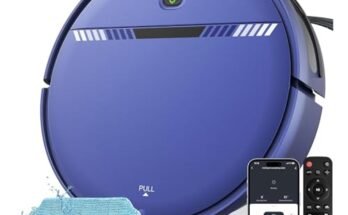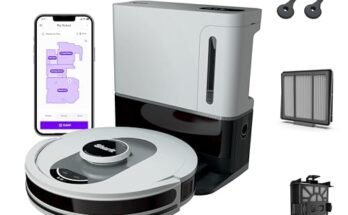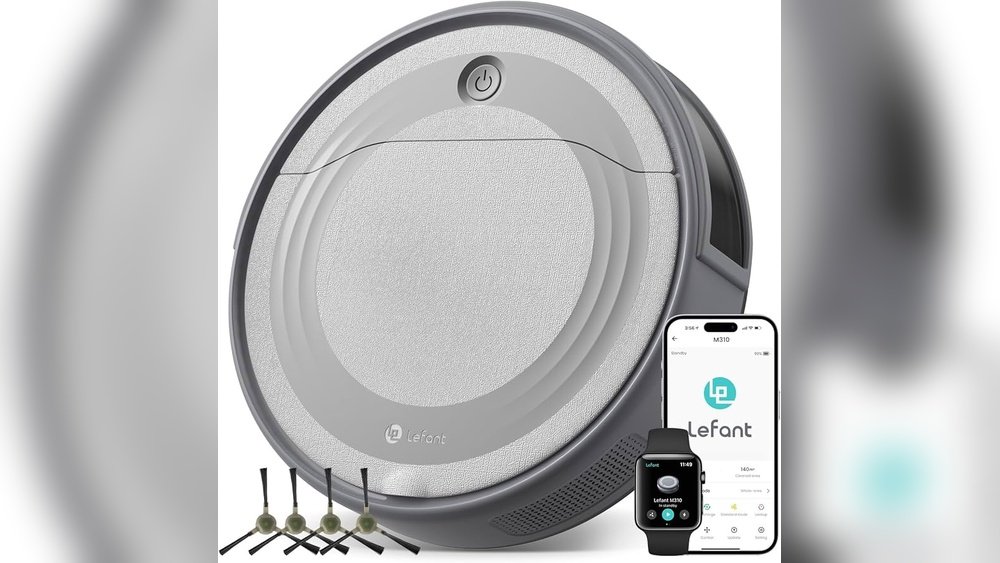
Imagine coming home to spotless floors without lifting a finger. Setting up a voice-controlled robot vacuum can make that a reality for you.
It’s easier than you think, and once it’s done, you’ll wonder how you ever lived without it. In this guide, you’ll discover simple steps to get your smart vacuum talking and cleaning on command. Ready to save time and enjoy a cleaner home?
Keep reading to find out how to make your life effortless with just a few easy commands.
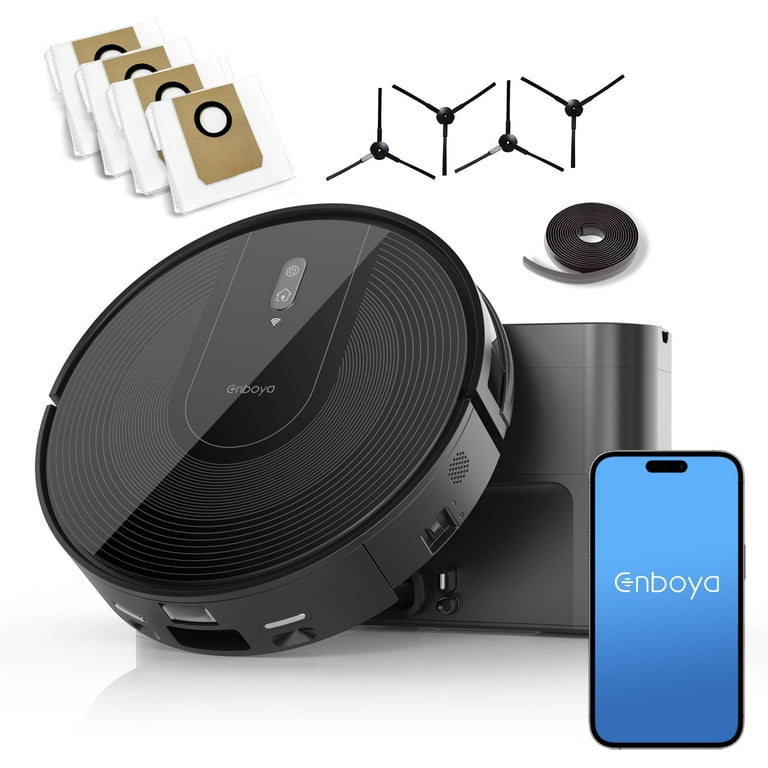
Choosing The Right Robot Vacuum
Choosing the right robot vacuum is key to enjoying hands-free cleaning. The perfect model fits your home, lifestyle, and tech needs. Focus on what matters most for smooth setup and daily use.
Features To Look For
Start with cleaning power and navigation. Look for models with strong suction and smart sensors. These avoid obstacles and clean efficiently. Battery life matters for larger homes. Some vacuums map your rooms for better coverage. Consider if you want wet mopping alongside vacuuming.
Compatibility With Voice Assistants
Check which voice assistants the vacuum supports. Popular options include Amazon Alexa and Google Assistant. This allows you to start or stop cleaning with simple voice commands. Confirm the vacuum’s app works well with your phone. Voice control makes cleaning easier and more flexible.
Budget Considerations
Set a budget before shopping. Robot vacuums range from affordable to high-end prices. Cheaper models may have fewer features or less power. Mid-range options often balance cost and performance well. Think about long-term value, not just initial price.
Preparing Your Home
Preparing your home is the first step to setting up a voice-controlled robot vacuum. It helps the device work well and clean better. Taking time now saves effort later. Follow simple tasks to get your space ready.
Clearing Obstacles
Remove small objects from the floor. Toys, cables, and shoes can block the vacuum. Keep pet bowls and rugs in mind. Clear paths help the robot move freely. It avoids getting stuck and cleans every corner.
Mapping Your Space
Let the robot learn your home layout. Most models create a map during the first run. Keep doors open between rooms. This allows the vacuum to move smoothly. Mapping helps the robot clean faster next time.
Ensuring Wi-fi Coverage
Check your Wi-Fi signal strength in all rooms. The vacuum needs a strong connection for voice commands. Place your router in a central spot. Avoid thick walls or metal objects blocking the signal. Good coverage keeps the vacuum responsive and reliable.
Connecting To Wi-fi
Connecting your voice-controlled robot vacuum to Wi-Fi is a key step. This allows the vacuum to receive commands and updates. A stable Wi-Fi connection ensures smooth operation and better control. Follow simple steps to link the vacuum to your home network.
Setting Up The Robot Vacuum App
Download the official app from your device’s app store. Open the app and create an account if needed. The app guides you through the setup process. It helps control the vacuum and manage settings easily.
Keep your phone close to the vacuum during setup. This helps the devices communicate faster. Follow on-screen instructions carefully for a smooth connection.
Linking To Your Home Network
Choose your home Wi-Fi network in the app. Enter the password accurately to avoid errors. The vacuum connects to the network through the app. Make sure your Wi-Fi is 2.4 GHz, as many vacuums do not support 5 GHz.
Wait a few moments for the vacuum to join the network. A confirmation message shows when the connection is successful. Now, your vacuum can receive voice commands via Wi-Fi.
Troubleshooting Connection Issues
Check if your Wi-Fi signal is strong near the vacuum. Move the router closer if the signal is weak. Restart the vacuum and your router to refresh the connection.
Verify the password entered is correct. Make sure the app and vacuum firmware are updated. If problems persist, reset the vacuum to factory settings and try again.

Integrating Voice Control
Integrating voice control into your robot vacuum makes cleaning easier and hands-free. This feature lets you start, stop, or schedule cleaning with simple voice commands. Setting up voice control involves choosing the right assistant, linking your accounts, and configuring commands.
Choosing A Voice Assistant
Select a voice assistant compatible with your robot vacuum. Common options include Amazon Alexa, Google Assistant, and Apple Siri. Check your vacuum’s manual or app for supported assistants. Pick one you use often for smooth operation.
Linking Accounts And Devices
Connect your robot vacuum to the voice assistant through their apps. Sign in to the same account on both devices. Follow the setup instructions carefully to link the vacuum with your smart home system. This connection allows the assistant to control your vacuum.
Configuring Voice Commands
Customize the voice commands to control your robot vacuum easily. Use simple phrases like “start cleaning” or “stop vacuum.” Test commands to ensure the assistant understands you well. Adjust settings in the app to match your preferences.
Customizing Cleaning Preferences
Customizing your robot vacuum’s cleaning preferences helps keep your home tidy without extra effort. You can choose when it cleans, how it cleans, and where it cleans. These settings make your cleaning routine fit your lifestyle perfectly. Let’s explore how to set up these options step by step.
Scheduling Cleaning Times
Set specific times for your robot vacuum to start cleaning. Choose days and hours that suit your daily routine. This way, the vacuum works even when you are not home. Regular cleaning keeps your floors fresh and dust-free.
Setting Cleaning Modes
Pick the cleaning mode based on your needs. Use a gentle mode for light cleaning or a strong mode for deep dirt. Some vacuums have spot cleaning for small messes. Switching modes helps save battery and cleans efficiently.
Defining No-go Zones
Create no-go zones to keep the vacuum out of certain areas. Mark places with fragile items or cables. This prevents accidents and protects your belongings. Most robot vacuums let you set these zones through their app easily.
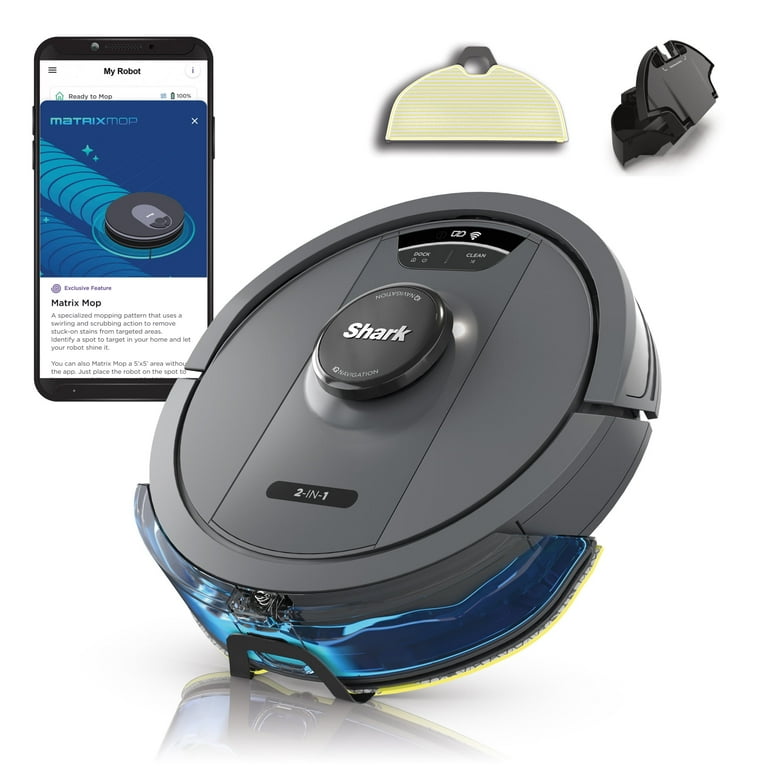
Maintaining Your Robot Vacuum
Maintaining your voice-controlled robot vacuum is key to its long life and strong performance. Regular care helps keep the device running smoothly and cleans your floors well. Simple steps can prevent problems and save time on repairs.
Regular Cleaning And Maintenance
Empty the dustbin after each use to avoid clogs. Clean the brushes and wheels often to remove hair and dirt. Check the sensors and wipe them gently with a soft cloth. Replace filters as the manual suggests to keep air clear. These tasks keep your vacuum working at its best.
Updating Firmware
Check for firmware updates regularly in the app or device settings. Updates improve features and fix bugs that affect performance. Connect the vacuum to Wi-Fi before updating to avoid interruptions. Keep your robot vacuum’s software current for smooth operation.
Handling Common Issues
If the vacuum stops or gets stuck, clear obstacles from its path. Restart the device to fix minor glitches. Listen for unusual sounds that may indicate a problem. Consult the user guide or support if issues persist. Quick action keeps your vacuum reliable and effective.
Frequently Asked Questions
How Do I Connect My Robot Vacuum To Voice Control?
To connect, first ensure your robot vacuum supports voice assistants. Link the vacuum’s app with Alexa or Google Home. Follow the app’s instructions to enable voice commands and test basic functions for confirmation.
Which Voice Assistants Work With Robot Vacuums?
Most robot vacuums support Amazon Alexa and Google Assistant. Some also work with Apple Siri via HomeKit. Check your vacuum’s specifications for compatible voice platforms before setup.
Can I Control My Robot Vacuum Remotely By Voice?
Yes, voice assistants enable remote control if your vacuum is Wi-Fi connected. You can start, stop, or schedule cleaning from anywhere using voice commands through your smart device.
What Are Common Voice Commands For Robot Vacuums?
Common commands include “start cleaning,” “stop cleaning,” “pause,” “return to dock,” and “schedule cleaning. ” Commands vary by brand; check your vacuum’s manual for specific voice command lists.
Conclusion
Setting up a voice-controlled robot vacuum is simple and useful. You just need to follow a few clear steps. Connect the vacuum to your Wi-Fi and voice assistant. Test commands to ensure the robot understands you well. This makes cleaning easier and saves time daily.
Enjoy hands-free cleaning with your smart vacuum now. Keep the device updated for best results. Your home stays cleaner with less effort. Start today and see the difference voice control brings. Easy to set up, easy to use.