

Are you struggling to get your Bissell carpet cleaner to work properly? You’re not alone.
Sometimes, even the best machines can act up, leaving you frustrated and with dirty carpets. But don’t worry—fixing it might be easier than you think. You’ll discover simple steps and insider tips to get your Bissell carpet cleaner running smoothly again.
Keep reading, and you’ll be back to enjoying fresh, spotless carpets in no time.
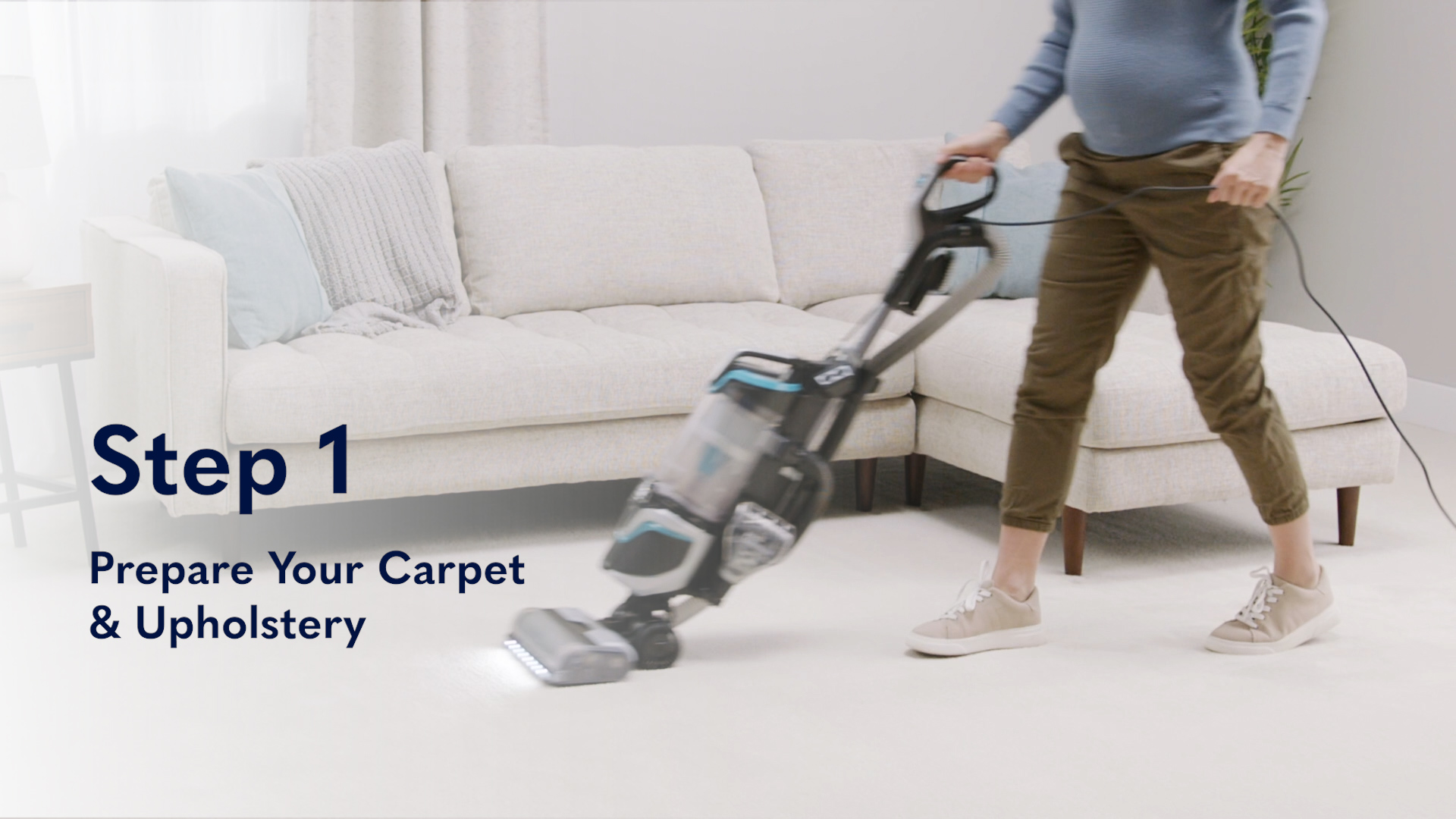
Common Bissell Carpet Cleaner Issues
Bissell carpet cleaners help keep carpets fresh and clean. Sometimes, they stop working properly. Understanding common problems helps fix them fast. This guide covers typical Bissell carpet cleaner issues and how to spot them. Knowing these problems saves time and money.
Power Problems
The cleaner may not turn on. Check if it is plugged in correctly. Make sure the outlet has power. Look for a blown fuse or tripped circuit breaker. Inspect the power cord for damage. A faulty switch can also stop the machine. These simple checks often solve power issues quickly.
Water Flow Issues
Water might not flow during cleaning. The water tank could be empty or not seated right. Clogged hoses or filters block water flow. Dirt and debris buildup are common causes. Clean the tank and filters regularly. Clear any blockages in the hoses. Proper water flow ensures effective cleaning.
Brush Roll Not Spinning
The brush roll helps scrub the carpet. If it does not spin, check for jams. Hair and threads can wrap around the brush. Remove any tangled debris carefully. The belt might be broken or loose. Replace or tighten the belt if needed. A spinning brush roll improves dirt removal.
Poor Suction
Weak suction reduces cleaning power. Empty the dirty water tank often. Check for blockages in the suction path. Filters may be clogged or dirty. Clean or replace filters as needed. Inspect the suction hose for cracks or leaks. Good suction pulls dirt from deep inside carpets.
Cleaning Solution Not Dispensing
The cleaner might not spray solution on carpets. The solution tank could be empty or not placed properly. Clogged spray nozzles stop dispensing. Clean the nozzles with warm water. Use the correct cleaning formula for the machine. Proper solution flow helps break down dirt and stains.
Basic Maintenance Tips
Basic maintenance keeps your Bissell carpet cleaner running well. Clean parts help the machine work better and last longer. Small steps prevent big problems and save time.
Emptying And Cleaning Tanks
Empty the dirty water tank after each use. Rinse it with warm water to remove dirt. Clean the clean water tank too. This stops mold and bad smells. Let tanks dry before putting them back.
Checking And Cleaning Filters
Look at the filters often. Remove dust and hair by tapping or rinsing them. Clean filters help strong suction. Replace filters if they are damaged or very dirty.
Inspecting Hoses And Connections
Check hoses for cracks or blockages. Clear clogs with a long brush or warm water. Make sure connections are tight. Loose parts cause leaks and poor cleaning.
Brush Roll Care
Remove hair and fibers from the brush roll after use. Use scissors to cut tangled threads. Clean the brush roll with a damp cloth. A clean brush roll picks up dirt better.
Troubleshooting Power Issues
Power issues are common with Bissell carpet cleaners. These problems stop the machine from working properly. Fixing power problems often means simple checks and quick fixes. This section helps you find and solve power issues fast. Follow the steps below to get your cleaner running again.
Checking The Power Source
Start by checking the outlet. Make sure it has power. Try plugging in another device to test it. Avoid using extension cords as they can cause power loss. Use a different outlet if needed. Confirm the power switch on the cleaner is on. Some models have a reset button near the power switch.
Inspecting The Power Cord
Look at the power cord closely. Check for cuts, frays, or damage. A damaged cord can stop the cleaner from working. Do not use the cleaner if the cord is broken. Unplug the cleaner before inspecting. Replace the cord if you see any damage. Keep the cord untangled and away from water.
Resetting The Cleaner
Some Bissell models have a reset button. Press it to reset the machine. Unplug the cleaner and wait 10 seconds. Plug it back in and press the power switch. This can clear minor electrical faults. Resetting often fixes problems caused by overheating. If the cleaner still won’t start, check other parts.

Fixing Water Flow Problems
Water flow issues can stop your Bissell carpet cleaner from working well. Fixing these problems helps your cleaner spray water and solution evenly. This keeps your carpet fresh and clean. Follow these simple steps to solve common water flow problems and get your cleaner working right again.
Clearing Clogs In Water Lines
Clogs can block water from flowing through the cleaner. Check the water lines for dirt or debris. Remove any blockages by flushing the lines with clean water. Use a soft brush or cloth to clean the inside parts gently. Clear lines let water move freely and improve cleaning performance.
Ensuring Proper Tank Placement
Water tanks must fit correctly on the machine. A loose or wrong placement can stop water flow. Make sure the tank clicks into place firmly. Check for cracks or damage that might cause leaks. Proper tank placement helps water move smoothly to the cleaner’s pump.
Verifying Water Levels
Low water levels can cause poor water flow. Always fill the tank to the recommended level. Avoid overfilling, which can cause spills and damage. Check the water level before each use. Proper water levels keep the cleaner working well and protect the motor.
Resolving Brush Roll Malfunctions
The brush roll is a key part of your Bissell carpet cleaner. It spins to lift dirt and clean deep into carpets. When it stops working, cleaning becomes hard. Fixing brush roll problems helps your cleaner work well again. Simple checks and fixes can get the brush rolling smoothly.
Removing Hair And Debris
Hair and debris often wrap around the brush roll. This can stop it from spinning. Use scissors to cut away hair carefully. Pull out any string or fibers caught in the bristles. Clean the brush roll after every use for best results. This keeps your cleaner ready and working.
Checking For Mechanical Obstructions
Look inside the brush roll area for anything blocking movement. Small toys, pieces of carpet, or hard dirt can block the roll. Remove any objects you find. Turn the brush roll by hand to see if it spins freely. If it does not, clear all stuck items until it moves easily.
Replacing Worn Parts
Brush rolls wear out over time. Bristles get thin or fall off. The motor that turns the brush can also fail. Check your manual for part numbers. Buy new brush rolls or motors if needed. Replace worn parts to keep your carpet cleaner running strong.
Improving Suction Performance
Improving suction performance is key to getting your Bissell carpet cleaner to work well. Strong suction helps remove dirt and water from carpets efficiently. Poor suction can leave carpets wet and dirty. Simple steps can boost suction and improve cleaning results.
Cleaning Air Pathways
Air pathways carry air through the machine. Dirt and debris can block these paths. Use a soft brush or cloth to clean them. Make sure no dust or hair blocks the openings. Clear airways keep suction strong and steady.
Checking For Blockages
Blockages in hoses or nozzles reduce suction power. Detach parts and look inside for clogs. Remove any debris or tangled hair carefully. Check the water tank and filters too. Clear blockages restore airflow and suction strength.
Maintaining Seals And Gaskets
Seals and gaskets keep air tight inside the cleaner. Damaged seals let air escape, weakening suction. Inspect seals for cracks or wear. Replace worn parts to keep air sealed well. Tight seals ensure suction stays powerful and steady.
Addressing Solution Dispensing Issues
Solution dispensing issues can stop your Bissell carpet cleaner from working well. This problem often causes poor cleaning or no solution release. Fixing these issues ensures your carpet gets the care it needs.
Ensuring Proper Solution Mix
Use the right amount of water and cleaning solution. Too much water or too little solution weakens cleaning power. Follow the instructions on the cleaning solution bottle carefully. Mix the solution in the tank before starting the machine. This step helps the cleaner spray evenly on your carpet.
Cleaning Solution Nozzles
Nozzles can get clogged with dirt or dried solution. Remove the nozzles carefully for cleaning. Use a soft brush or a cloth to clear blockages. Rinse nozzles under warm water to remove build-up. Clean nozzles improve the spray and solution flow.
Checking Solution Valve Function
The solution valve controls the flow of cleaner from the tank. Check if the valve opens and closes smoothly. Sometimes dirt or debris can block the valve. Clean the valve area with a damp cloth. Replace the valve if it is damaged or stuck. A working valve ensures the solution flows properly.
When To Contact Bissell Support
Knowing when to contact Bissell support can save time and frustration. Some problems need expert help. Others can be fixed with simple steps. Recognizing the right moment to reach out helps you get the best results from your carpet cleaner.
Identifying Warranty Coverage
Check your carpet cleaner’s warranty before calling support. Warranty usually covers parts and repairs for a certain time. Find your purchase date and warranty length. This helps you know if repair costs will be free or not. Keep your receipt and warranty papers safe for easy reference.
Preparing For Service Calls
Gather important information before calling Bissell support. Write down the model number and serial number of your cleaner. Describe the problem clearly and note when it started. Check if you tried any fixes already. This makes the call faster and more helpful.
Using Online Resources And Manuals
Look at the user manual for quick answers. Manuals often have troubleshooting guides and tips. Visit Bissell’s official website for FAQs and video guides. Many issues can be solved by following these easy steps. Save time and avoid unnecessary service calls.

Frequently Asked Questions
How Do I Start My Bissell Carpet Cleaner?
First, fill the clean water tank with hot water. Add the recommended cleaning solution. Plug in the machine and press the power button. Follow the instructions to begin cleaning your carpet effectively.
Why Is My Bissell Cleaner Not Spraying Water?
Check if the water tank is empty or not properly attached. Clean the spray nozzles if clogged. Ensure the solution mixture is correct. These steps usually fix spraying issues.
How Often Should I Clean Bissell Filters?
Clean the filters after every use or at least monthly. Remove debris and rinse with water. Dry completely before reinstalling to maintain optimal performance.
Can I Use Homemade Solutions In Bissell Cleaners?
It’s best to use Bissell-approved cleaning solutions. Homemade mixtures may damage the machine or reduce cleaning efficiency. Always check your model’s manual for recommendations.
Conclusion
Getting your Bissell carpet cleaner to work well is simple. Check the water and cleaning solution levels first. Make sure the machine is plugged in and turned on. Clean the brushes and filters regularly. Follow the user guide for best results.
Small steps make a big difference. Enjoy cleaner carpets with less effort. Keep your cleaner ready for the next use. A little care helps your carpet look fresh longer. Try these tips to keep your Bissell working smoothly every time.

