

A stick vacuum usually stops picking up dirt because of clogs, dirty filters, low battery, or a full dust bin.
A stick vacuum should feel like a shortcut, not a struggle. When it starts leaving crumbs, pet hair, or dust behind, the problem is usually simple and fixable once you know where to look. If you have been asking, “Why is my stick vacuum not picking up dirt?”, this guide walks you through the most common causes, how to test each one, and what to do next so your vacuum works the way it should.

Common reasons your stick vacuum is not picking up dirt
When a stick vacuum loses suction, the cause is often somewhere in the airflow path. Think of it like a straw with a kink in it. If air cannot move freely, dirt cannot move either.
The most common reasons your stick vacuum is not picking up dirt include:
- A full dust bin that blocks airflow
- A clogged filter that traps dust instead of letting air pass
- Hair, string, or debris stuck in the brush roll
- A blockage in the wand, hose, or floor head
- A weak or dying battery
- The wrong cleaning mode for the floor type
- A worn brush roll, belt, or seal
- Poor maintenance after repeated use
In my experience, the number one mistake people make is assuming the vacuum motor failed. Most of the time, the machine is fine. The real issue is airflow or blockage. That is good news, because it usually means you can solve the problem at home in a few minutes.
Check the dust bin first
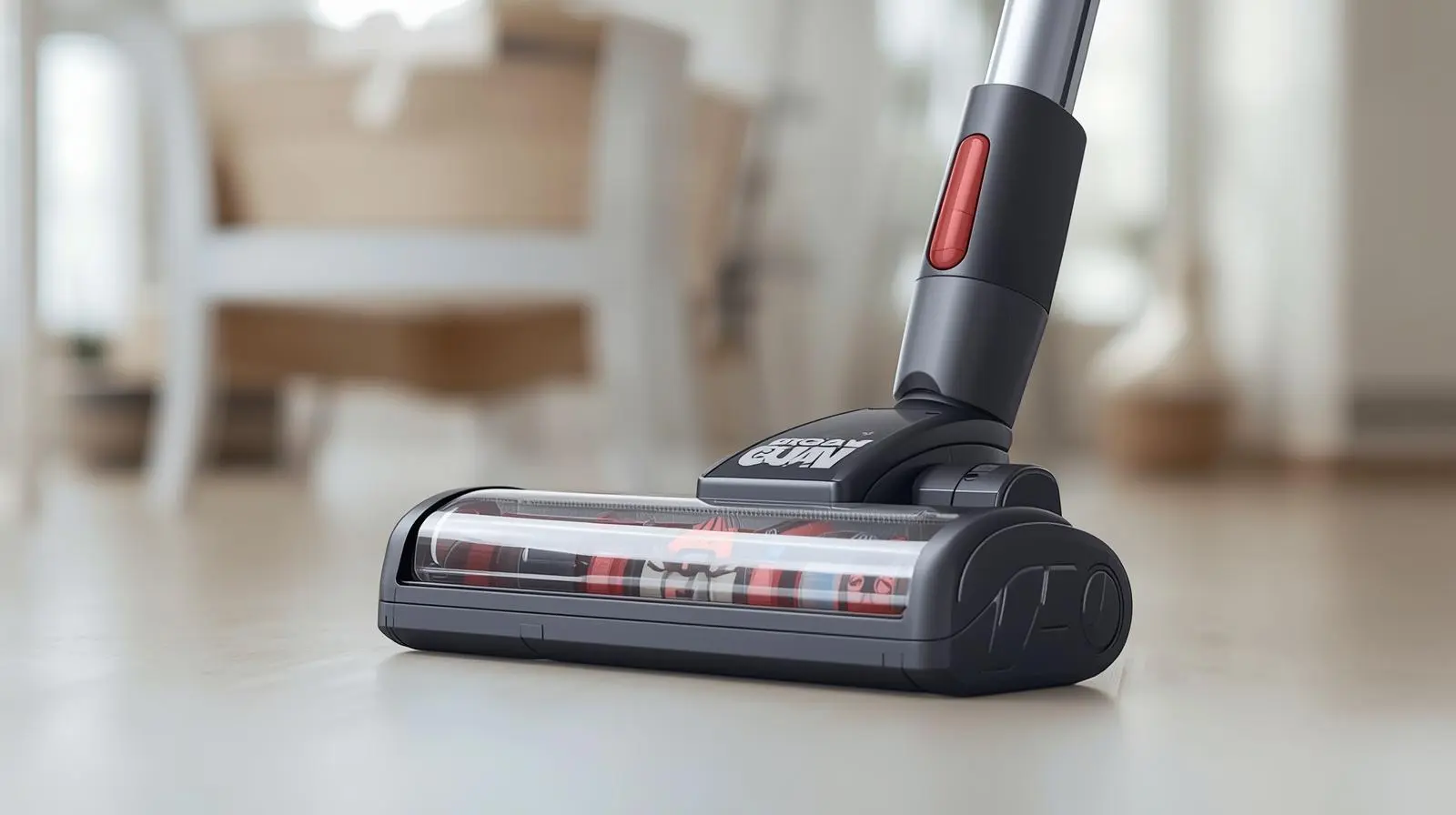
A full or packed dust bin is one of the easiest reasons a stick vacuum is not picking up dirt. Even if the bin does not look completely full, fine dust can compact inside and reduce suction.
To fix it:
- Empty the bin into a trash can
- Tap out any stuck dust
- Wipe the inside with a dry cloth
- Make sure the bin clicks back into place
If the bin is overfilled, dirt has less room to spin and separate from the air. That can make the vacuum seem weak even when the motor is working normally.
I have seen this happen after one big clean, especially with pet hair or dry soil. The vacuum sounds normal, but it just glides over dirt instead of lifting it. Clearing the bin often brings the suction back right away.

Clean or replace the filters
Dirty filters are a very common reason a stick vacuum is not picking up dirt. Most stick vacuums use one or more filters to catch fine particles before air leaves the machine. Once those filters get clogged, suction drops fast.
Look for:
- Foam filters
- Felt filters
- HEPA filters
- Pre-motor filters
- Post-motor filters
What to do:
- Check your manual for the filter type
- Wash only washable filters
- Let washable filters dry fully before reinstalling
- Replace filters that are torn, warped, or permanently dirty
A damp filter or one that still holds dust can choke the airflow. I have made the mistake of washing a filter and putting it back too soon. The vacuum smelled musty and worked poorly until the filter dried completely. That taught me that patience matters just as much as cleaning.
Experts in home appliance care often recommend regular filter maintenance because suction loss is usually tied to airflow restriction, not motor failure. That is also why filter care is one of the highest-value fixes.

Look for clogs in the wand, hose, or nozzle
If your stick vacuum is not picking up dirt, a hidden blockage may be sitting in the airflow path. A small object, clump of hair, or packed dust can block the wand or floor head and make the vacuum seem dead.
Check these areas:
- The opening near the dust bin
- The wand or extension tube
- The flexible hose, if your model has one
- The floor nozzle or intake channel
- The curved neck around the brush head
How to test for clogs:
- Turn off and unplug the vacuum
- Remove the wand and attachments
- Shine a flashlight through each part
- Use a long, soft cleaning tool or straightened brush to clear debris
If dirt gets caught in a bend, suction drops sharply. It is like trying to drink through a straw with a grape stuck in it. Air still tries to move, but the flow is too weak to pull debris in.

Inspect the brush roll
A blocked brush roll can make a stick vacuum look weak even when suction is fine. The brush roll helps lift dirt from carpets and rugs, especially if the debris is trapped in fibers.
Check for:
- Hair wrapped around the roller
- Thread or string tangled in the brush
- Worn bristles
- A roller that no longer spins freely
What to do:
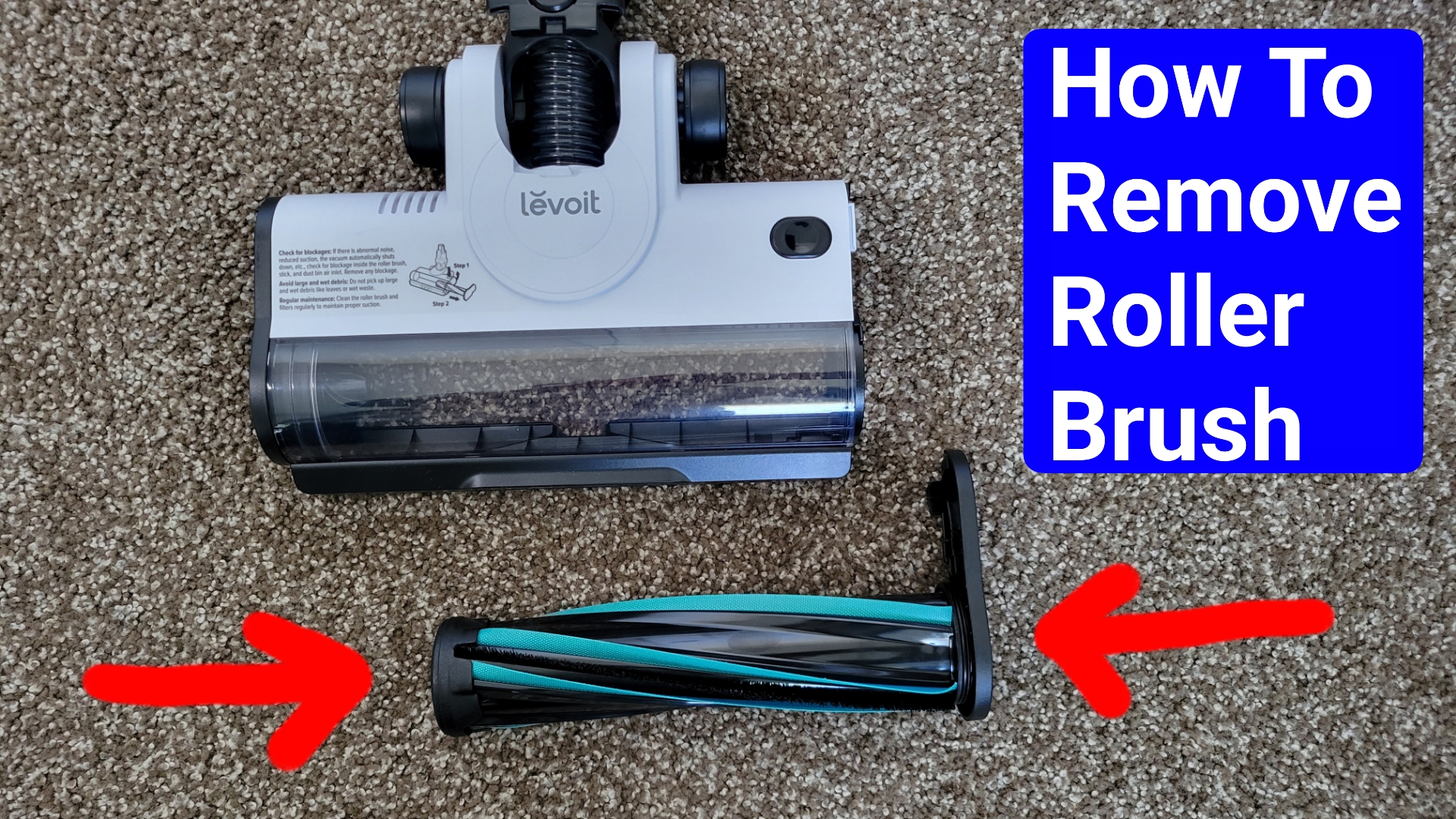
- Remove the brush roll if your model allows it
- Cut away tangled hair with scissors or a seam ripper
- Clean the ends and bearings
- Reinstall the brush roll carefully
If the brush roll cannot spin, your vacuum may still pull light dust from hard floors but struggle badly on carpet. I have found that pet hair is the biggest culprit here. Once the roller is cleaned, the pickup usually improves right away.
Make sure the battery is strong enough
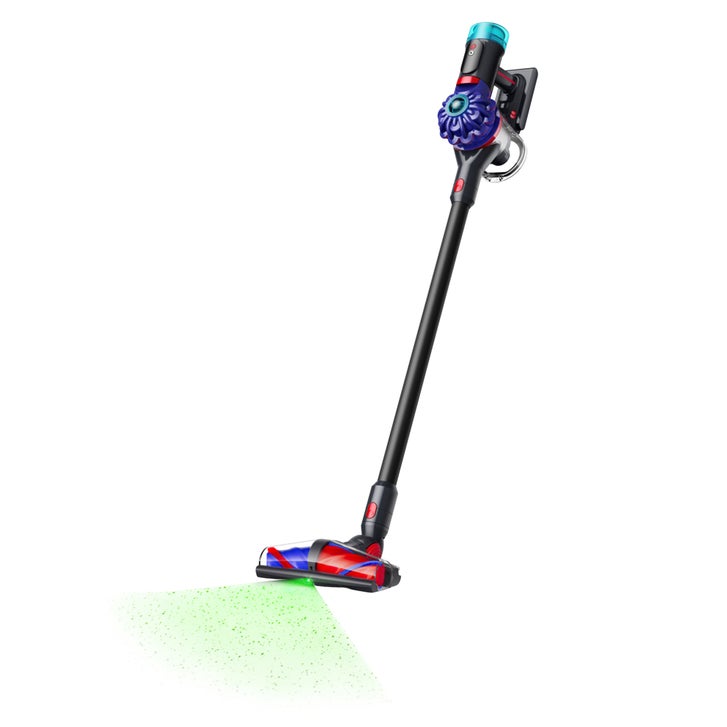
For cordless stick vacuums, a weak battery can reduce cleaning power. Some models lower suction as the battery drains, while others seem to run normally but cannot create enough airflow to lift dirt well.
Signs of battery trouble:
- Short runtime
- Weak suction even after cleaning filters
- Vacuum shuts off early
- Battery no longer holds a charge
- Power fades during use
Try this:
- Fully charge the vacuum
- Test it on the highest and lowest settings
- Compare pickup at different charge levels
- Check if the battery is removable and needs replacement
Battery wear is normal over time. If your stick vacuum is older and has lost power across the whole machine, the battery may be part of the problem. That does not always mean the vacuum is broken. Sometimes it just needs a new battery pack.
Use the right power mode and floor setting
Many people ask why their stick vacuum is not picking up dirt, but the issue is really the setting. Some vacuums have eco mode, standard mode, and boost mode. Others have floor head settings for carpet and hard floors.
If the setting is wrong, pickup drops.
Examples:
- Eco mode may be too weak for carpet
- Carpet mode may not seal well on tile or hardwood
- A height setting may be too high for low-pile rugs
- A brush roll may need to be turned on for carpet cleaning
Simple fix:
- Try the highest suction setting
- Match the floor head to the floor type
- Test again on a small area
- Check whether the vacuum has an air path adjustment or suction slider
This is one of those small details that makes a big difference. I once tested a vacuum on low mode and thought it was failing. It turned out the machine was fine. The setting was just too gentle for the debris I was cleaning.
Check for air leaks and loose seals
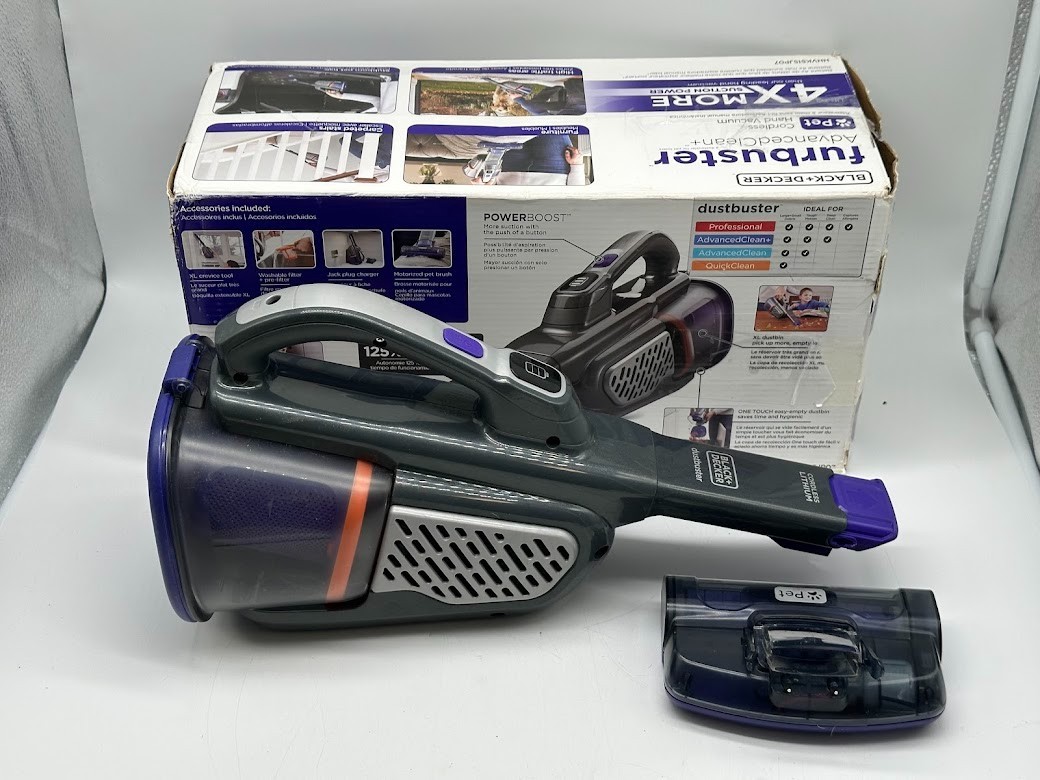
A stick vacuum depends on a sealed path to move air through the system. If a bin, filter, wand, or nozzle is not seated correctly, suction can leak out before it reaches the floor.
Look for:
- Loose dust bin doors
- Missing or twisted gaskets
- Filters installed backward
- Cracked plastic parts
- Attachments that do not lock in place
What to do:
- Refit each part one at a time
- Listen for clicks
- Inspect rubber seals for damage
- Replace cracked or broken attachments
Even a small gap can weaken pickup. Air takes the easy route. If it escapes through a leak, dirt stays behind.

Clean the floor head and intake path
Sometimes the problem is not the motor or the filter. It is the floor head itself. Dust, grit, and hair can gather in the intake and slow everything down.
Clean these parts:
- The underside of the floor head
- The intake opening
- Any removable covers
- The side channels where debris can collect
This matters even more if you clean pet hair or fine sand. Those particles build up in layers, and over time they create a narrow path for airflow. Once cleared, the vacuum often sounds stronger and picks up better.
Check whether the vacuum is suited to the mess
Not every stick vacuum is built for every job. A lightweight cordless model is great for daily crumbs, dust, and quick cleanup. But thick carpet, heavy debris, and wet messes can overwhelm it.
A stick vacuum may struggle with:
- Large cereal pieces
- Heavy pet litter
- Wet dirt
- Thick carpet pile
- Fine construction dust without the right filter design
If your vacuum is not picking up dirt because the debris is too heavy or the surface is too tough, the machine may be working as designed. In that case, the answer is not a repair. It may be a different tool or attachment.
Maintenance habits that keep suction strong
Good maintenance prevents most pickup problems before they start. I always tell people that a vacuum is a bit like a car. If you never check the basics, performance drops slowly and then suddenly.
Helpful habits:
- Empty the bin after each use
- Clean filters on the schedule in the manual
- Remove hair from the brush roll weekly
- Check for clogs every few weeks
- Store the vacuum in a dry place
- Replace worn parts before they fail
A few minutes of care can save you from a lot of frustration later. It also helps your vacuum last longer, which is often the real goal.
When the motor or internal parts may be the issue
If you have cleaned the bin, filters, brush roll, and airflow path, but your stick vacuum is still not picking up dirt, the issue may be internal. That can include a damaged motor, a faulty fan, a broken sensor, or a failing control board.
Possible signs:
- Strange noise from the motor
- Burning smell
- Vacuum turns on but has very low suction
- Power cuts in and out
- Error lights or flashing indicators
At that point, it is smart to check the warranty or contact the manufacturer. Internal repairs can be more complex and may cost more than replacing the unit, depending on the model and age.
How to troubleshoot your stick vacuum step by step
If you want a fast way to solve the problem, use this order:
- Empty the dust bin
- Clean or replace the filters
- Check the brush roll for hair and debris
- Inspect the wand and nozzle for clogs
- Fully charge the battery
- Test different suction modes
- Refit all parts and seals
- Inspect for damage or cracks
This method works well because it starts with the easiest fixes first. In many cases, the vacuum starts working normally by step 3 or 4. That saves time and keeps you from replacing parts you do not need.
Frequently Asked Questions
Why is my stick vacuum not picking up dirt on carpet?
Carpet fibers trap dirt deeper than hard floors, so low suction or a jammed brush roll can make pickup fail fast. Check the brush roll, switch to carpet mode, and use a stronger suction setting if your vacuum has one.
Why is my stick vacuum not picking up dirt but still sounds normal?
That usually points to an airflow problem, not a dead motor. A full bin, clogged filter, or hidden blockage can reduce suction while the sound stays the same.
How often should I clean my stick vacuum filters?
It depends on the model and how often you use it, but many washable filters need attention every few weeks. If you clean up pet hair, dust, or fine debris often, you may need to clean them more often.
Why does my stick vacuum lose suction after a few minutes?
That can happen when the filter clogs, the battery weakens, or the bin fills up during use. It can also happen if the motor is overheating because airflow is blocked.
Can a stick vacuum still work if the brush roll is broken?
Yes, but it may clean much worse, especially on carpet. The vacuum may still pull dust from hard floors, but debris that needs lifting from fibers will likely stay behind.
Is it worth repairing a stick vacuum that is not picking up dirt?
If the problem is a clog, dirty filter, or brush roll, yes, it is usually worth fixing. If the motor or battery is failing on an older model, replacement may be the better choice.
Conclusion
If your stick vacuum is not picking up dirt, the cause is usually simple: a full bin, clogged filter, blocked airflow path, tangled brush roll, weak battery, or the wrong setting. The good news is that most of these problems are easy to check and fix at home.
Start with the basics, clean each part carefully, and test the vacuum one step at a time. That small routine can turn a frustrating machine back into a useful one. If this guide helped, try the troubleshooting steps today, share it with someone who is dealing with the same issue, or leave a comment with the fix that worked for you.

